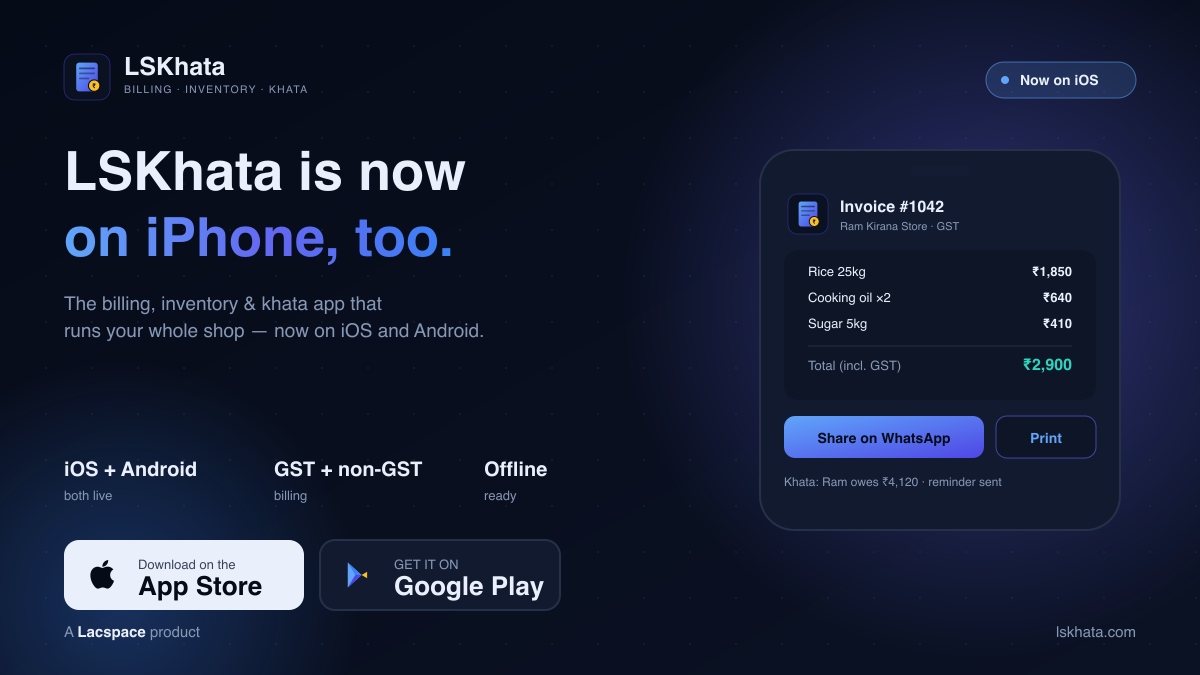
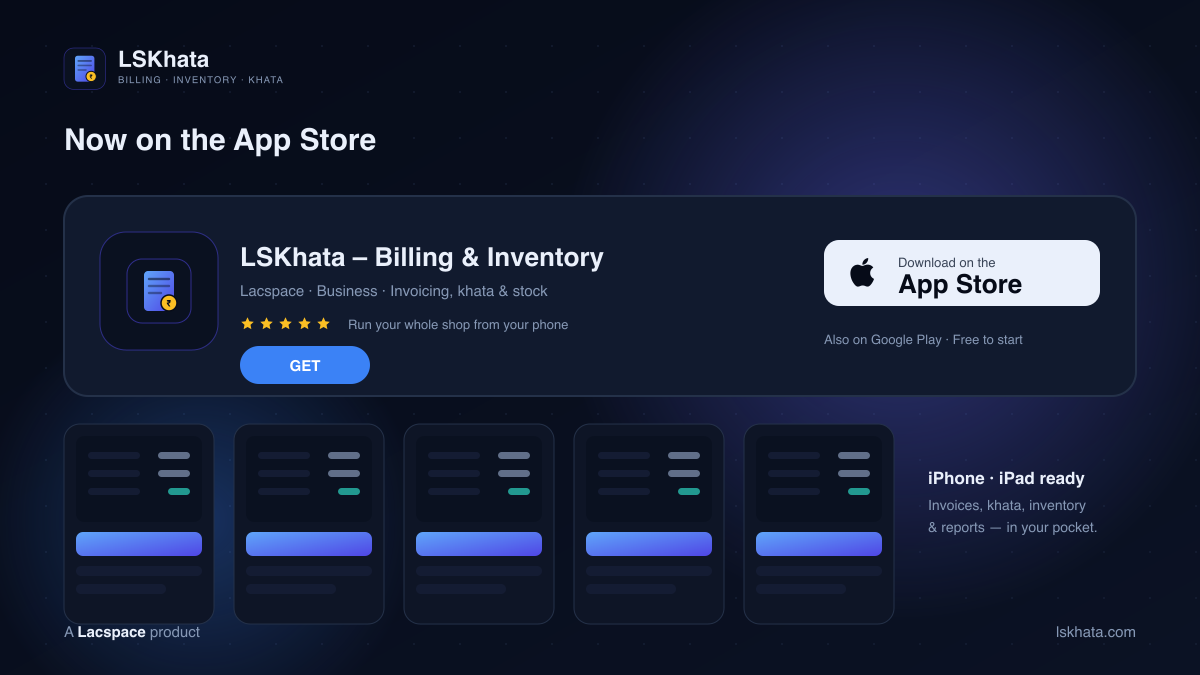
LSKhata is now on iOS. The all-in-one app that lets small businesses handle billing, inventory and khata in one place has landed on the App Store. It was already on Android; now iPhone and iPad users can run their whole shop the same way — GST and non-GST invoices, credit-khata, stock and reports, in your pocket on iOS and Android.
Now on the App Store
You’ll find it as “LSKhata – Billing & Inventory” on the App Store. It’s free to download and free to start, and there’s no complicated setup — add your business name and details and you can raise your first invoice in a couple of minutes. Under the hood it’s the full LSKhata: a proper billing engine, a digital khata, and inventory, all built for the pace of a real shop counter.
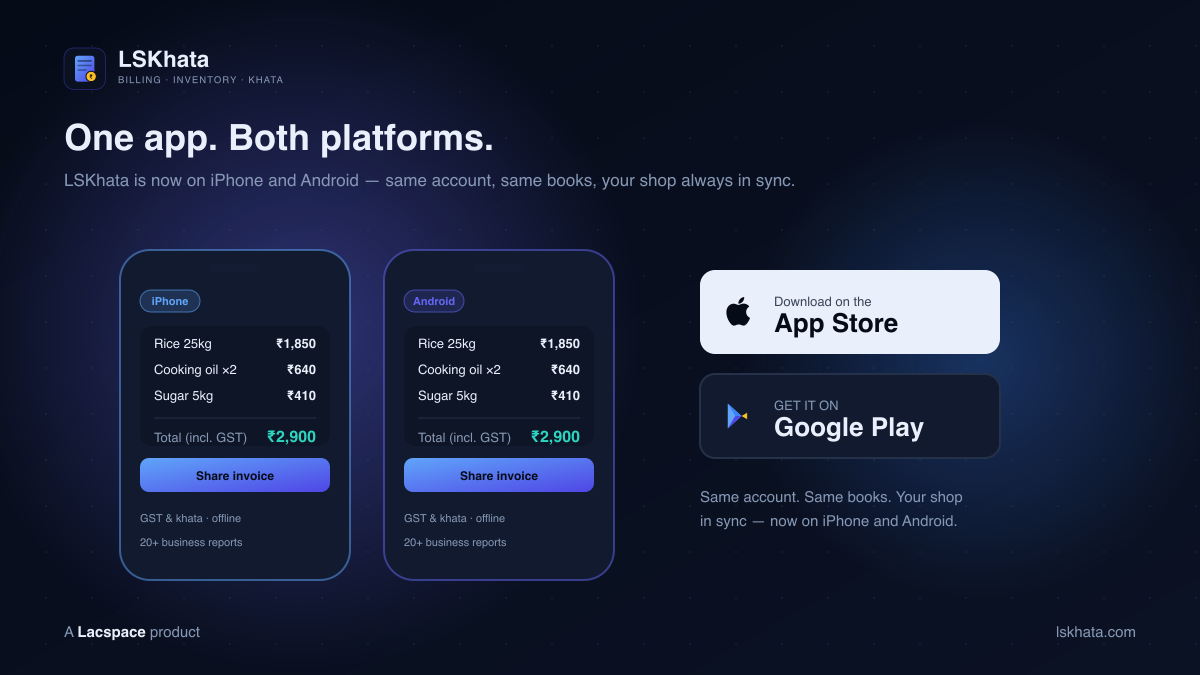
One app, both platforms
LSKhata is now available on iPhone and Android, on one account. Sign in on either device and your invoices, parties, khata balances, stock and reports travel with you — with multi-device sync so your phone, tablet and computer always show the same books. Switch phones, or let your accountant open it on a laptop; the numbers stay in one place.
What you get on iPhone
The iOS app isn’t a cut-down version. It’s the complete LSKhata toolkit — everything a small business needs to stop juggling notebooks and spreadsheets:
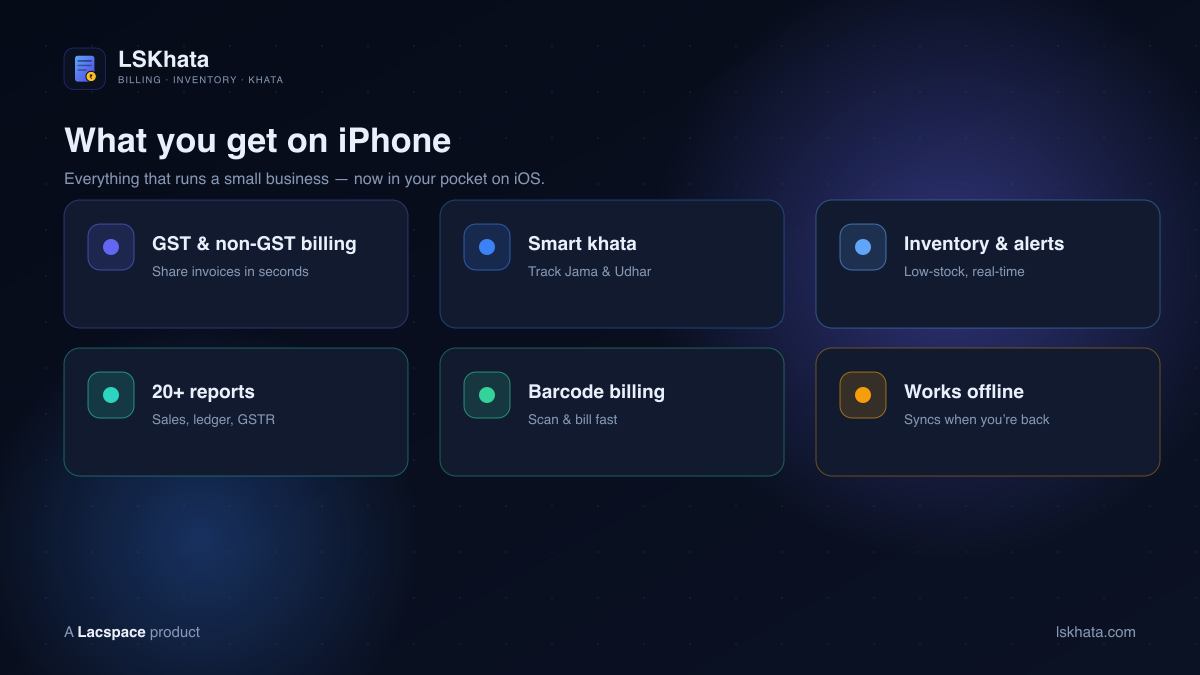
- GST & non-GST billing — create professional invoices in seconds and share them on WhatsApp or print them.
- Smart khata — track credits (Jama) and debits (Udhar) for every customer and supplier, and send payment reminders.
- Inventory & low-stock alerts — real-time stock levels, product variations, and alerts before you run out.
- 20+ business reports — sales, stock, party ledger and GSTR reports for a clear view of the business.
- Barcode billing — scan items with your iPhone camera to add them to a bill fast.
- Works offline — keep billing without internet; your data syncs when you’re back online.
Start on iPhone in minutes
You don’t need training or an accountant to begin — you need a few minutes:
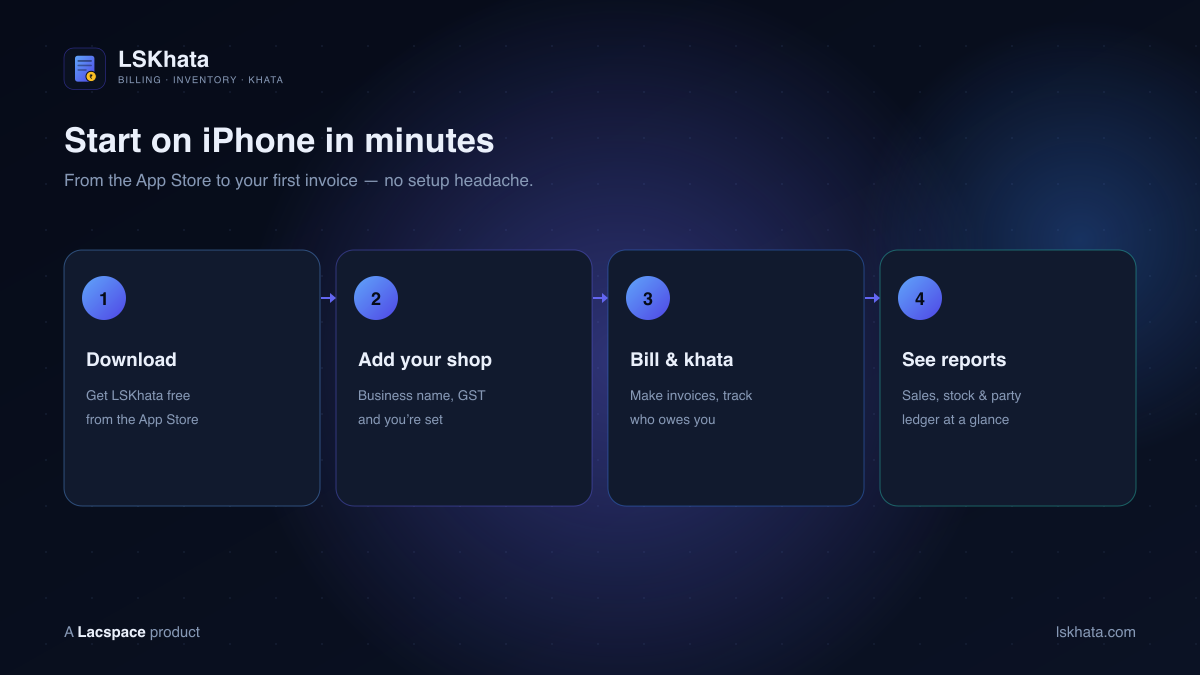
- Download LSKhata free from the App Store.
- Add your shop — business name, GST details if you have them, and you’re set.
- Bill & khata — make invoices, share them, and track who owes you.
- See reports — sales, stock and party ledger at a glance.
Built for small businesses
LSKhata was built for the hustle of small retail — the kirana store, the wholesaler, the hardware shop, the boutique. It replaces cluttered notebooks and complex, expensive software with a simple app that works on any device, even offline, and keeps your data secure with encryption and regular backups. Now it does all of that on iPhone, too.
LSKhata is a Lacspace product — built for small businesses, open to anyone. Now on iPhone and Android.
Frequently asked questions
Is LSKhata available on iOS / iPhone?
Yes. LSKhata is now on the App Store — you can download it on iPhone and iPad and run your billing, inventory and khata from there. It was already on Android, so the app is now available on both iOS and Android.
Is LSKhata free on iPhone?
Yes. LSKhata is free to download on the App Store and free to start. You can create your business, make invoices and manage your khata without paying to begin — so you can try it on your own shop before committing.
Does the iOS app have the same features as Android?
Yes. The iPhone app is the same LSKhata: GST and non-GST billing, smart khata (Jama/Udhar) tracking, inventory with low-stock alerts, 20+ business reports, barcode billing, offline mode and multi-device sync. Sign in on iPhone or Android and your books stay in sync.
Can I make GST invoices with LSKhata on iPhone?
Yes. LSKhata supports both GST-compliant and simple non-GST invoices. You can create a professional invoice in seconds and share it directly on WhatsApp or print it — all from your iPhone.
Does LSKhata work offline?
Yes. LSKhata is built to keep working without internet — you can keep billing and updating your khata offline, and your data syncs automatically once you are back online. That matters for shops with patchy connectivity.
How do I get LSKhata on my iPhone?
Open the App Store, search “LSKhata – Billing & Inventory” (or use the direct link), tap Get, add your business details, and you can raise your first invoice within a couple of minutes — no complex setup.