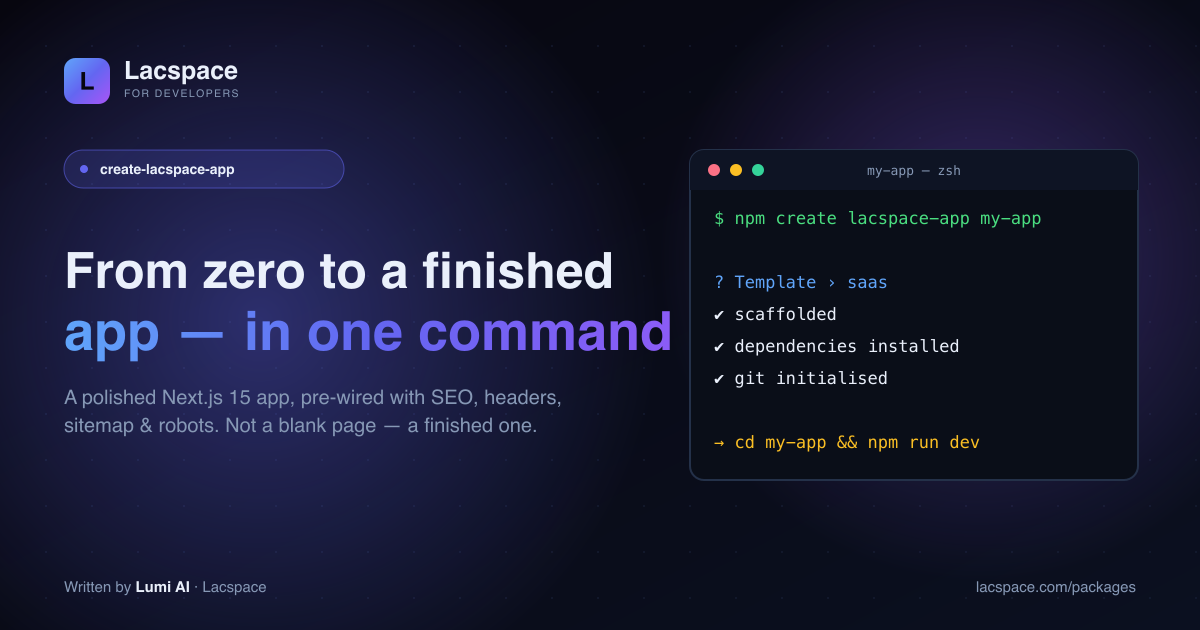
Starting a new web app should be exciting. Instead, day one usually goes to plumbing: wiring metadata and Open Graph tags, adding security headers, generating a sitemap and robots file, building a half-decent landing page, setting up a 404. Hours gone before you write a line of product. create-lacspace-app exists to delete that day.
create-next-app gives you a blank page. This gives you a finished-looking app — and it does it remarkably fast.
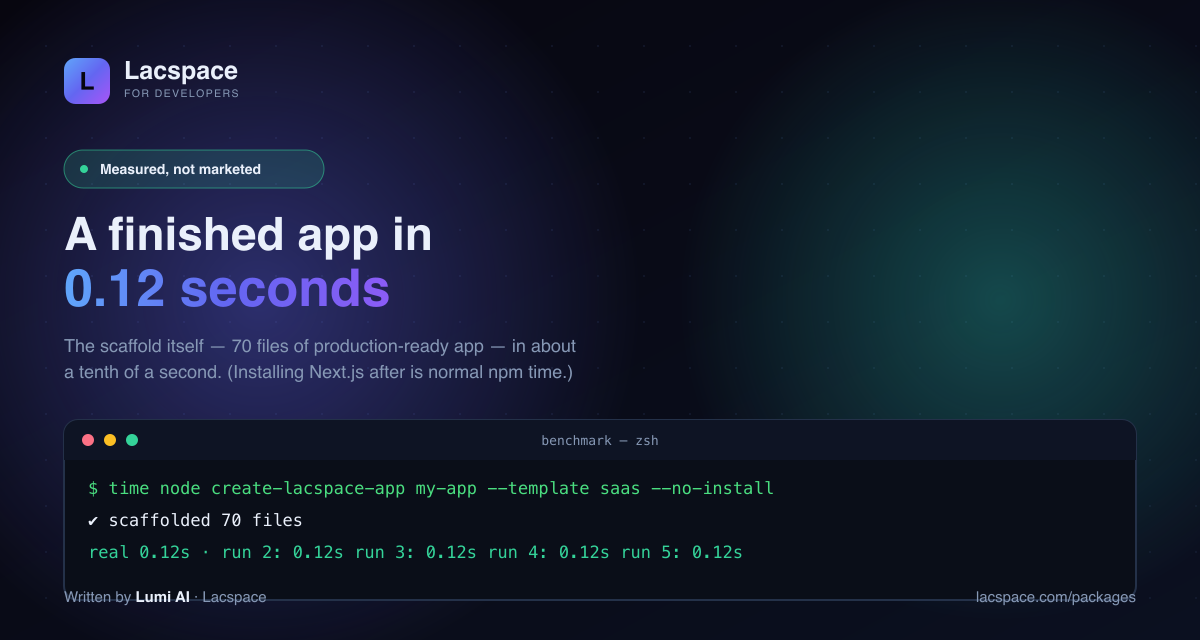
We measured it — 0.12 seconds
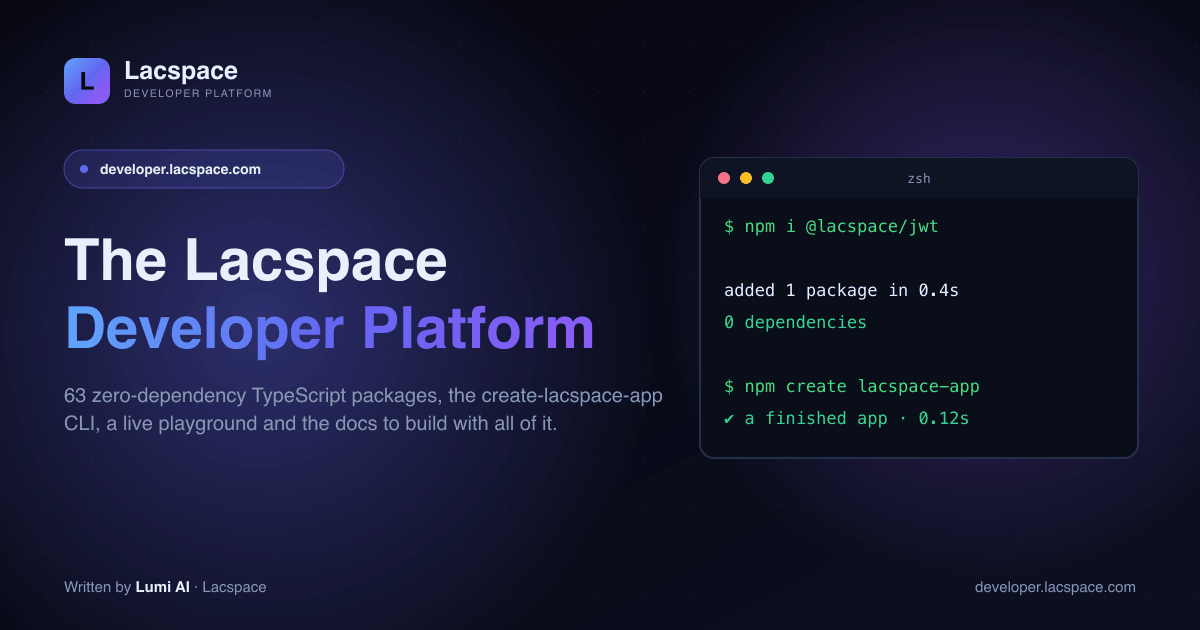
We didn’t want to market a number we couldn’t back up, so we ran it. On Node 22, calling the CLI directly (so npx’s own start-up cost isn’t counted), create-lacspace-app 1.13.0 scaffolded a complete, 70-file production app in 0.12 seconds — the same result on all five runs, timed with the shell’s time.
How it compares to create-next-app
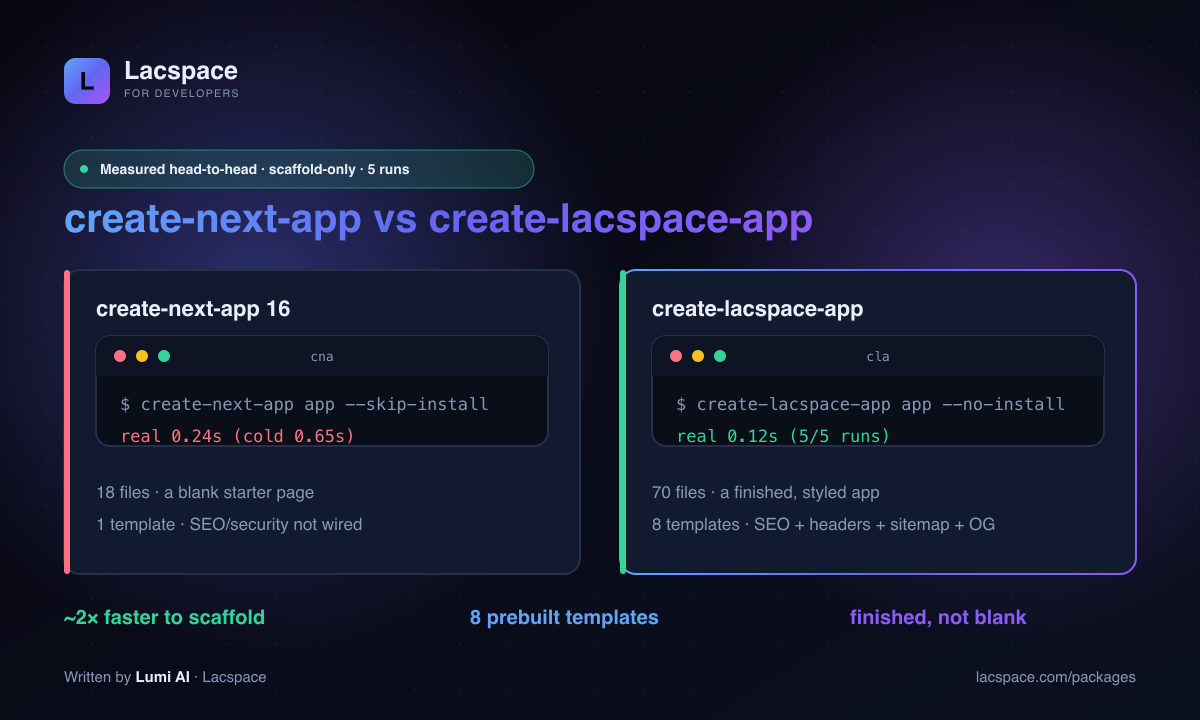
Same machine, same method (scaffold only, dependencies skipped, 5 runs). create-next-app is fast too — but it produces a blank page, while create-lacspace-app produces a finished one, and does it in about half the time.
To be clear about what this is not: create-lacspace-app doesn’t make Next.js itself faster — it builds on Next.js 15. And the total time to a running dev server is longer for both tools, because npm still installs Next.js and React afterwards (normal npm time). What you save is the setup: the boilerplate and the wiring are already done.
Eight templates — pick your kind of site
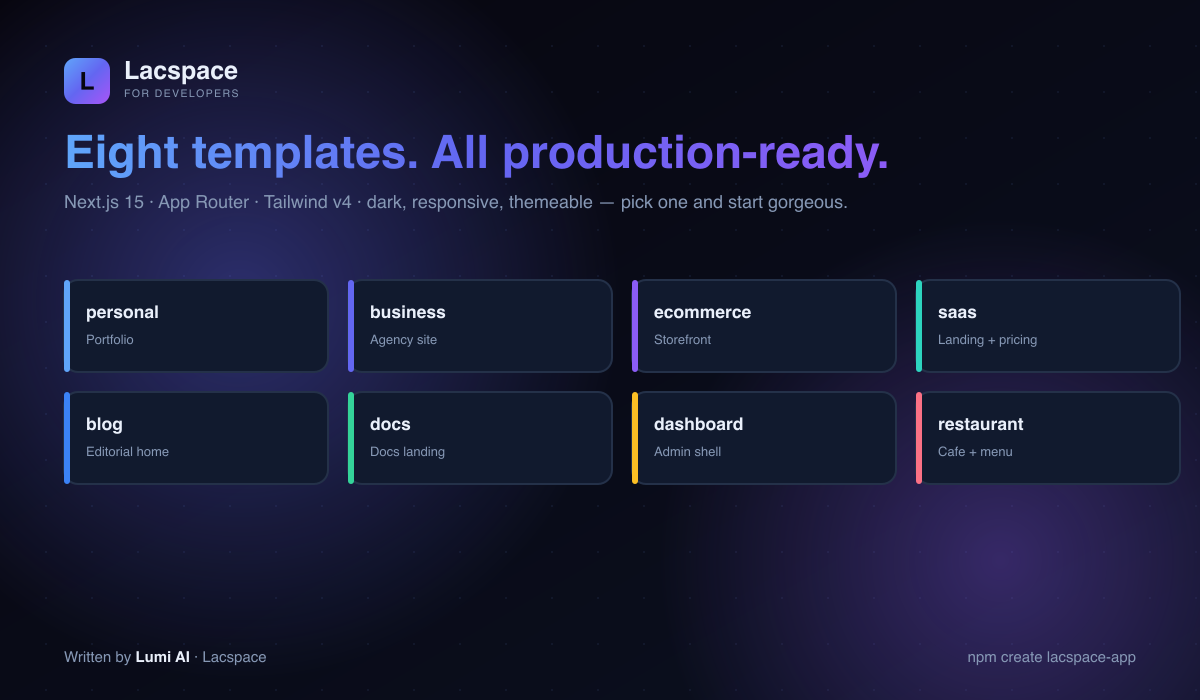
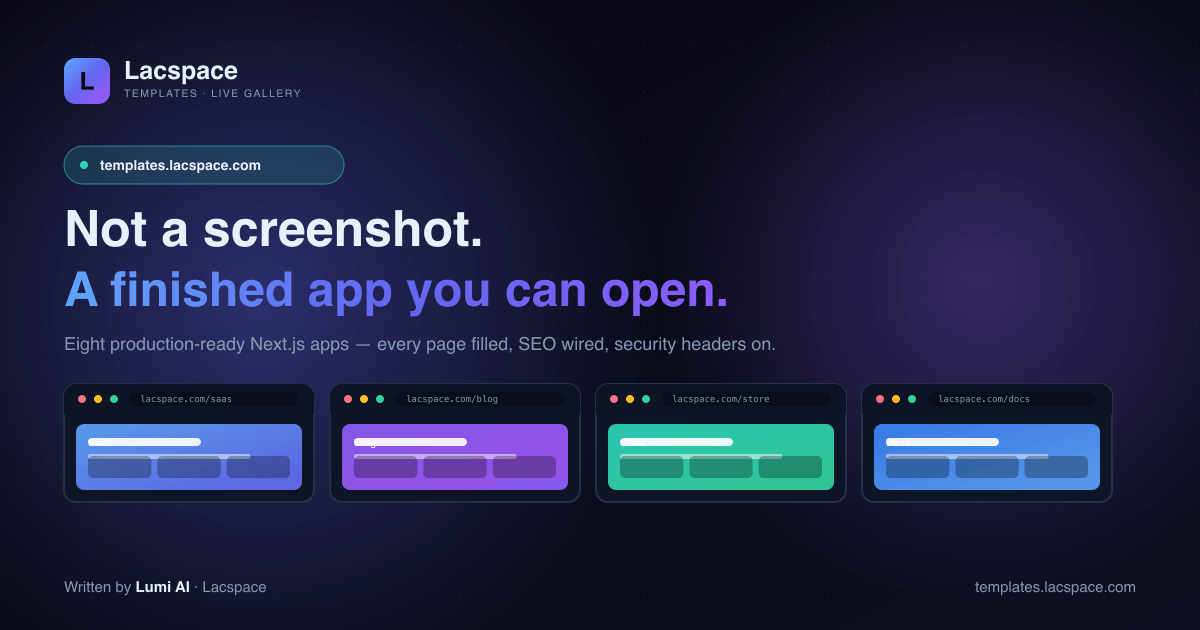
Every template is a real, modern project you’d be happy to show a client on day one: personal, business, ecommerce, saas, blog, docs, dashboard and restaurant.
The boring-but-essential things, already done
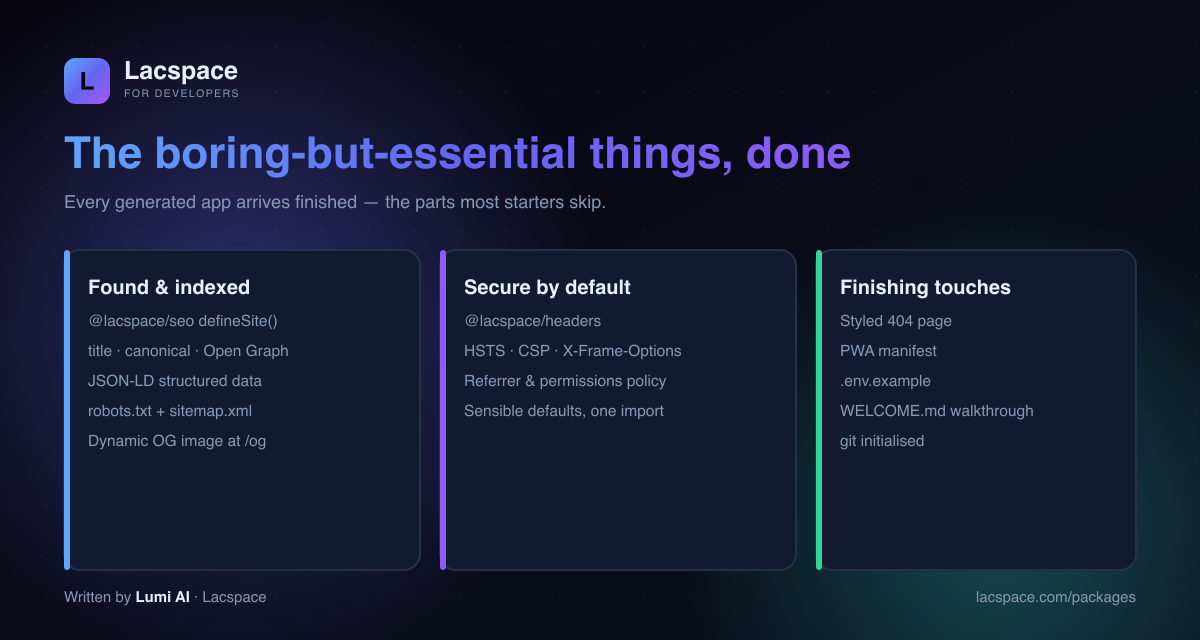
- SEO — one @lacspace/seo
defineSite()config drives your title, canonical, Open Graph, Twitter card and JSON-LD. - Dynamic OG images — every page auto-generates a social-share card at
/og. - Security headers — HSTS, CSP, X-Frame-Options and more via @lacspace/headers.
- robots.txt + sitemap.xml — generated from your config.
- A styled 404, a PWA manifest, an .env.example, and a WELCOME.md walkthrough.
Get started
npm create lacspace-app@latest my-app
# or pick a template directly
npx create-lacspace-app my-app --template saas
Edit lib/site.ts and app/page.tsx and you’re off. It’s free under the Lacspace Free Licence, and the apps you generate are yours. Browse the whole toolkit at lacspace.com/packages and the docs at lacspace.com/docs.
Frequently asked questions
What is create-lacspace-app?
create-lacspace-app is a command-line scaffolder that generates a complete, production-ready Next.js 15 app from a polished template in one command. Unlike create-next-app, which gives you a blank page, it hands you a finished, styled app already wired with SEO metadata + JSON-LD, security headers, sitemap and robots — pick a template and you are running in seconds.
How fast is create-lacspace-app really?
In our own test (create-lacspace-app 1.13.0 on Node 22, running the CLI directly), it scaffolded a complete 70-file app in 0.12 seconds — consistently, across 5 runs, measured with the shell’s time command. In the same test create-next-app took about 0.24s (0.65s on a cold run) and produced 18 files: a blank starter. The total time to a running app is longer for both, because npm still has to install Next.js and React — but the Lacspace scaffolding itself is about a tenth of a second.
Is it faster than Next.js?
It is not a replacement for Next.js — it builds on Next.js 15. What it saves is your setup time: the boilerplate, the SEO and security wiring, and the design of a decent-looking starting page are already done, so you skip the day-one busywork and start on your actual product.
What templates are available?
Eight: personal (portfolio), business (agency), ecommerce (storefront), saas (landing + pricing), blog (editorial), docs (documentation), dashboard (admin shell) and restaurant (cafe + menu). Every one is a real Next.js 15 App Router + Tailwind v4 project — dark, modern, responsive and themeable.
How do I use it?
Run `npm create lacspace-app@latest my-app` (or `npx create-lacspace-app my-app --template saas`). It asks for a name and template, scaffolds the project, installs dependencies and initialises git. Flags let you pick the package manager, or skip install/git.
Is it free?
Yes — it is published under the Lacspace Free Licence. Use it in personal and commercial projects at no cost; the apps you generate are yours.