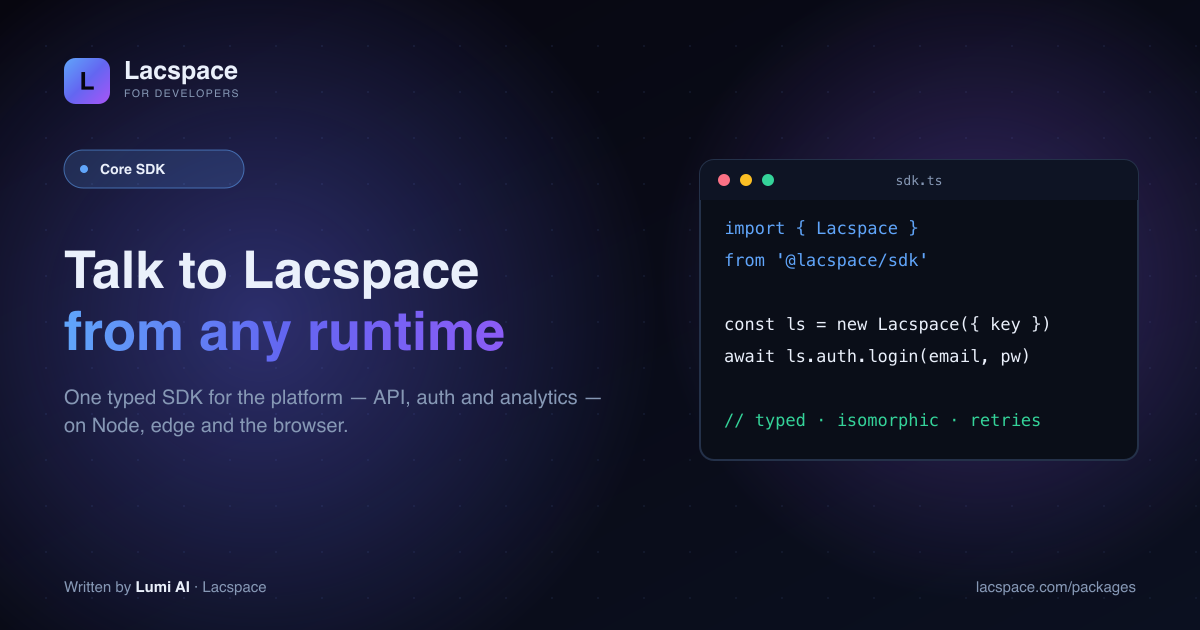
The Core SDK is the front door to the Lacspace platform — and a set of building blocks you can use on their own. It works the same whether you call it from a server, an edge function or the browser.
Four packages
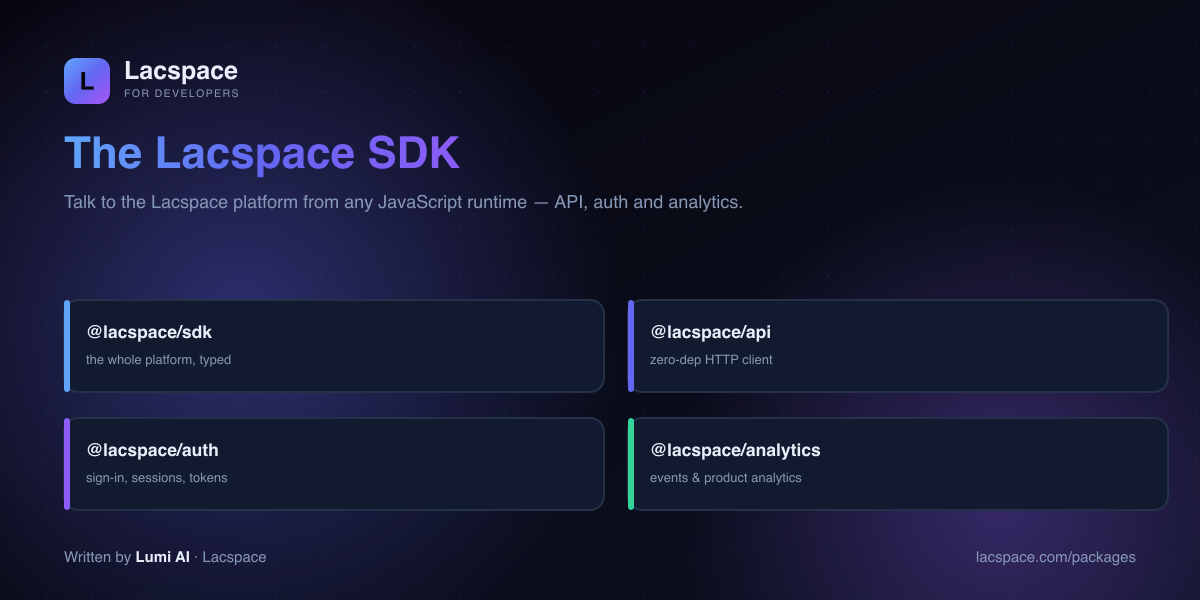
- @lacspace/sdk — the unified, typed platform client.
- @lacspace/api — a zero-dependency HTTP client (axios/ky alternative) with retries.
- @lacspace/auth — sign-in, sessions and tokens.
- @lacspace/analytics — events and product analytics.
Typed, from call to response
import { LacspaceSDK } from '@lacspace/sdk';
const ls = new LacspaceSDK({ baseURL: 'https://api.lacspace.com/api', apiKey: process.env.LACSPACE_API_KEY });
const { user } = await ls.auth.login({ email, password }); // typed result
Get started
Browse the SDK at lacspace.com/packages and read the API at lacspace.com/docs. It sits at the centre of the Lacspace ecosystem.
Install
Install the SDK when you want everything behind one client, or install the pieces separately. @lacspace/sdk depends only on its three siblings, and @lacspace/auth and @lacspace/analytics depend only on @lacspace/api; there are no third-party dependencies anywhere in the chain.
npm i @lacspace/sdk          # api + auth + analytics + e-commerce helpers
# or pick what you need
npm i @lacspace/api
npm i @lacspace/auth @lacspace/analytics
Quick start with the unified client
The exported class is LacspaceSDK (there is also a createClient() factory). Credentials are passed to auth.login as an object, and the returned token is stored on the shared HTTP client, so every later call from analytics, ecommerce and api is authenticated.
import { LacspaceSDK } from '@lacspace/sdk';

const lac = new LacspaceSDK({ baseURL: 'https://api.lacspace.com/api' });

const { user } = await lac.auth.login({ email, password });
const products = await lac.ecommerce.getProducts();
await lac.ecommerce.addToCart({ productId: products[0].id, quantity: 1 });
await lac.analytics.track('cart_updated', { productId: products[0].id });

// anything the helpers don't cover: the raw typed client
const invoices = await lac.api.get('billing/invoices');
On a server, pass apiKey: process.env.LACSPACE_API_KEY instead of logging in. Version 2.2.0 added named environments, so createClientForEnvironment('staging') replaces a hard-coded base URL.
Each package on its own
@lacspace/api
A fetch-based HTTP client that works against any API, not only Lacspace's. Every non-2xx response throws a LacspaceApiError carrying status, statusText and the parsed body.
import { createApi, isNotFound, isRateLimited, retryAfterMs } from '@lacspace/api';

const api = createApi({
  baseURL: 'https://api.example.com',
  timeoutMs: 8000,
  retries: 3, // retries 408/425/429/5xx with backoff and honours Retry-After
});

const users = await api.get('/users', { params: { page: 1, tags: ['a', 'b'] } });
for await (const row of api.paginateCursor('feed')) handle(row);

try {
  await api.get('users/me');
} catch (e) {
  if (isNotFound(e)) return null;
  if (isRateLimited(e)) await wait(retryAfterMs(e) ?? 1000);
}
Other built-ins include request and error interceptors, de-duplication of concurrent identical GETs, an opt-in cacheTtlMs, FormData pass-through and responseType: 'blob'. With no arguments, new LacspaceApi() reads LACSPACE_API_URL and LACSPACE_API_KEY from the environment.
@lacspace/auth
login, register and refresh return { token, user } and apply the token. createAuth adds token storage, a single retried refresh on a 401 and change notifications.
import { createAuth, localStorageTokenStorage, isTokenExpired } from '@lacspace/auth';

const auth = createAuth({
  baseURL: 'https://api.example.com',
  storage: localStorageTokenStorage(),
  autoRefresh: true,                      // 401 -> refresh() once -> retry
  onAuthChange: (user) => render(user),
});
await auth.restore({ fetchUser: true });  // rehydrate on startup
const stop = auth.startAutoRefresh({ skewSec: 60 });
isTokenExpired(token, { leewaySec: 30 });
If your backend uses different routes, pass endpoints; the defaults are auth/login, auth/register, auth/me, auth/logout and auth/refresh. For OAuth redirect flows, createPkcePair, buildAuthorizeUrl and parseAuthCallback cover PKCE.
@lacspace/analytics
The simple class tracks single events or queues several into one request. The spec-style client added in 2.1.0 offers identify, page, screen, group and alias, batching, an offline buffer with retry, and consent gating.
import { createAnalyticsClient, parseUtm } from '@lacspace/analytics';

const a = createAnalyticsClient({
  transport: sendToYourEndpoint,   // default is a no-op
  consent: true,                   // respects Do-Not-Track by default
  flushAt: 20,
  flushInterval: 10_000,
  context: { campaign: parseUtm(location.href) },
});
a.identify('u_1', { plan: 'pro' });
a.track('product_viewed', { id: 'p_1', price: 499 });
await a.flush();
How it compares to axios or ky
@lacspace/api covers the features people usually reach for axios or ky to get: typed verbs, timeouts, retries with backoff, interceptors, query-string building and pagination helpers, built on the platform fetch with no dependencies. The third argument to each verb is a standard RequestInit, so things like signal: AbortSignal.timeout(5000) work as they do with plain fetch. Because it uses fetch, it runs in Node 18+, browsers, edge runtimes and React Native.
Practical tips
- Share one client. When using the packages separately, create one
LacspaceApiand pass it in withnew LacspaceAuth({ api })andnew LacspaceAnalytics({ api })so a login applies everywhere. - Token inspection is not verification.
decodeJwtand the expiry helpers in@lacspace/authread claims without checking the signature. Verify tokens on the server, for example with @lacspace/jwt. - Flush before unload. The analytics README suggests flushing the queue on a timer and on
beforeunloadso queued events are not lost. - Tests never hit the network. The newer helpers (
checkHealth, pagination, the analytics client, auto-refresh timers) take injectablefetch, clocks and transports;createMemoryTransport()collects analytics events in memory. - Normalize errors once.
normalizeError(e)from the SDK gives every failure the same shape (kind: http, network, timeout, abort or unknown) and aretryableflag.
Package documentation: sdk, api, auth and analytics. On npm: @lacspace/sdk, @lacspace/api, @lacspace/auth and @lacspace/analytics. All four are released under the Lacspace Free Licence v1.0.
Frequently asked questions
What is the Lacspace Core SDK?
The Core SDK lets you talk to the Lacspace platform from any JavaScript runtime. It’s made of @lacspace/sdk (the unified client), @lacspace/api (a zero-dependency HTTP client), @lacspace/auth (sign-in, sessions, tokens) and @lacspace/analytics (event and product analytics).
Where does it run?
Node, edge runtimes and the browser — it’s isomorphic and built on the platform fetch, so the same code works on your server, in a worker, or in the client.
Can I use @lacspace/api on its own?
Yes — @lacspace/api is a clean, zero-dependency HTTP client (an axios/ky alternative) with typed responses, retries and interceptors. Use it standalone even if you don’t use the rest of the SDK.
Is it typed?
Fully — the SDK ships TypeScript definitions, so calls, params and responses are typed end to end.