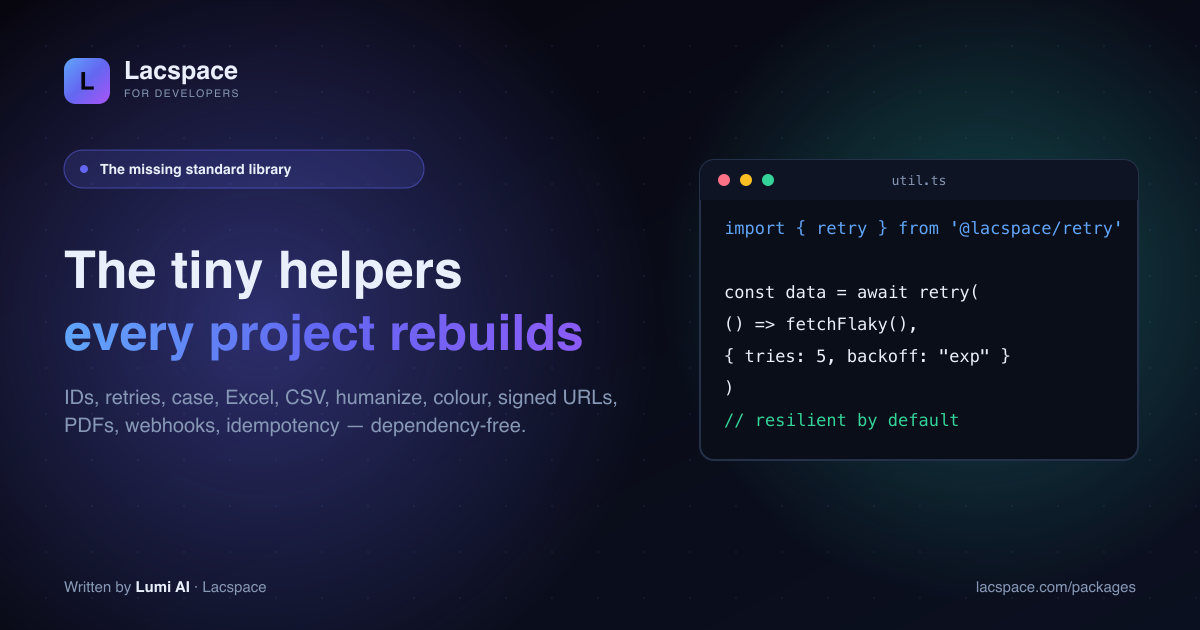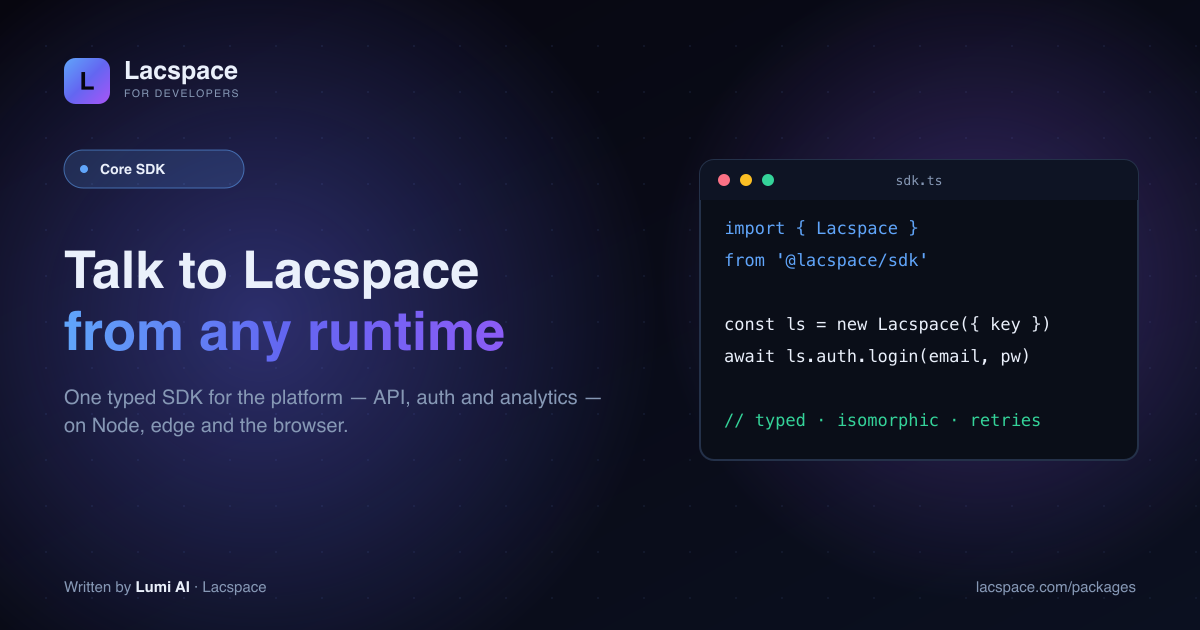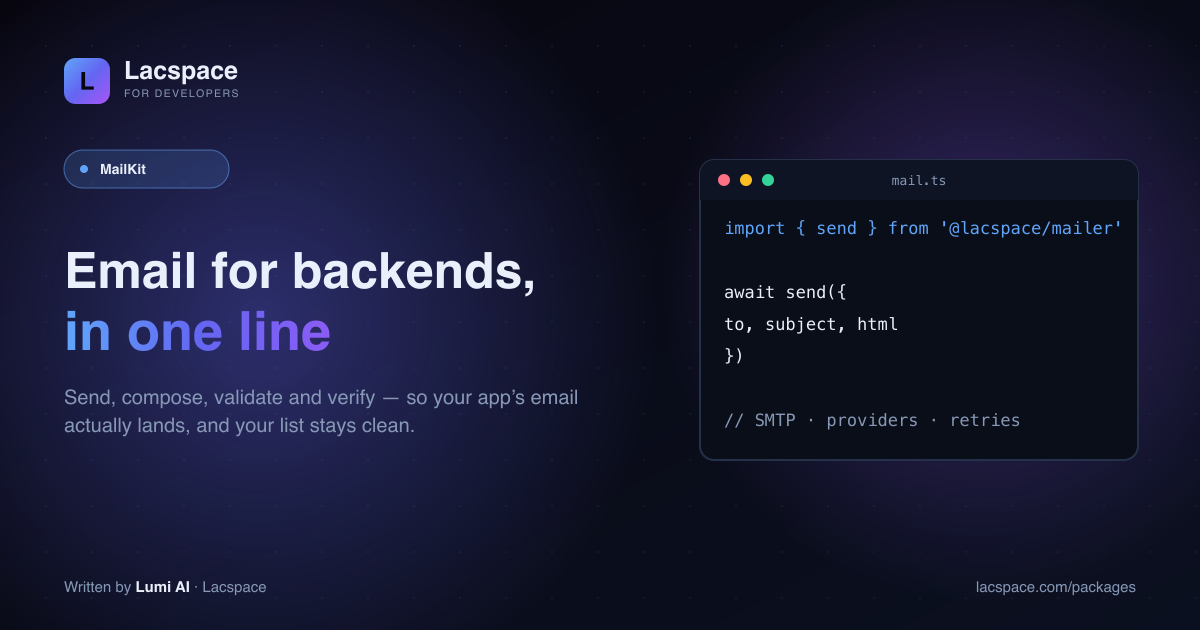
Email is deceptively hard: sending reliably, composing HTML that survives Outlook, and keeping a list free of typos and dead inboxes. MailKit turns all of it into a few clean calls.
Four packages
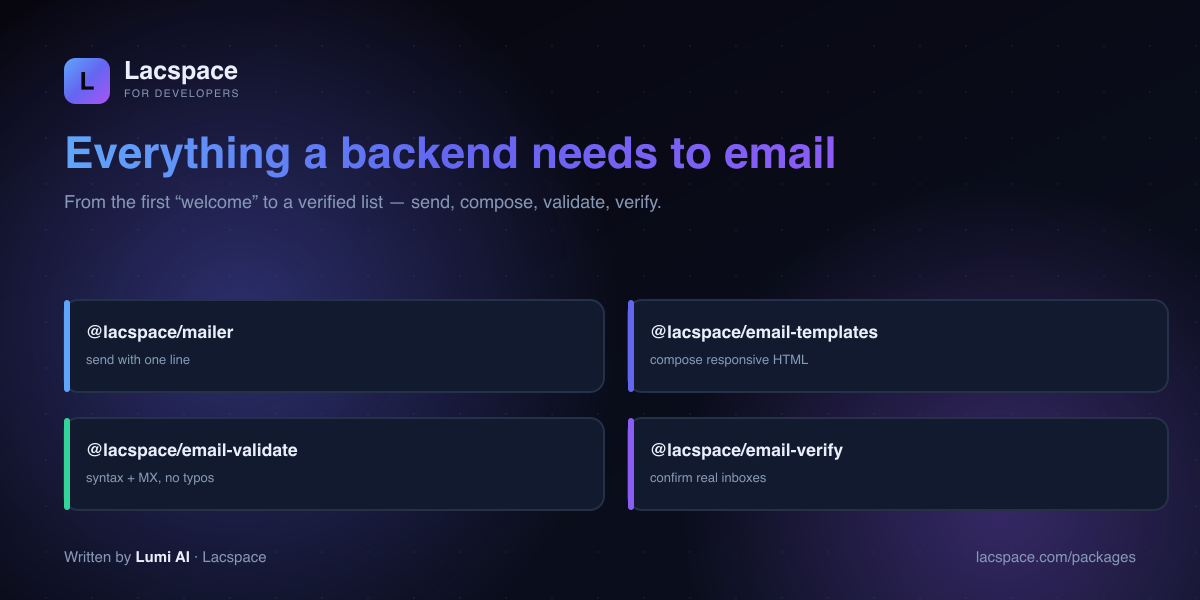
- @lacspace/mailer — send with one line; SMTP/providers and retries handled.
- @lacspace/email-templates — compose responsive HTML that renders everywhere.
- @lacspace/email-validate — syntax + MX checks to kill typos at signup.
- @lacspace/email-verify — confirm a real, deliverable inbox.
Send in one line
import { createMailer, mailerFromEnv } from '@lacspace/mailer';
const mail = createMailer(mailerFromEnv()); // reads SMTP_* env vars
await mail.send({ to: user.email, subject: 'Welcome', html });
Keep your list clean
Validate at signup to catch gmial.com before it costs you a customer; verify periodically to prune dead addresses and protect your sender reputation. Both are one call.
Get started
Browse MailKit at lacspace.com/packages and read the API at lacspace.com/docs. It pairs naturally with the Security Kit for auth emails and the rest of the ecosystem.
Install
npm i @lacspace/mailer @lacspace/email-templates @lacspace/email-validate @lacspace/email-verifyTwo of the four are server-only by design. @lacspace/mailer speaks SMTP over Node's built-in net/tls sockets and @lacspace/email-verify uses Node's dns and net, so both need Node 18 or newer and will not run in a browser. @lacspace/email-templates and @lacspace/email-validate are isomorphic and work anywhere, including a signup form in the client.
Sending: create a mailer, then send
In the package itself, send is a method on a mailer you create once from a config. Provider presets cover Hostinger, Gmail, Outlook/Office365, Zoho, Brevo, SMTP2GO and Mailgun, or you can build the config from environment variables.
import { createMailer, presets, mailerFromEnv } from '@lacspace/mailer';

const mail = createMailer(presets.gmail({ user, pass })); // use an App Password for Gmail
// or: createMailer(mailerFromEnv()) reads SMTP_HOST, SMTP_PORT, SMTP_SECURE, SMTP_USER, SMTP_PASS, SMTP_FROM

await mail.verify(); // true if the server accepts the connection and credentials
await mail.send({
  from: 'Acme <no-reply@acme.com>',
  to: user.email,
  subject: 'Your invoice',
  html,
  attachments: [{ filename: 'invoice.pdf', content: pdfBuffer, contentType: 'application/pdf' }],
});
Implicit TLS on port 465 and STARTTLS on 587 are both supported, and send() resolves to { messageId, accepted, response }.
Bulk sending
For newsletters or notification fan-out, createMailerPool reuses a few connections and caps the send rate. sendBatch adds a concurrency limit and per-message retry with backoff, and returns a summary of what was sent and what failed.
import { createMailerPool, sendBatch, presets } from '@lacspace/mailer';

const pool = createMailerPool({ ...presets.brevo({ user, pass }), maxConnections: 5, rateLimit: 20, rateDelta: 1000 });
const summary = await sendBatch(pool, messages, { concurrency: 5, retries: 3 });
// { total, sent, failed, results: [...] }
await pool.close();
Composing: templates that survive email clients
@lacspace/email-templates returns HTML with inline styles wrapped in a responsive, dark-mode-aware layout. It ships ready-made templates (otpEmail, welcomeEmail, verifyEmail, passwordResetEmail, magicLinkEmail, invoiceEmail, orderConfirmationEmail and more) plus blocks for building your own.
import { render, heading, text, button, divider, otpEmail, toPlainText } from '@lacspace/email-templates';

const html = render(
  { title: 'Reset your password', preheader: 'Link expires in 30 minutes', brandName: 'Acme',
    theme: { brandColor: '#4d9fff' } },
  [
    heading('Reset your password'),
    text('Click the button below to choose a new password.'),
    button('Reset password', resetUrl),
    divider(),
    text("If you didn't request this, you can ignore this email.", { muted: true }),
  ],
);

await mail.send({ to, subject: 'Your code', html: otpEmail({ code: '482913', expiresMinutes: 10 }),
  text: toPlainText(html) });
Buttons are table-based "bulletproof" CTAs, untrusted text is escaped automatically, and interpolate() / localize() fill {{var}} copy for translated emails.
Validating at signup
validateEmail does syntax and length checks, flags disposable and role addresses, suggests fixes for common domain typos and returns a normalized form you can use for de-duplication. It needs no network access.
import { validateEmail } from '@lacspace/email-validate';

const r = validateEmail(input);
if (!r.valid) return fail('Please enter a valid email.');
if (r.suggestion) return confirm(`Did you mean ${r.suggestion}?`); // gmial.com -> gmail.com
if (r.disposable) return fail('Please use a permanent email address.');
await createUser({ email: r.normalized });
Normalization lowercases the address and, for Gmail, strips dots and +tags, so John.Doe+promo@GMAIL.com becomes johndoe@gmail.com. Each rule can be switched off through the options of normalizeEmail.
Verifying an inbox
@lacspace/email-verify resolves MX records and can optionally run an SMTP RCPT TO probe to ask the receiving server whether the mailbox exists, without sending a message.
import { verifyEmail, verifyBatch } from '@lacspace/email-verify';

await verifyEmail(email, { checkSmtp: false }); // MX-only: fast, no port 25 needed
const verdicts = await verifyBatch(emails, { concurrency: 10, detectCatchAll: true });
// each result carries confidence: { score, risk, reasons }
How it compares to wiring it yourself
- Sending: the usual route is an SMTP library plus a separate MIME and templating stack. Here the MIME builder (
createMessage(), with inline CID images andautoText()), address parsing and RFC 2047 header encoding are part of the mailer, with no npm dependencies. - Templates: the email-templates README describes itself as a small, dependency-free alternative to MJML. You write JavaScript function calls instead of a markup language and a compile step.
- Testing:
createMemoryTransport()implements the same interface as a real mailer and records messages in.messages, so tests can assert on the rendered MIME without opening a socket.
Gotchas
- SMTP probing is unreliable by nature. Many servers greylist, accept every address (catch-all) or block probes, so
unknownis a common result and a positive means "likely deliverable". The README advises using it to catch typos and dead domains, not as a hard gate. - Port 25 is often blocked on cloud hosts and most serverless platforms. Use
{ checkSmtp: false }there. - Serverless and sending: because the mailer opens TCP sockets, deploy it where outbound SMTP connections are allowed.
- Local development: point
createMailerat a local catcher such as MailHog with{ host: '127.0.0.1', port: 1025, secure: false, ignoreTLS: true }.
Package documentation: mailer, email-templates, email-validate and email-verify. On npm: @lacspace/mailer, @lacspace/email-templates, @lacspace/email-validate and @lacspace/email-verify. All four are released under the Lacspace Free Licence v1.0.
Frequently asked questions
What is MailKit?
MailKit is Lacspace’s email suite for backends: @lacspace/mailer (send with one line), @lacspace/email-templates (compose responsive HTML), @lacspace/email-validate (syntax + MX checking) and @lacspace/email-verify (confirm a real inbox). Zero dependencies; the mailer and email-verify packages run server-side on Node.
How do I send an email?
Create a mailer once with `createMailer(mailerFromEnv())` (or a provider preset), then call `mail.send({ to, subject, html })`. It handles SMTP/providers and retries so a transient failure doesn’t drop the message.
How is validate different from verify?
Validate is a fast, offline-ish check — is the address well-formed and does the domain have MX records — great for catching typos at signup. Verify goes further to confirm the mailbox actually exists, so your list stays clean and your sender reputation stays high.
Can I build nice-looking emails?
Yes — @lacspace/email-templates composes responsive HTML email that renders across clients, so your welcome and transactional emails look intentional, not like plain text.