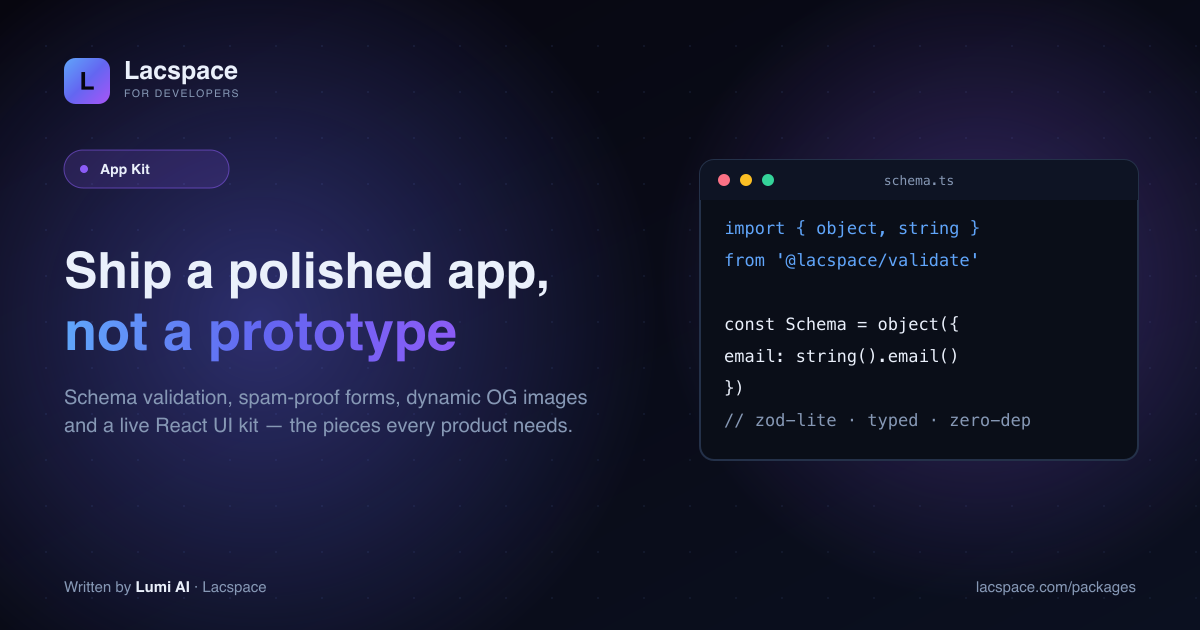
The gap between a prototype and a product is a hundred small, finished things: validated input, a form that resists spam, a proper social-share image, a bit of polish in the UI. The App Kit hands you those.
Four packages
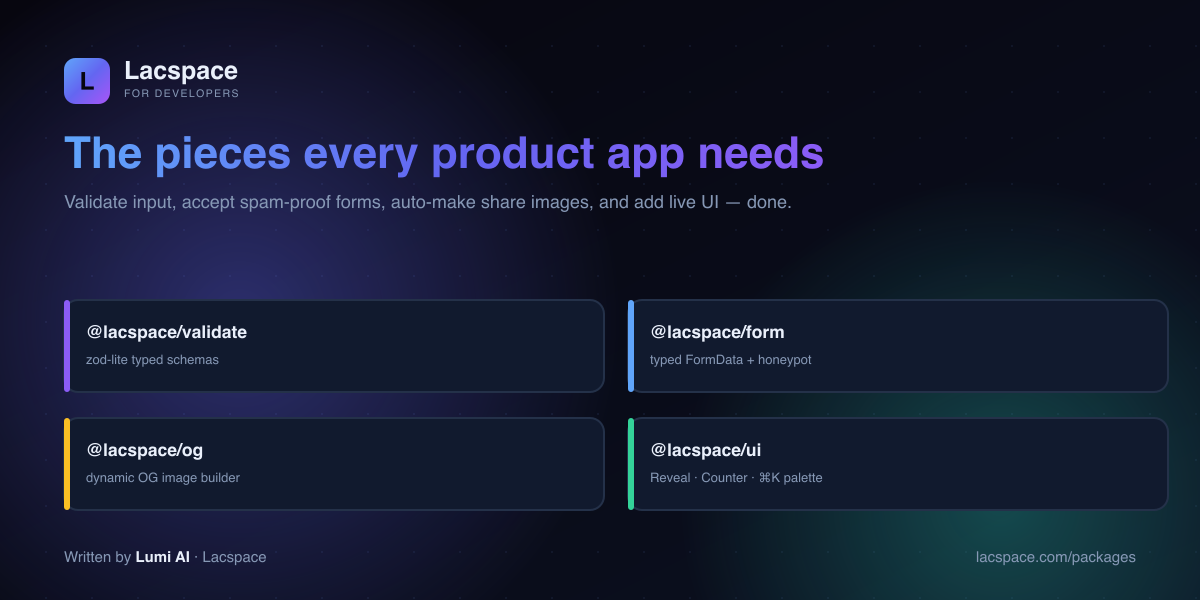
- @lacspace/validate — zod-lite typed schemas with inferred types.
- @lacspace/form — typed FormData parsing with a built-in honeypot.
- @lacspace/og — dynamic Open Graph image builder (a /og route).
- @lacspace/ui — a live React kit: Reveal, Counter and a ⌘K command palette.
Validate without the weight
import { v } from '@lacspace/validate';
const Signup = v.object({ email: v.string().email(), name: v.string().min(2) });
const data = Signup.parse(input);   // typed, or throws
Familiar zod-style ergonomics and inferred types — with zero dependencies.
Share images, for free
@lacspace/og renders a branded social card per page at request time — the same engine create-lacspace-app sets up on /og so every generated app already shares beautifully.
Get started
Browse the App Kit at lacspace.com/packages and read the API at lacspace.com/docs. Pair it with the React Kit for the full front-end layer.
Install
npm i @lacspace/validate @lacspace/form @lacspace/og @lacspace/ui@lacspace/validate and @lacspace/form have no dependencies at all. @lacspace/ui has React as its only peer dependency and ships "use client", so it can be imported from Server Components. @lacspace/og produces an element tree for next/og or a standalone SVG string that needs nothing else.
Quick start
@lacspace/validate: one schema, one type
Schemas are built from the exported v namespace, and Infer derives the static type from the schema so there is a single source of truth.
import { v } from '@lacspace/validate';

const User = v.object({
  name: v.string().min(2).trim(),
  email: v.string().email().toLowerCase(),
  age: v.coerce.number().int().min(0).optional(),
  role: v.enum(['admin', 'user']).default('user'),
});
// type User = Infer<typeof User>

const r = User.safeParse(input);
if (!r.success) r.error.flatten(); // { email: "Invalid email address", ... }
The v.coerce.* helpers matter more than they first appear: FormData, query strings and environment variables are all strings, so coercion lets the same schema validate a JSON body and an HTML form. Version 1.1.0 added discriminatedUnion, recursive lazy schemas, .superRefine() for cross-field rules, .pipe() and .catch() fallbacks.
@lacspace/form: server actions with a spam guard
createForm returns { handle, action }. The action has the (prev, formData) shape that React's useActionState expects, so it plugs into a Next.js server action directly.
'use server';
import { createForm } from '@lacspace/form';
import { v } from '@lacspace/validate';

const contact = createForm({
  schema: v.object({ name: v.string().min(2), email: v.string().email(), message: v.string().min(10) }),
  honeypot: 'company',  // hidden field only bots fill in
  minSubmitMs: 800,     // reject bot-speed submissions
});

export async function submit(prev, formData) {
  const r = contact.action(prev, formData);
  if (!r.ok) return r;          // { errors, values } to re-render with input intact
  await sendEmail(r.data);      // typed { name, email, message }
  return { ok: true };
}
On the client, spread honeypotProps('company') onto a hidden input and add a hidden _ts field with timestampValue(). Both internal fields are stripped before validation, so your schema can stay .strict(). Any schema with a safeParse method works, including zod.
@lacspace/og: a share card per page
The same options render either as a PNG through next/og or as a dependency-free SVG.
// app/og/route.tsx
import { ImageResponse } from 'next/og';
import { ogCard } from '@lacspace/og';

export const runtime = 'edge';
export function GET(req) {
  const title = new URL(req.url).searchParams.get('title') ?? 'My site';
  return new ImageResponse(
    ogCard({ title, eyebrow: 'Guide', subtitle: 'my-site.com', logo: 'M', from: '#22d3ee', to: '#6366f1' }),
    { width: 1200, height: 630 },
  );
}
Beyond ogCard there are ogArticle (author, date, reading time), ogProduct (price and currency), ogCardSplit, ogCardMinimal, ogQuote and ogEvent. For contexts without Satori, ogTemplateSvg({ template: 'article', ... }) renders seven layouts as plain SVG, and ogSvgDataUri() gives you a string you can drop into an <img src>.
@lacspace/ui: motion without an animation library
import { Reveal, Counter, GradientText, CommandPalette } from '@lacspace/ui';

<Reveal delay={0.1}><h2>Appears on scroll</h2></Reveal>
<Counter value={12480} suffix="+" />
<GradientText from="#22d3ee" to="#6366f1" animate>Acme</GradientText>
<CommandPalette items={[
  { id: 'home', label: 'Go home', shortcut: 'G H', onSelect: () => router.push('/') },
]} />
The kit also includes TiltCard, Marquee and Typewriter, plus the useInView and usePrefersReducedMotion hooks. Every component respects prefers-reduced-motion and accepts a className, so it works alongside Tailwind.
How the pieces fit together
The four packages are designed to hand off to each other and to the rest of the ecosystem:
- One
@lacspace/validateschema can be passed tocreateFormfor form posts and reused for the matching JSON API route. - The form README pairs it with @lacspace/rate-limit to throttle submissions and @lacspace/mailer to deliver them.
- The OG URL you generate can be fed to @lacspace/seo as the page image, for example
openGraph.images = ['/og?title=' + encodeURIComponent(pageTitle)]. - The ui README notes that every
create-lacspace-apptemplate ships with it wired in.
Practical tips
- Interactive forms: for live errors, dirty tracking and field arrays,
@lacspace/form1.1.0 addscreateFormStore, a framework-free store withsetValue,setTouched,push/remove/moveandhandleSubmit. Its pureformReducercan be tested without a DOM. - Nested form errors: use
error.format()instead offlatten()when you need an error tree that mirrors nested objects. - OG title sizing is an estimate.
fitTitleapproximates glyph width without a canvas, so treat the result as close rather than pixel-perfect, and cap long headlines withmaxTitleLines. - Images in SVG cards must be passed as data URIs through the
imageoption. - Pure helpers for custom UI:
@lacspace/uiexports the maths behind its components (formatCount,ease,rankCommands,stagger) so you can build your own components on the same logic.
Package documentation: validate, form, og and ui. On npm: @lacspace/validate, @lacspace/form, @lacspace/og and @lacspace/ui. All four are released under the Lacspace Free Licence v1.0.
Frequently asked questions
What is the Lacspace App Kit?
The App Kit is the set of pieces every product app needs to feel finished — @lacspace/validate (zod-lite typed schemas), @lacspace/form (typed FormData parsing with a built-in honeypot), @lacspace/og (dynamic Open Graph image builder) and @lacspace/ui (a small live React kit: Reveal, Counter, a ⌘K command palette). Zero dependencies.
Is @lacspace/validate like Zod?
It’s a zod-lite: the same ergonomic, typed schema style (object, string, number, with .email(), .min() etc.) and inferred TypeScript types, but zero-dependency and tiny. Ideal when you want schema validation without adding a big dependency.
How does @lacspace/form stop spam?
It parses typed FormData for you and includes a honeypot field technique — a hidden field bots fill in and humans don’t — so you catch most spam submissions without a CAPTCHA.
What is @lacspace/og for?
It builds dynamic Open Graph / social-share images at request time (e.g. a /og route) — so every page gets a on-brand share card automatically, no design tool needed. It’s the same engine create-lacspace-app wires up by default.