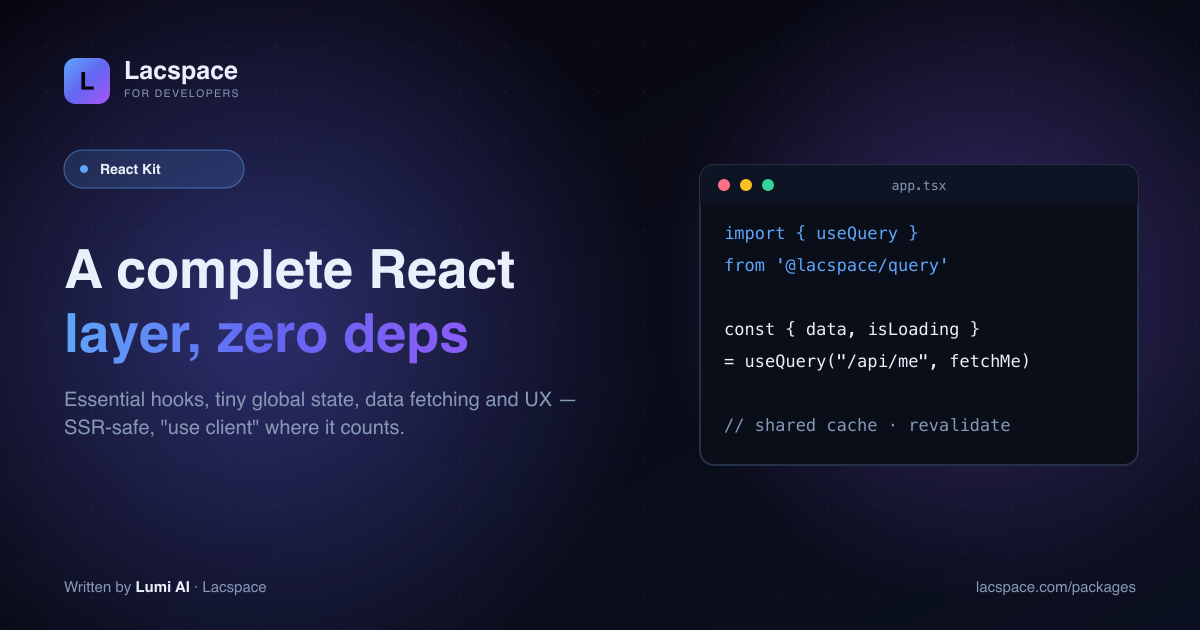
Every React project rebuilds the same layer: a handful of hooks, a bit of global state, some data fetching, a theme toggle. The Lacspace React Kit is that layer — six small, zero-dependency packages that pair with any React app.
Six packages, any React app
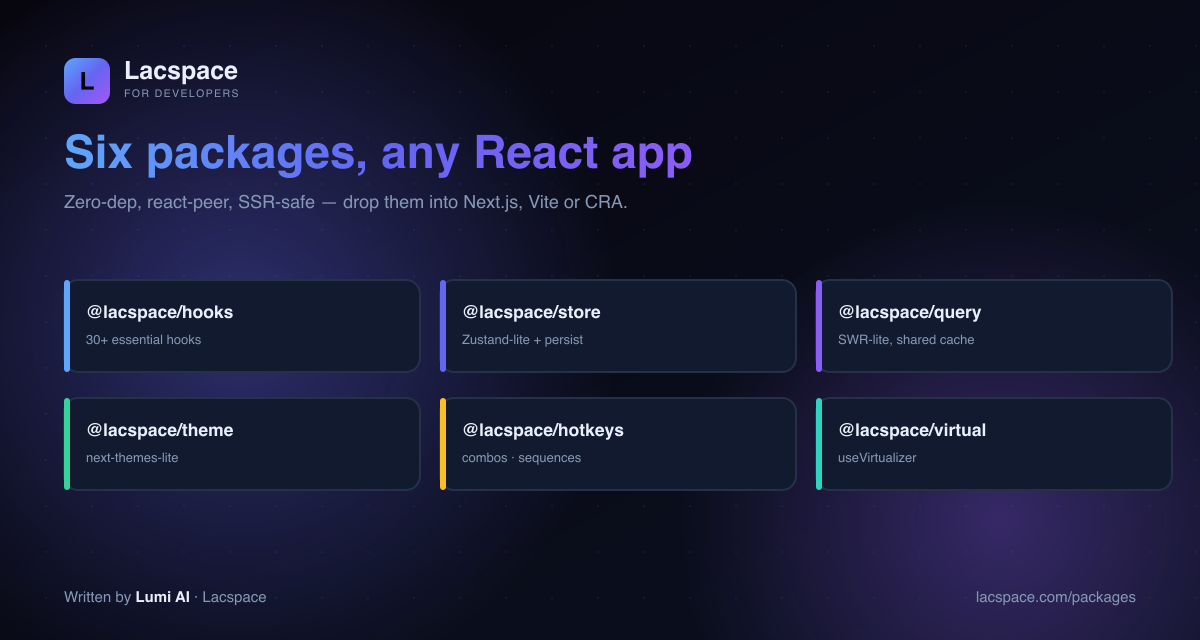
- @lacspace/hooks — 30+ essential hooks (useLocalStorage, useDebounce, useMediaQuery, useOnClickOutside, useIntersectionObserver, useCopyToClipboard…).
- @lacspace/store — a Zustand-lite global store, with persist.
- @lacspace/query — SWR-lite data fetching with a shared cache,
useQuery/useMutation. - @lacspace/theme — a next-themes-lite dark/light toggle (ships "use client").
- @lacspace/hotkeys — keyboard combos, sequences and scopes.
- @lacspace/virtual —
useVirtualizerfor long lists.
The ergonomics you already know
import { useQuery } from '@lacspace/query';

const { data, isLoading, error } = useQuery('/api/me', fetchMe);
// shared cache · automatic revalidation · no provider boilerplate
Familiar patterns, tiny footprint. Because everything is zero-dependency and react-peer, your bundle stays lean and your node_modules stays flat.
Built for modern React
The Kit is SSR-safe and uses "use client" only where it’s genuinely required, so it works cleanly in the Next.js App Router as well as Vite and CRA.
Install what you need
Grab individual packages from lacspace.com/packages, read the hooks reference at lacspace.com/docs, and pair it with create-lacspace-app for a running app in seconds.
Install
Each package has React 18 or newer as a peer dependency and no other runtime dependencies, so installing one never drags in another.
npm i @lacspace/hooks @lacspace/store @lacspace/query
npm i @lacspace/theme @lacspace/hotkeys @lacspace/virtual
Quick start, package by package
@lacspace/hooks
The current release (1.1.0) documents 36 hooks, including the newer usePagination, useStep, useHistory (undo/redo) and useList. Note that the click-outside hook is exported as useOnClickOutside. useLocalStorage stores JSON, syncs across tabs and does not read storage during render.
import { useLocalStorage, useDebounce, usePagination } from '@lacspace/hooks';

const [theme, setTheme] = useLocalStorage('theme', 'light');
const debounced = useDebounce(query, 300);          // run the search effect on this
const p = usePagination({ totalItems: 240, pageSize: 20 });
// p.page, p.pageCount, p.range -> [1, "…", 5, 6, 7, "…", 12], p.next()
The pagination, stepper, history and list logic is also exported as pure functions (getPaginationRange, createHistory, listMove…) that you can use and unit-test without React.
@lacspace/store
create returns a hook that is also the store API, built on React's own useSyncExternalStore. No provider is needed. Select only the slice a component uses, and pass shallow when the selector returns a new object.
import { create, persist, shallow } from '@lacspace/store';

const useCart = create(persist((set) => ({
  items: [],
  add: (item) => set((s) => ({ items: [...s.items, item] })),
}), { name: 'cart', partialize: (s) => ({ items: s.items }) }));

const add = useCart((s) => s.add);
useCart.getState().items;   // read outside React too
Version 1.2.0 moved the engine into a React-free core, so createStore, computed, combineSlices and subscribeWithSelector run in Node or edge tests without a DOM.
@lacspace/query
Beyond the basic useQuery shown above, keys can be arrays (object properties are sorted, so key order never splits the cache), a null key disables a dependent query, and cache helpers work outside components.
import { useQuery, useMutation, setQueryData, invalidateQueries } from '@lacspace/query';

const { data: user } = useQuery(session ? ['user', session.id] : null, fetchUser, {
  staleTime: 30_000, retry: 3,
});

const { mutate: addTodo, isPending } = useMutation(createTodo, {
  onSuccess: (todo) => setQueryData('todos', (prev) => [...(prev ?? []), todo]),
});

await invalidateQueries(['user']); // refetch every ["user", ...] entry
@lacspace/theme
ThemeProvider renders a small inline script that applies the stored or OS theme before the browser paints, so there is no flash of the wrong theme. Add suppressHydrationWarning to <html>.
import { ThemeProvider, useTheme } from '@lacspace/theme';

<ThemeProvider defaultTheme="system" attribute="data-theme">{children}</ThemeProvider>

const { resolvedTheme, setTheme } = useTheme();
setTheme(resolvedTheme === 'dark' ? 'light' : 'dark');
It also exports framework-agnostic helpers such as generateThemeCss (design tokens to a stylesheet) and contrastRatio / bestContrastColor for WCAG checks.
@lacspace/hotkeys
mod maps to Cmd on macOS and Ctrl elsewhere; sequences use then; formatHotkey renders the platform-correct hint.
import { useHotkeys, formatHotkey } from '@lacspace/hotkeys';

useHotkeys('mod+k', () => setOpen((v) => !v));
useHotkeys('g then d', () => router.push('/dashboard'));
useHotkeys('mod+b', toggleBold, { scopes: 'editor' });
formatHotkey('mod+shift+k'); // "⌘⇧K" on mac, "Ctrl+Shift+K" elsewhere
@lacspace/virtual
A headless virtualizer: you own the markup, the hook owns the math. Only visible rows plus overscan are mounted.
import { useVirtualizer } from '@lacspace/virtual';

const v = useVirtualizer({
  count: rows.length,
  getScrollElement: () => parentRef.current,
  estimateSize: () => 44,
  overscan: 8,
});
// render a spacer of v.getTotalSize() px and position each v.getVirtualItems() row
v.scrollToIndex(5000, { align: 'center' });
When to reach for the kit
- You want fewer packages to audit. These six replace a typical mix of a hooks collection, a global store, a data-fetching library, a theme toggle, a shortcut library and a virtualizer, with no transitive dependencies behind any of them.
- You already know the patterns. The APIs follow familiar shapes (store selectors, SWR-style keys and
mutate, a next-themes style provider), so there is little to relearn. - You test logic outside the browser. Store, query, theme, hotkeys and virtual all expose a pure core (for example
createSequenceMatcherwith an injectable clock, orcalculateRangein virtual) that runs in plain unit tests.
If your app depends on features specific to a larger library, such as devtools integrations, keep that library; these packages aim at the common core.
Practical tips from the READMEs
- App Router:
@lacspace/themeships"use client", but@lacspace/hotkeysis hooks-only and does not, so add the directive to the component files that calluseHotkeys. - Guaranteed no-flash: for zero flicker in every case, set
enableNoFlashScript={false}and placegetThemeScript()first in<head>, passing the same options you give the provider. - Persist data, not actions: use
partializeinpersistso functions are not written to storage; corrupt stored data is ignored on hydration. - Clear the query cache on logout with
clearQueryCache(), and usegcQueries({ maxAge })in long-lived sessions. - Dynamic row heights in
@lacspace/virtualneed bothdata-indexandref={measureElement}on each row; drop them for fixed heights. UsestickyIndicesto keep section headers mounted. - Form fields: shortcuts are ignored while the user types in inputs, textareas and contentEditable unless you pass
enableOnFormTags: true.
Per-package documentation lives on the developer portal, for example hooks, store, query, theme, hotkeys and virtual. All six are published on npm (for example @lacspace/query) under the Lacspace Free Licence v1.0.
Frequently asked questions
What is the Lacspace React Kit?
A complete React layer of six zero-dependency, react-peer packages: hooks (30+ essential hooks), store (a Zustand-lite global store with persist), query (SWR-lite data fetching with a shared cache), theme (a next-themes-lite dark/light toggle), hotkeys (keyboard combos and sequences) and virtual (list virtualization). They pair with any React app.
Does it work with Next.js / SSR?
Yes. The packages are SSR-safe and use "use client" only where it’s actually needed (theme, for example, ships it), so they drop into Next.js App Router, Vite or CRA without hydration errors.
Why not just use Zustand, SWR and next-themes?
You can — those are great. The React Kit gives you the same ergonomics as one small, consistent, zero-dependency family that shares design and versioning, so you install less and keep your tree flat. Use whichever fits; the Kit is there when you want one coherent set.
What’s in the hooks package?
28 of the hooks apps rebuild constantly — useLocalStorage, useDebounce, useMediaQuery, useOnClickOutside, useIntersectionObserver, useCopyToClipboard and more — all typed and SSR-safe.
Is it free?
The React Kit packages are @1.0.0 under the Lacspace Free Licence. Install what you need from lacspace.com/packages.