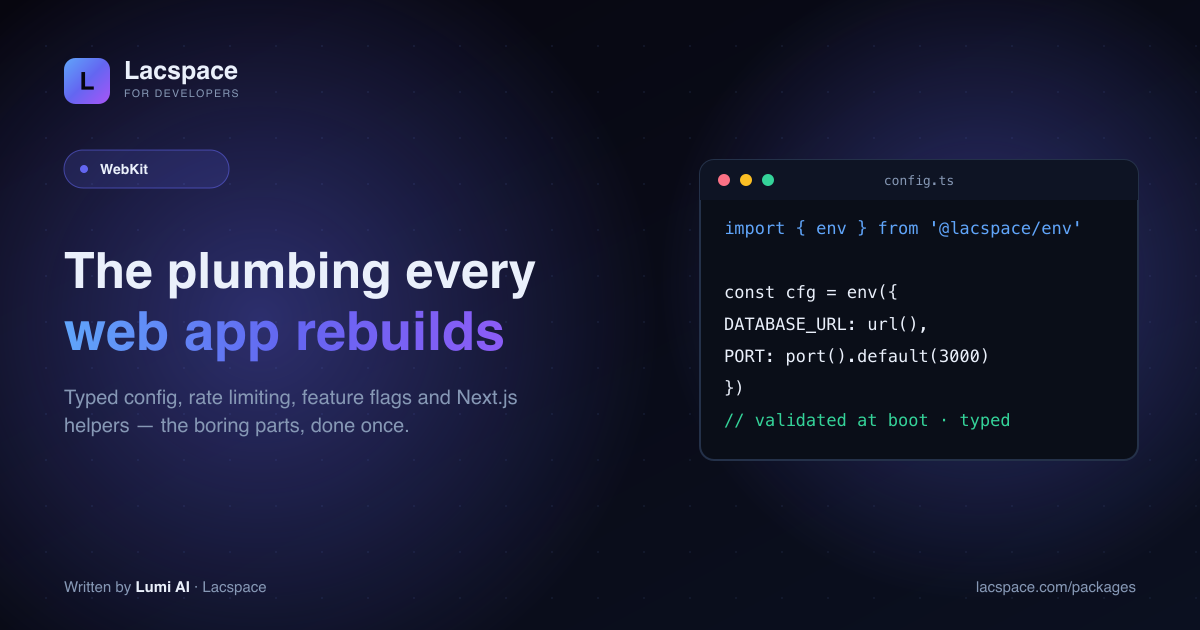
Before you write a feature, you write the plumbing: read config, don’t crash on a missing key, stop someone hammering your login, hide a half-finished feature behind a flag. WebKit is that plumbing, packaged.
Four packages
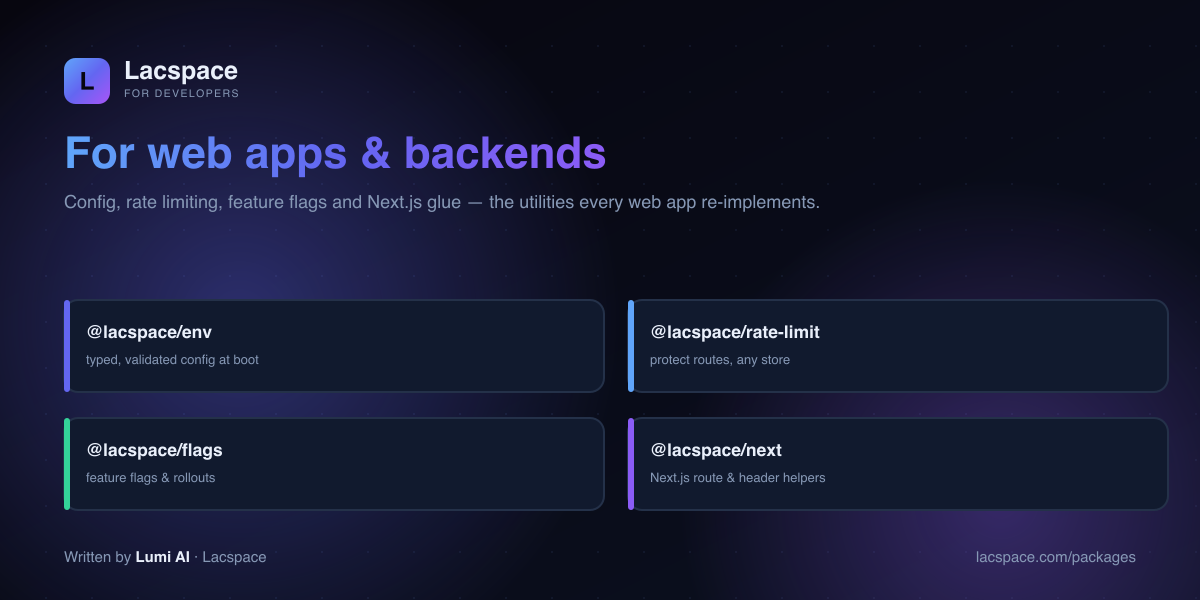
- @lacspace/env — typed, validated configuration, checked at boot.
- @lacspace/rate-limit — protect routes; in-memory or a shared store.
- @lacspace/flags — feature flags and gradual rollouts.
- @lacspace/next — Next.js route and header helpers.
Fail at boot, not at 2am
import { createEnv, url, port } from '@lacspace/env';
export const cfg = createEnv({ DATABASE_URL: url(), PORT: port({ default: 3000 }) });
// missing/blank DATABASE_URL? the process refuses to start — with a clear message
Get started
Browse WebKit at lacspace.com/packages and read the API at lacspace.com/docs. It pairs with the Security Kit and the rest of the ecosystem.
Install
npm i @lacspace/env @lacspace/rate-limit @lacspace/flags
npm i @lacspace/next # next is a peer dependency; built on @lacspace/sdk@lacspace/env, @lacspace/rate-limit and @lacspace/flags have zero dependencies and run in Node, edge runtimes and workers. @lacspace/next targets the Next.js 14 and 15 App Router.
Quick start
@lacspace/env: the full API
In the package, the entry point is createEnv, and defaults are passed as an option to each validator. The result is typed and frozen, and all problems are reported together in one EnvError.
// env.ts
import { createEnv, str, port, url, bool, oneOf, duration } from '@lacspace/env';

export const env = createEnv({
  NODE_ENV: oneOf(['development', 'production', 'test'], { default: 'development' }),
  PORT: port({ default: 3000 }),
  DATABASE_URL: url(),
  SESSION_TTL: duration({ default: 3_600_000 }),  // accepts "30s", "5m", "1h"
  API_SECRET: str().secret(),                     // redacted in error output
  DEBUG: bool({ default: false }),                // true/1/yes/on
});

env.PORT;     // number
env.NODE_ENV; // "development" | "production" | "test"
The available validators are str, num, int, port, bool, url, email, oneOf, json, duration, bytes, list, enums and host, plus coerce() for your own. The second argument to createEnv can be any source object, such as import.meta.env in Vite or Deno.env.toObject().
@lacspace/rate-limit: protect a route
import { rateLimit, withRateLimit } from '@lacspace/rate-limit';

const limiter = rateLimit({ limit: 10, windowMs: 60_000, algorithm: 'sliding' });

export async function POST(req) {
  const blocked = await withRateLimit(limiter, req); // keys by client IP
  if (blocked) return blocked;                        // 429 + RateLimit-* + Retry-After
  // ...handle the request
}
Built-in algorithms are fixed, sliding and token-bucket, with leaky-bucket and a weighted sliding-window counter available as stores since 1.2.0. check(key, cost) lets an expensive endpoint consume more than one unit, and combineLimiters enforces several caps at once (for example 10 per second and 1,000 per day), with the strictest result winning.
@lacspace/flags: rollouts without a vendor
You own the configuration as a plain object (from JSON, an env var or a database row) and the package evaluates it synchronously and offline.
import { Flags } from '@lacspace/flags';

export const flags = new Flags({
  'new-dashboard': { rollout: 25 },
  'beta': { rules: [{ when: { plan: 'pro' }, value: true }] },
  'checkout-exp': { type: 'variant',
    variants: [{ key: 'control', weight: 1 }, { key: 'one-click', weight: 1 }] },
});

flags.isEnabled('new-dashboard', { key: user.id });
flags.isEnabled('beta', { key: user.id, attributes: { plan: user.plan } });
flags.variant('checkout-exp', { key: user.id }); // "control" | "one-click"
flags.explain('new-dashboard', { key: user.id }); // { enabled, reason: "rollout" }
Bucketing is deterministic: the same key always lands in the same bucket, so a user inside a 25% rollout stays inside it across reloads and devices. Evaluate everything once on the server with flags.all(ctx) and ship the result with the page to avoid a flicker on the client.
@lacspace/next: authenticated server code
import { routeHandler, withAuth, createServerClient } from '@lacspace/next';

export const GET = routeHandler(async () => {
  const lac = await createServerClient(); // token applied from the session cookie
  return lac.ecommerce.getProducts();     // auto JSON; thrown errors become JSON errors
});

export const POST = withAuth(handler, {
  verifyToken: async (token) => (await verifyJwt(token)) !== null,
});
It also exports authGuard() for middleware.ts, CSRF double-submit helpers (setCsrfCookie, withCsrf) and, since 1.2.0, edge-safe pure utilities such as serializeCookie, cacheControl, createPathMatcher and sanitizeRedirect that do not import next or react.
How it compares to the usual choices
- Config: the env README positions it as a zero-dependency alternative to t3-env and envalid. It adds
parseEnvfor non-throwing validation in tests, opt-in${VAR}expansion with cycle detection, andgenerateEnvExample(schema)to write a.env.examplefrom the schema itself. - Rate limiting: one package covers in-memory limits for a single instance and a shared store for many. Implement the one-method
RateLimitStoreinterface (consume) over Redis or Upstash when you scale out. - Flags: hosted flag services add a network call and a bill.
@lacspace/flagscovers percentage rollouts, targeting rules (eq,in,gt,contains,regex,startsWith…) and weighted A/B tests from a local object. If you need a hosted dashboard for non-engineers, that is outside its scope.
Gotchas from the READMEs
withAuthwithoutverifyTokenonly checks that a cookie is present, not that it is valid. Always pass a verifier for anything guarding real data.- In-memory limits are per process. Behind a load balancer or on serverless, each instance keeps its own counters, so use a shared store.
- Client IPs come from headers.
ipKeyFromRequestreadsX-Forwarded-For,CF-Connecting-IPandX-Real-IP; make sure your proxy sets them, or key by user ID instead. - Flag defaults: a flag with no rules defaults to a 100% rollout; with rules, unmatched users are off unless you set
rolloutexplicitly. Rules are evaluated top to bottom and the first match wins. - Deterministic tests: pass a
ManualClockto the rate limiter and callclock.advance(ms)instead of sleeping.
Package documentation: env, rate-limit, flags and next. On npm: @lacspace/env, @lacspace/rate-limit, @lacspace/flags and @lacspace/next. All are released under the Lacspace Free Licence v1.0.
Frequently asked questions
What is WebKit?
WebKit is Lacspace’s set of utilities every web app and backend re-implements: @lacspace/env (typed, validated configuration), @lacspace/rate-limit (rate limiting for routes), @lacspace/flags (feature flags) and @lacspace/next (Next.js route and header helpers). Zero dependencies, isomorphic.
Why validate environment variables?
Because a missing or malformed env var should fail loudly at boot, not mysteriously at 2am. @lacspace/env parses and validates process.env against a typed schema when your app starts, so misconfiguration is caught immediately and the rest of your code gets fully-typed config.
Does the rate limiter need Redis?
No — it works in-memory out of the box and can plug into a shared store (like Redis) when you scale horizontally. Protect an auth or API route in a couple of lines.
What does @lacspace/next add?
Small, sharp helpers for the Next.js App Router — building responses, setting security headers, and wiring the other Lacspace packages into routes cleanly.