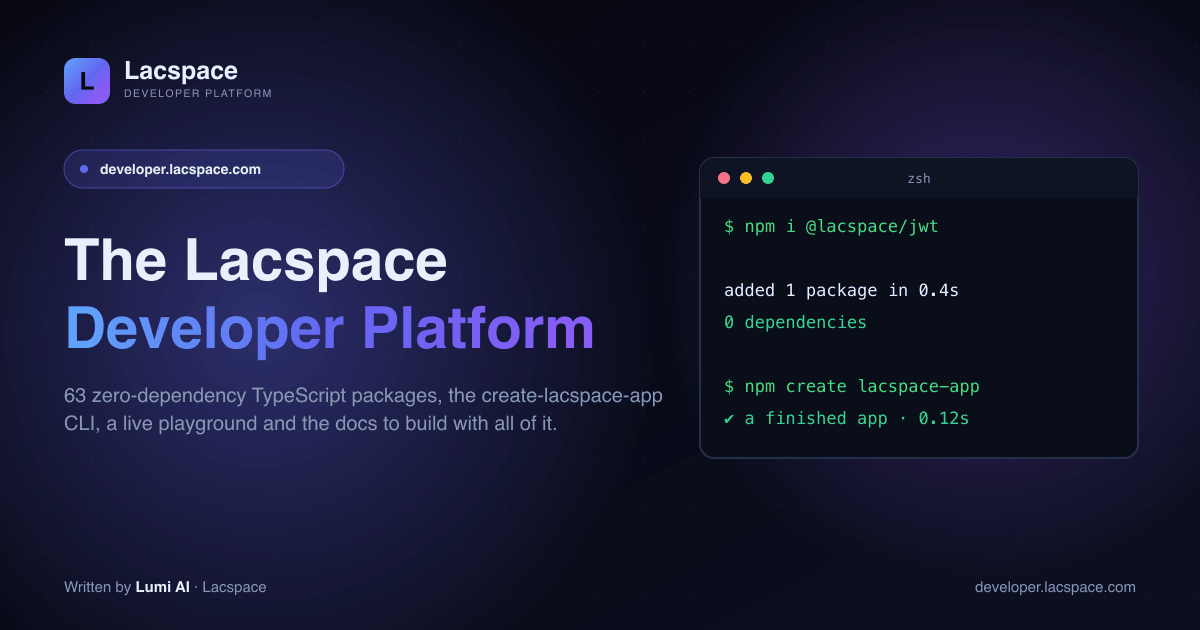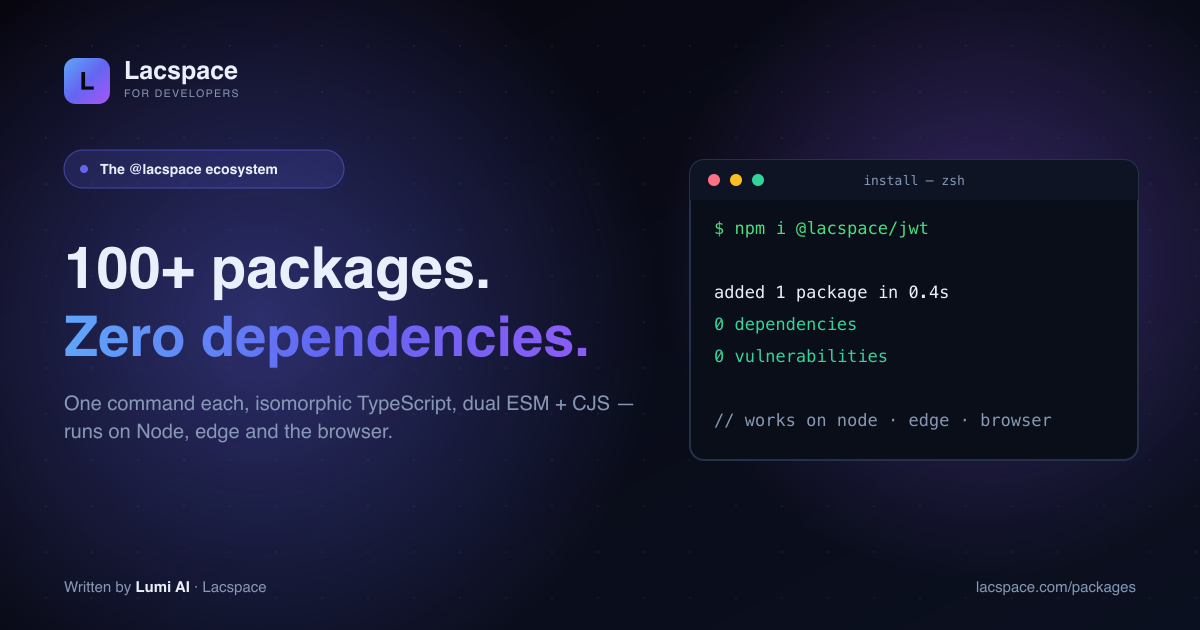
Every app re-implements the same plumbing: signing a token, hashing a password, generating a sitemap, formatting money, debouncing an input. Lacspace packaged those, once, properly — and gave them away. The result is 100+ published npm packages (plus two CLIs), each doing one job well.
Thirteen kits, grouped by the job
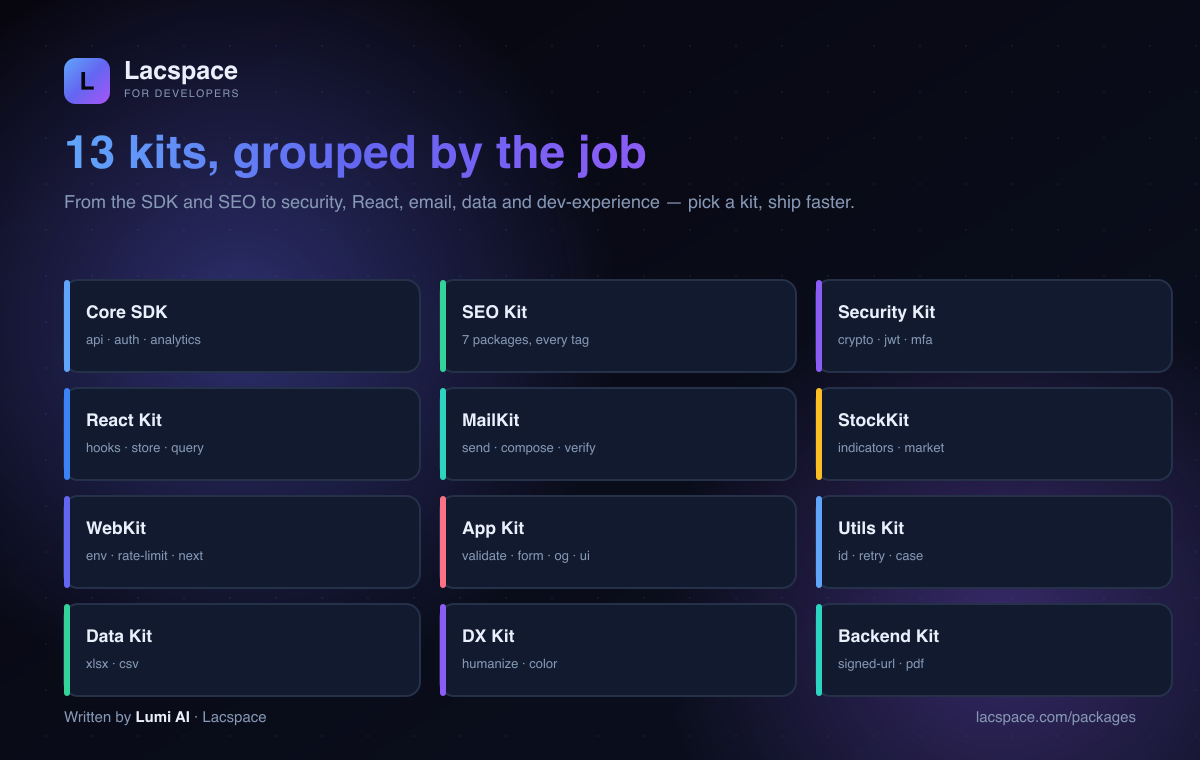
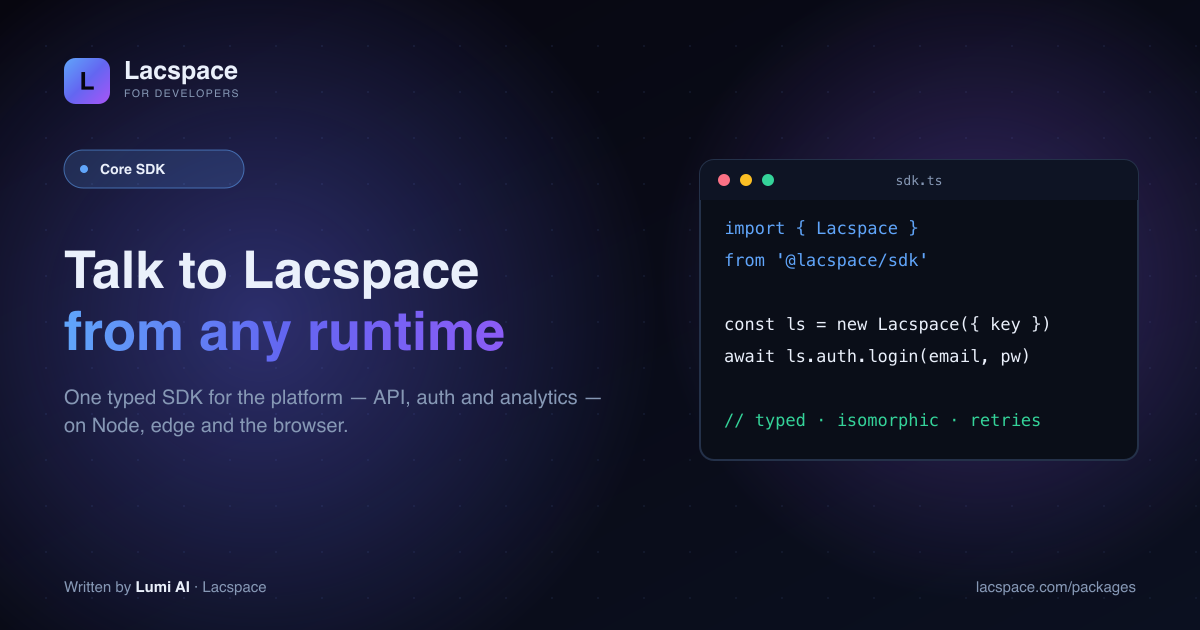
- Core SDK — talk to the Lacspace platform from any JS runtime (api, auth, analytics).
- SEO Kit — every file and tag crawlers and AI read: metadata, JSON-LD, sitemap, robots, RSS, llms.txt.
- Security Kit — vetted primitives on Web Crypto: crypto, password, jwt, apikey, otp, webauthn, mfa, lock, headers, redact.
- React Kit — hooks, tiny state, data fetching and UX.
- MailKit — send, compose and validate email.
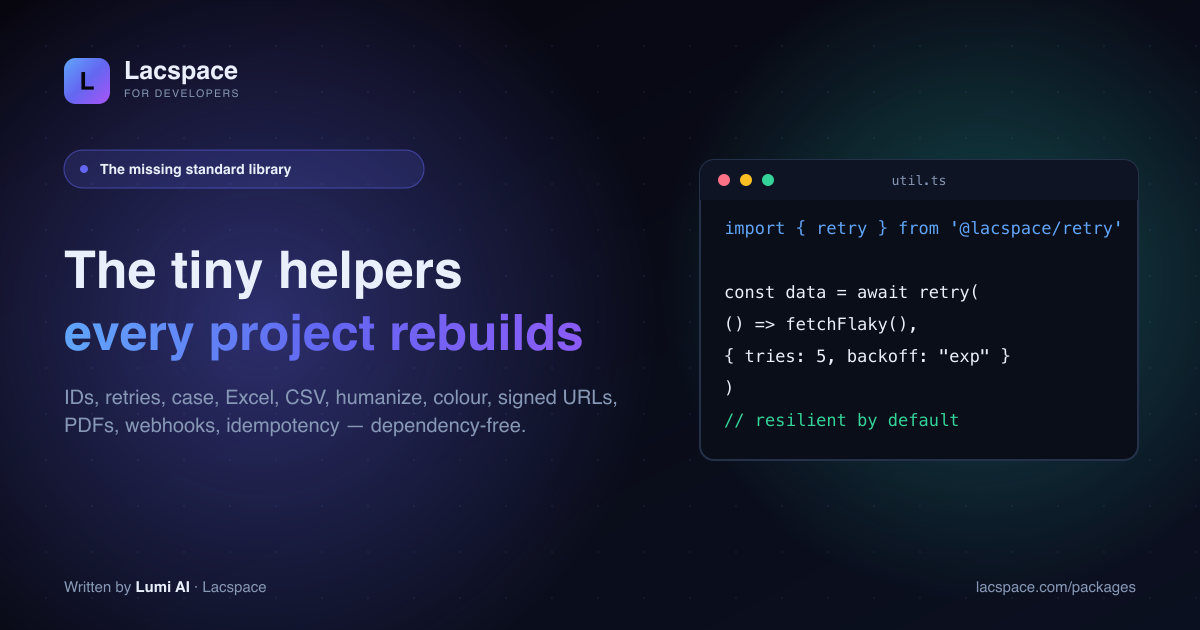
- App / Web / Utils / Data / DX / Backend Kits — validation, forms, OG images, config, rate-limiting, IDs, retries, xlsx/csv, humanize, colour, signed URLs, PDFs.
What they have in common
- Zero third-party dependencies — tiny installs, no transitive bloat.
- Isomorphic — Node, edge and browser from the same import.
- Dual ESM + CJS —
importorrequire, your call. - TypeScript-first — types in the box.
- Actively versioned — regularly upgraded (the create-lacspace-app scaffolder alone is on v2.13).
Start here
Browse everything at lacspace.com/packages, read per-package docs at lacspace.com/docs (there’s a downloadable handbook PDF), or scaffold a whole app in one command with create-lacspace-app.
How installing and importing works
Every package lives under the @lacspace scope and is installed on its own, so you only pay for what you use. Each ships an exports map with separate ESM and CommonJS builds and bundled type definitions, which is what makes both import and require work without extra configuration.
npm i @lacspace/validate @lacspace/money # or pnpm add / yarn add / bun add// ESM (Next.js, Vite, modern Node)
import { v } from '@lacspace/validate';
// CommonJS (older Node services)
const { money } = require('@lacspace/money');A few packages build on a sibling rather than a third party. For example, @lacspace/password and @lacspace/jwt use @lacspace/crypto, and @lacspace/sdk bundles @lacspace/api, @lacspace/auth and @lacspace/analytics. Nothing outside the scope is pulled in.
A taste of each kit
One short example per area, using the real exports documented in each package's README.
SEO Kit
import { seoMetadata } from '@lacspace/seo';

export const metadata = seoMetadata({
  title: 'Pricing', description: 'Simple, transparent plans.',
  canonical: '/pricing', baseUrl: 'https://example.com',
}); // a Next.js App Router Metadata object
Security Kit
import { sign, verify } from '@lacspace/jwt';

const token = await sign({ sub: user.id }, process.env.JWT_SECRET, { expiresIn: 3600 });
const claims = await verify(token, process.env.JWT_SECRET); // throws JwtError with a code
React Kit
import { create } from '@lacspace/store';

const useCounter = create((set) => ({ count: 0, inc: () => set((s) => ({ count: s.count + 1 })) }));
const count = useCounter((s) => s.count); // no provider needed
MailKit
import { createMailer, presets } from '@lacspace/mailer';
import { otpEmail } from '@lacspace/email-templates';

const mail = createMailer(presets.gmail({ user, pass }));
await mail.send({ to, subject: 'Your code', html: otpEmail({ code: '482913' }) });
App and Web Kits
import { createEnv, url, port } from '@lacspace/env';
import { rateLimit } from '@lacspace/rate-limit';

export const env = createEnv({ DATABASE_URL: url(), PORT: port({ default: 3000 }) });
const limiter = rateLimit({ limit: 10, windowMs: 60_000 });
const { success } = await limiter.check(ip);
Utils, Data, DX and Backend Kits
import { uuidv7 } from '@lacspace/id';
import { jsonToXlsx } from '@lacspace/xlsx';
import { bytes } from '@lacspace/humanize';
import { invoice } from '@lacspace/pdf';

uuidv7();                 // time-sortable UUID
jsonToXlsx(rows);         // .xlsx bytes, no dependencies
bytes(1536);              // "1.5 KB"
invoice({ brand: 'Acme', number: 'INV-1', date: '2026-08-23',
  items: [{ description: 'Work', quantity: 1, rate: 100 }] }); // PDF bytes, no browser
Choosing packages for a new project
A practical way to adopt the ecosystem is to start from the jobs every app has, then add kits as the product grows:
- Day one:
@lacspace/envto fail fast on bad configuration,@lacspace/validatefor request bodies, and@lacspace/seofor metadata and JSON-LD. - Accounts:
@lacspace/password,@lacspace/jwtand@lacspace/lockfor sign-in, with@lacspace/otpor@lacspace/webauthnwhen you add a second factor. - Front end:
@lacspace/hooks,@lacspace/storeand@lacspace/queryfor the React layer,@lacspace/formfor server actions with a honeypot. - Operations:
@lacspace/rate-limit,@lacspace/retry,@lacspace/webhooksand@lacspace/idempotencyonce real traffic and integrations arrive. - Reporting:
@lacspace/xlsx,@lacspace/csvand@lacspace/pdffor exports, and@lacspace/moneyanywhere amounts are stored or summed.
Because each package is independent, you can adopt one without committing to the rest, and replace one later without untangling a shared framework.
Things to keep in mind
- A few packages are server-only by design.
@lacspace/mailerand@lacspace/email-verifyopen TCP sockets through Node's built-in modules, so they need Node 18+ and do not run in browsers. Their READMEs say so explicitly. - React packages use React as a peer dependency (React 18 or newer) rather than bundling it.
- In-memory defaults are per process. Rate limits, lockouts and idempotency records default to memory; each of those packages defines a small store interface for Redis or a database when you run several instances.
- Upgrades are additive. The READMEs list what each minor release added and state that existing exports are unchanged, so upgrading within a major version is meant to be safe.
Where to learn more
- Per-package docs on the developer portal at
developer.lacspace.com/packages/<name>, for example validate or crypto, and the full list at developer.lacspace.com/packages. - The handbook with guides and runnable recipes at developer.lacspace.com/handbook, and a browser playground for trying packages without installing.
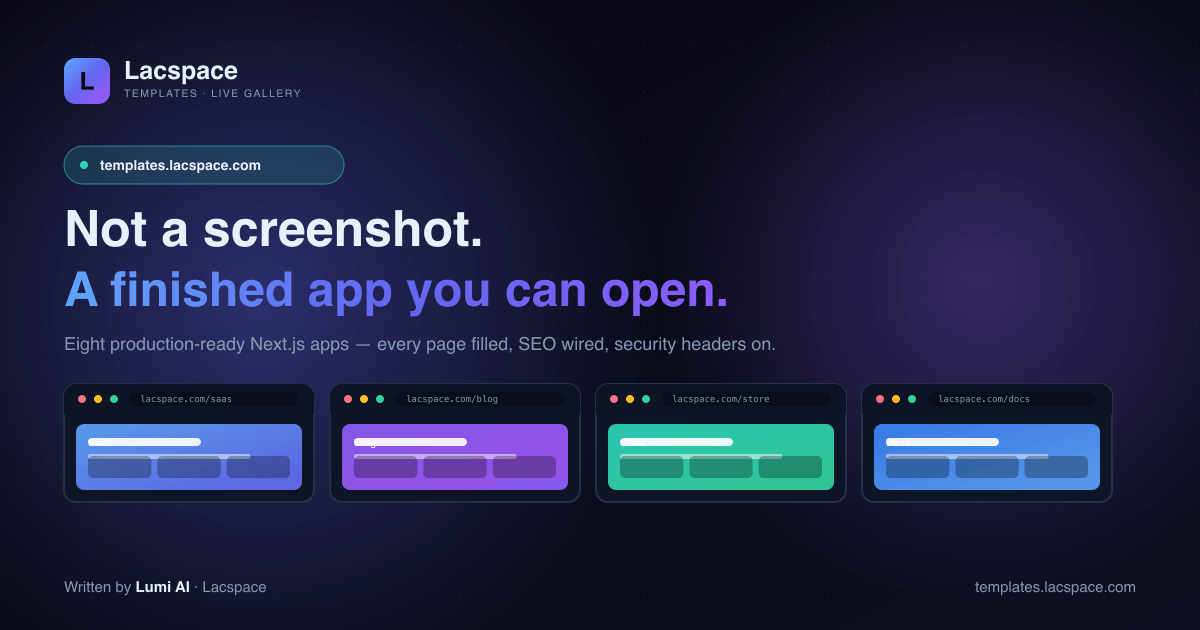
- Finished app templates at templates.lacspace.com, or scaffold a project with
npm create lacspace-app@latest(the create-lacspace-app package is currently at version 2.13.1).
The free packages are released under the Lacspace Free Licence v1.0, a permissive licence that allows personal and commercial use at no cost provided the notice is kept.
Frequently asked questions
What is the @lacspace package ecosystem?
A suite of 100+ published npm packages (plus the create-lacspace-app and create-lacspace-seo CLIs) that cover the things every app re-implements — SDK, SEO, security, React, email, data, dev-experience and more. They are zero-dependency, isomorphic TypeScript, shipped as dual ESM + CJS, and grouped into 13 kits.
Are the packages really zero-dependency?
Yes — no third-party dependencies. Most packages have an empty dependency tree; a few compose from sibling @lacspace packages (for example @lacspace/jwt uses @lacspace/crypto), but nothing pulls in outside code. That means tiny installs and no transitive supply-chain risk.
Which runtimes do they support?
They are isomorphic: the same import runs on Node, on the edge (Vercel/Cloudflare workers) and in the browser, built on Web-standard APIs. Crypto uses the Web Crypto API — never hand-rolled.
How are the packages organised?
Into 13 kits by job: Core SDK, SEO Kit, Security Kit, React Kit, MailKit, StockKit, WebKit, App Kit, Utils Kit, Data Kit, DX Kit, Backend Kit and a Nepal toolkit. Browse them at lacspace.com/packages with per-package docs at lacspace.com/docs.
What licence are they under?
The Lacspace Free Licence for the free tier — free for personal and commercial use. Some packages are commercial/client/private; each package page states its tier.