Most people don't fail an exam because the material was impossible. They fail because practice was irregular and the same mistakes kept coming back. The study companion in the iSmartExams learner portal at my.ismartexams.com is built for those two problems.
Reminders that fit your week
Turn on browser notifications once and choose the days you want to study. The portal reminds you on those days. You can also set one-off alarms, for a mock test on Saturday morning or a revision session before a class.
Exam-day countdowns
Add your real exam date and the companion counts down: "12 days to your IELTS". Seeing the number shrink is a surprisingly good reason to open one more practice set.
A Mistakes page that remembers for you
Every question you get wrong goes to your Mistakes page. Instead of showing them all at once, it brings each one back on a spaced schedule: after 1 day, then 2, 4, 7 and 15 days. Answer it right each time and it is marked mastered. This is the spaced-repetition idea language learners use for vocabulary, applied to exam questions.
| Review | When it comes back |
|---|---|
| 1st | 1 day after the mistake |
| 2nd | 2 days later |
| 3rd | 4 days later |
| 4th | 7 days later |
| 5th | 15 days later, then mastered |
Achievements and a focus timer
Achievements mark real milestones, such as your first certificate or a run of study days. The focus timer runs short, distraction-free study blocks with breaks in between.
The owl
Reminders come with a small owl hoot, iSmartExams' mascot. It is on by default, and a mute button sits in the portal header if you study in a quiet room.
See your data your way
Every list in the portal, including exams, results and purchases, can be viewed as a table, cards, a list, a kanban board, analytics, a timeline or a calendar. There are more than 20 filters, saved views and CSV export, so you can, for example, see all your Japanese results on a calendar and spot the weeks you skipped.
Same account, app and web
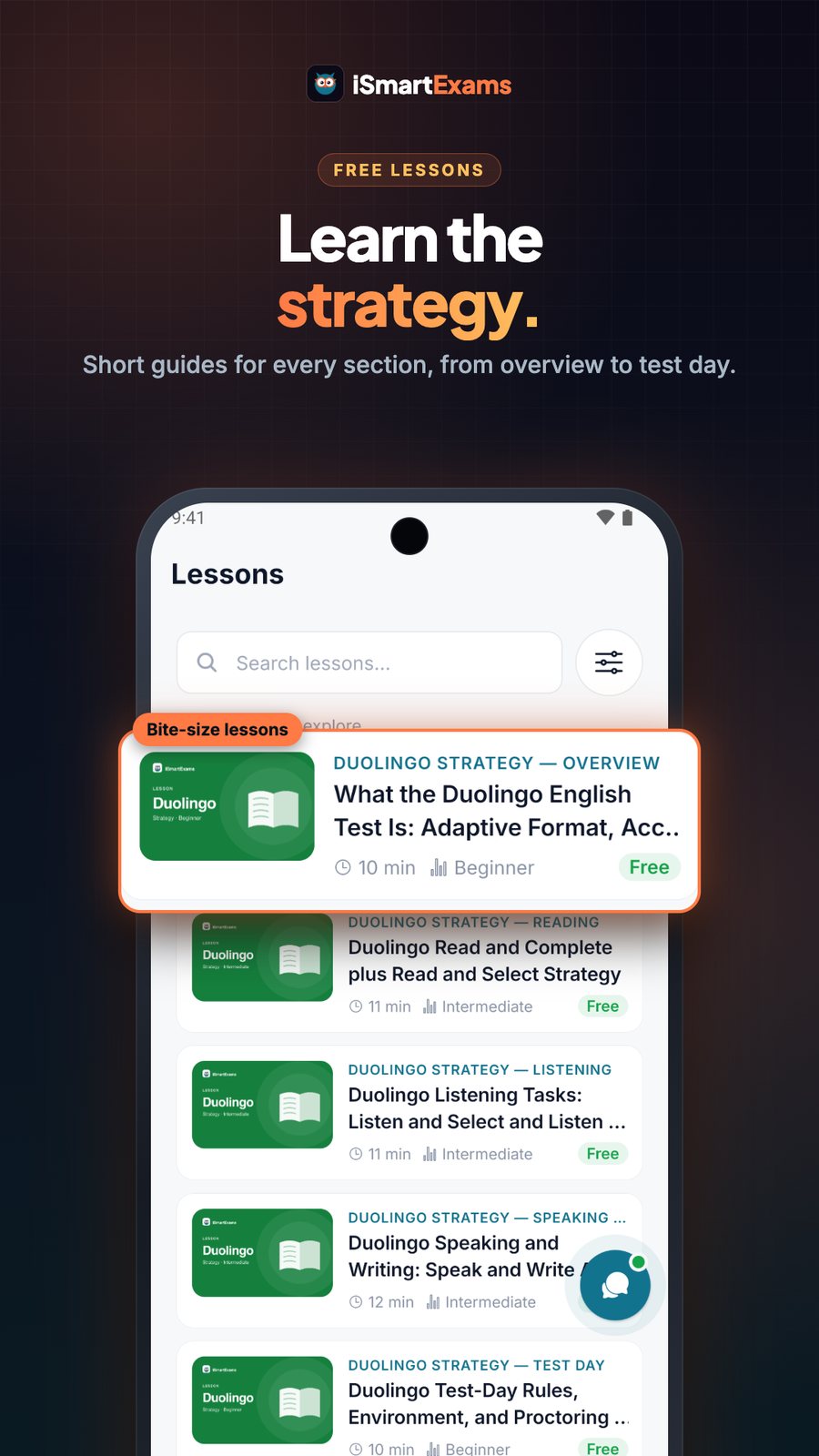
The portal uses your iSmartExams app account. Links from the portal open straight in the app on your phone, so a reminder on the laptop can take you to the right exam on mobile.
Keep reading: iSmartExams: what’s new in October 2026 · Verified certificates with a QR code · JLPT and JFT-style practice · iSmartExams on Lacspace
iSmartExams is an independent practice platform built by Lacspace. It is not affiliated with or endorsed by the Japan Foundation or JLPT/JFT organisers, IDP, British Council, Pearson, Duolingo, Goethe-Institut, France Éducation international, Chinese testing authorities, the Public Service Commission (Lok Sewa) or any exam board. Exam names are used only to describe what the practice is for. iSmartExams certificates recognise practice achievement on the platform; they are not official language certificates or accredited qualifications. Content figures are as of October 2026.
Frequently asked questions
Do I need a separate account for the portal?
No. my.ismartexams.com uses the same account as the iSmartExams app.
How does mistake review work?
Wrong answers come back after 1, 2, 4, 7 and 15 days. Answer correctly each time and the question is marked mastered.
Can I turn off the owl sound?
Yes. It is on by default and can be muted with one tap in the portal header.
Do reminders work on my phone?
The portal sends browser notifications. The app has its own exam reminders and alarms since version 1.1.0.