React gives you useState and useEffect and stops there. Everything else — persisting a value, debouncing an input, a global store, cached data-fetching, a dark-mode toggle, keyboard shortcuts, rendering a hundred-thousand-row list without melting the browser — you either write yourself for the tenth time or pull in a dependency tree.
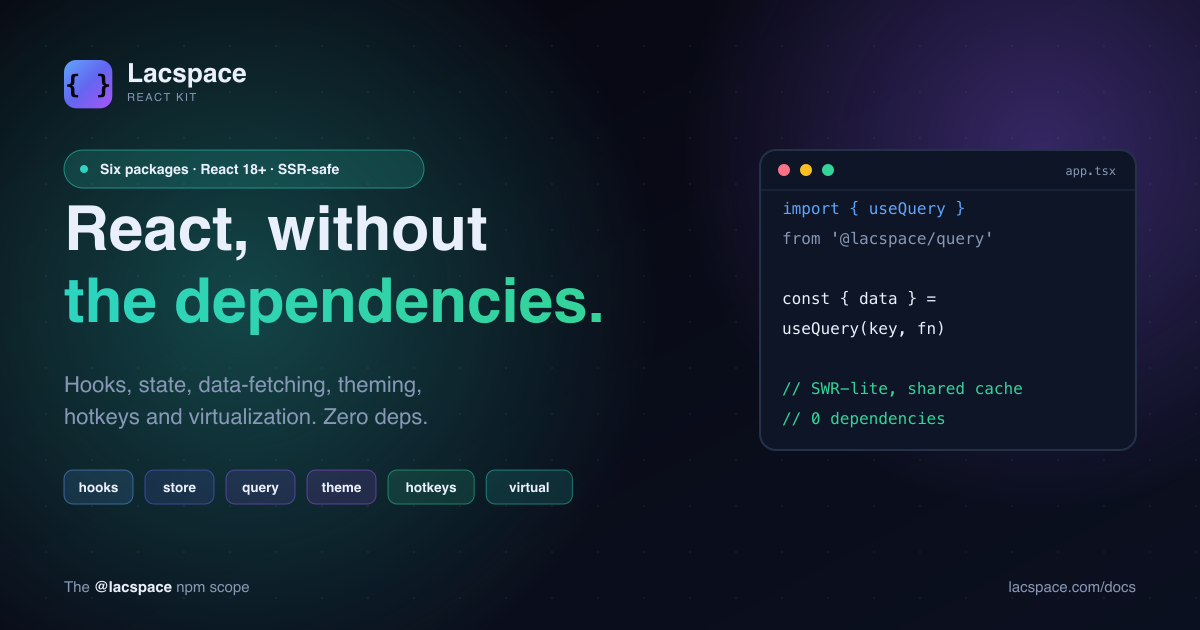
The Lacspace React Kit is the middle path: six focused packages that do exactly those jobs, with one peer dependency (React) and nothing else in your node_modules.
The six packages
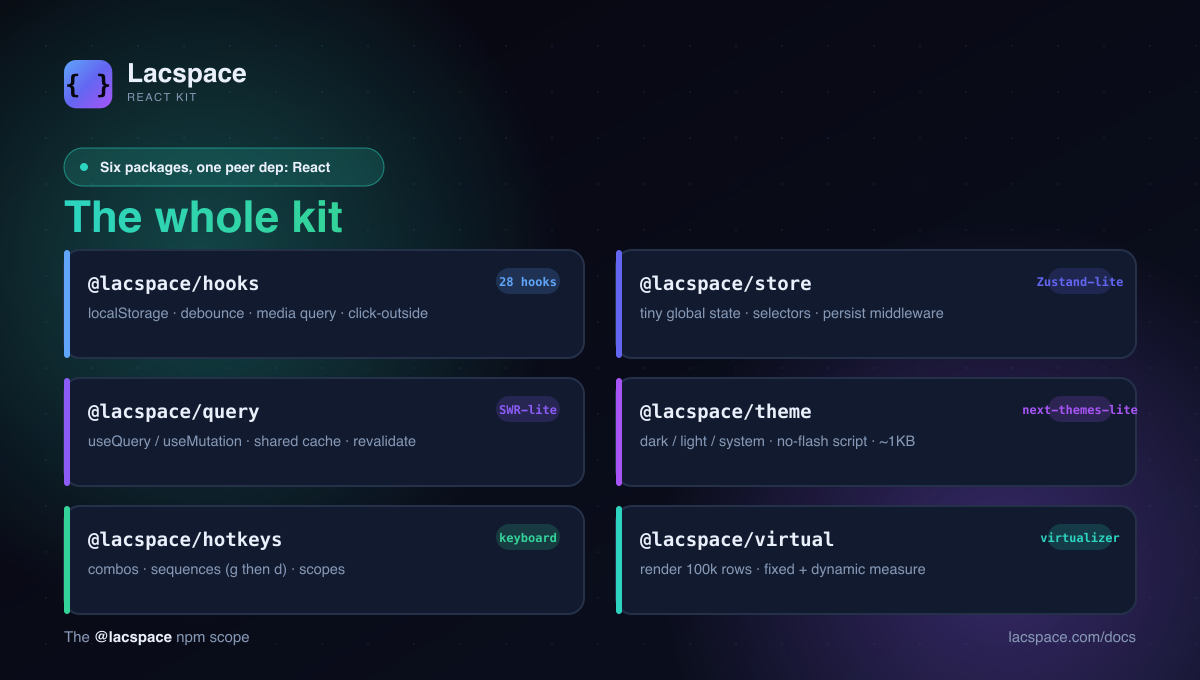
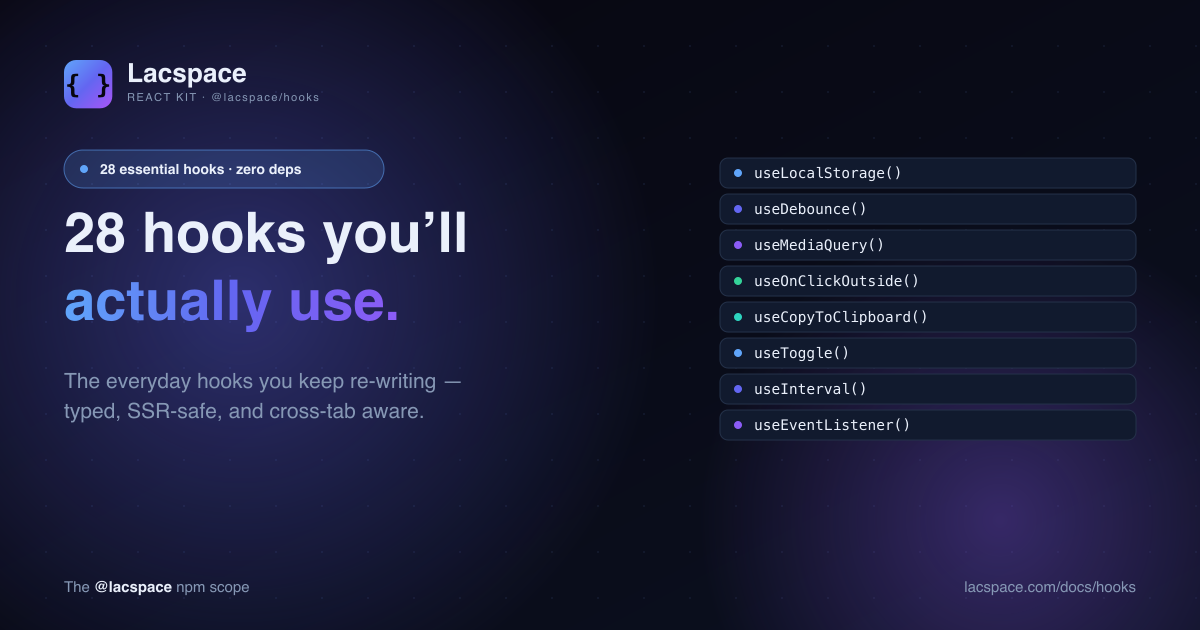
- @lacspace/hooks — 28 essential hooks:
useLocalStorage(cross-tab),useDebounce,useMediaQuery,useOnClickOutside,useCopyToClipboardand more. - @lacspace/store — a Zustand-lite global store built on
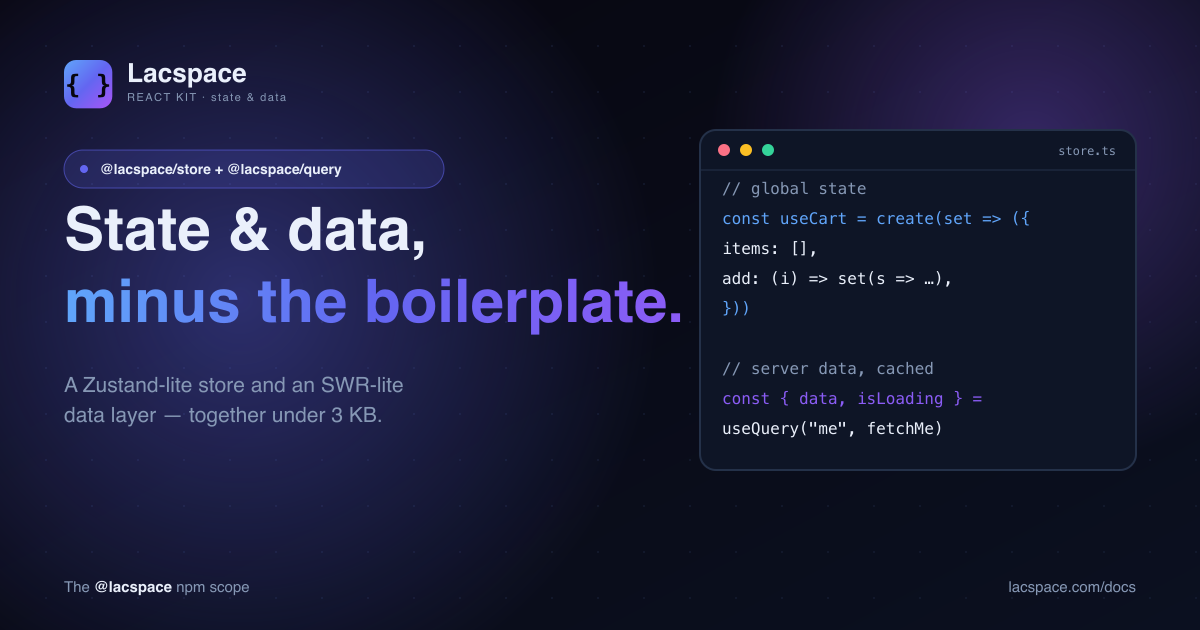
useSyncExternalStore, with selectors,shallowequality and apersistmiddleware. - @lacspace/query — an SWR-lite data layer:
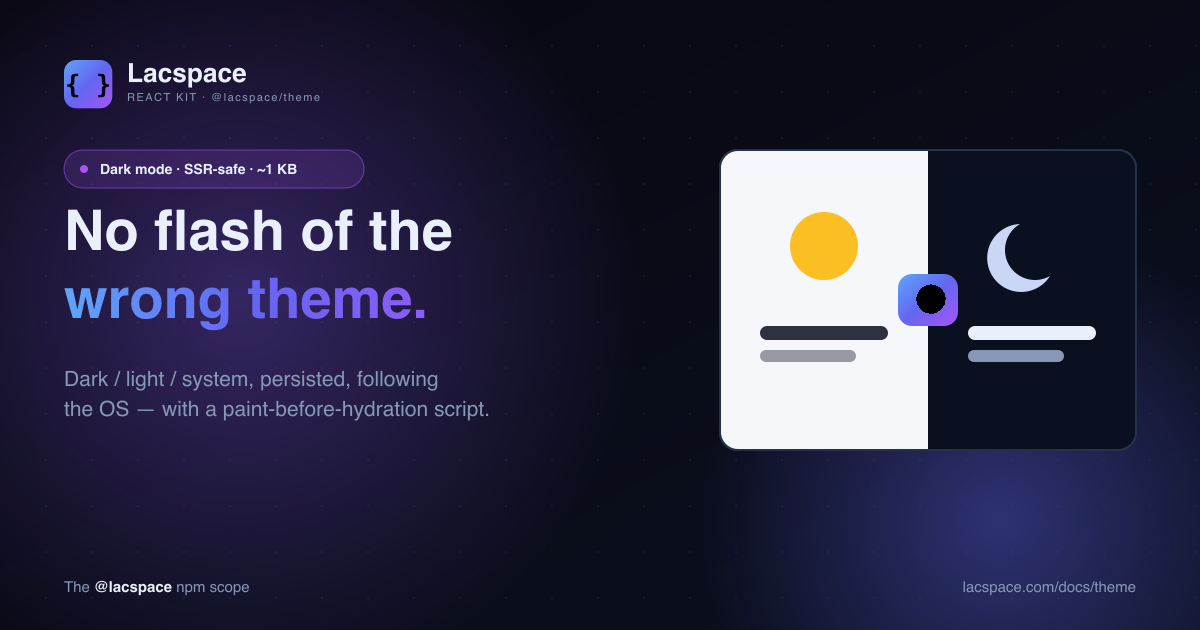
useQuery/useMutation, a shared cache, and revalidation. - @lacspace/theme — dark / light / system theming with a no-flash script, in about a kilobyte.
- @lacspace/hotkeys —
useHotkeyswith combos, sequences (g then d) and scopes. - @lacspace/virtual —
useVirtualizerfor fixed and dynamically-measured lists.
What they feel like
Each API is deliberately boring — the kind of shape you would guess without reading the docs.
import { useQuery } from "@lacspace/query";
import { useLocalStorage } from "@lacspace/hooks";
import { useHotkeys } from "@lacspace/hotkeys";

function Inbox() {
  const { data, isLoading } = useQuery("messages", fetchMessages);
  const [collapsed, setCollapsed] = useLocalStorage("sidebar", false);
  useHotkeys("mod+k", openCommandPalette);
  // ...
}
Why zero-dependency matters
A React data-fetching library that drags in five transitive packages is five more things that can break, bloat your bundle, or ship a supply-chain surprise. The React Kit is built the way we build everything at Lacspace: written against standard web and React APIs, no third-party runtime deps, dual ESM + CommonJS, fully typed, and sideEffects: false so tree-shaking actually works. Install one, install all six — either way your dependency graph barely moves.
SSR-safe by construction
Every package is isomorphic: it never reads window, document or localStorage during render. DOM and storage access lives in effects (and, for theme, in a pre-hydration script). That is what makes the kit drop cleanly into the Next.js App Router without hydration warnings.
Try it
npm i @lacspace/hooks @lacspace/store @lacspace/query \
      @lacspace/theme @lacspace/hotkeys @lacspace/virtual
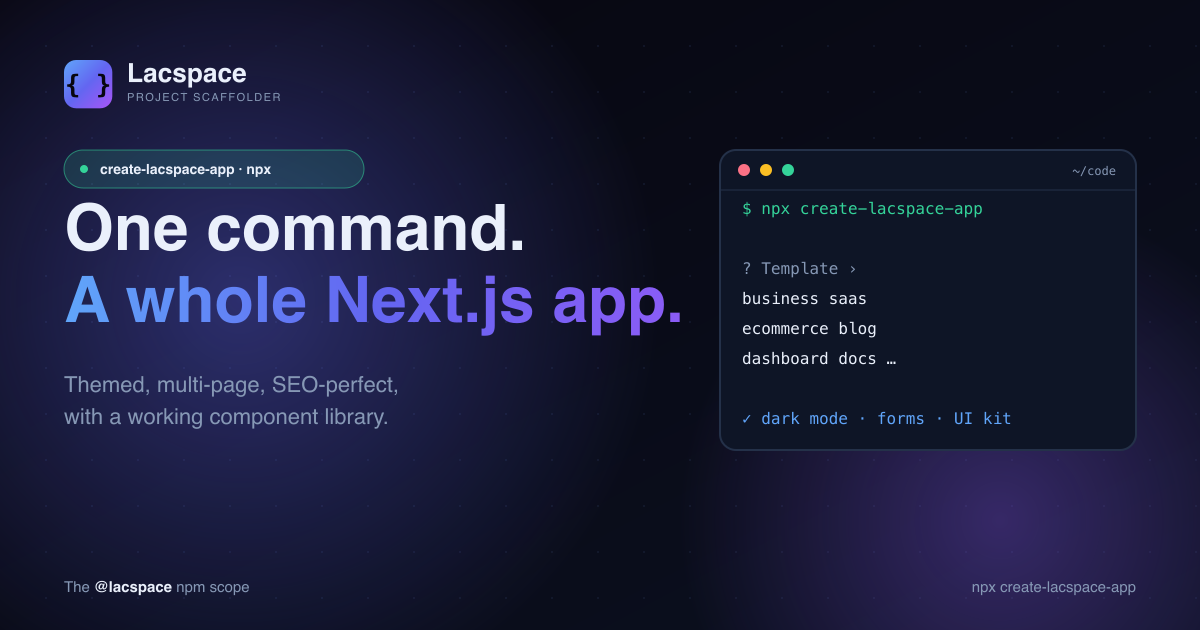
Deep dives on the standouts: the 28 hooks, store + query, and theme's no-flash dark mode. Full docs live at lacspace.com/docs, and the whole kit is pre-wired into create-lacspace-app.
Frequently asked questions
What is the Lacspace React Kit?
A family of six small React packages published under the @lacspace scope: hooks (28 essential hooks), store (tiny global state), query (SWR-lite data fetching), theme (dark mode), hotkeys (keyboard shortcuts) and virtual (list virtualization). Each is zero-dependency, SSR-safe and fully typed.
Are they really zero-dependency?
Yes. React is the only peer dependency; nothing else is pulled into your node_modules. They are built as dual ESM + CommonJS with full TypeScript types and are tree-shakeable.
Do they work with Next.js and server rendering?
Yes. Every package is SSR-safe — it never touches window, document or localStorage during render — so it works cleanly in the Next.js App Router. The component packages (like theme) ship the "use client" boundary where needed.
Can I use just one package?
Absolutely. They are independent — install only @lacspace/query if that is all you need. They compose well together but there is no framework to buy into.
Where can I read the docs?
Every package has a per-package guide at lacspace.com/docs, and the whole kit is covered in the downloadable Lacspace Developer Handbook.