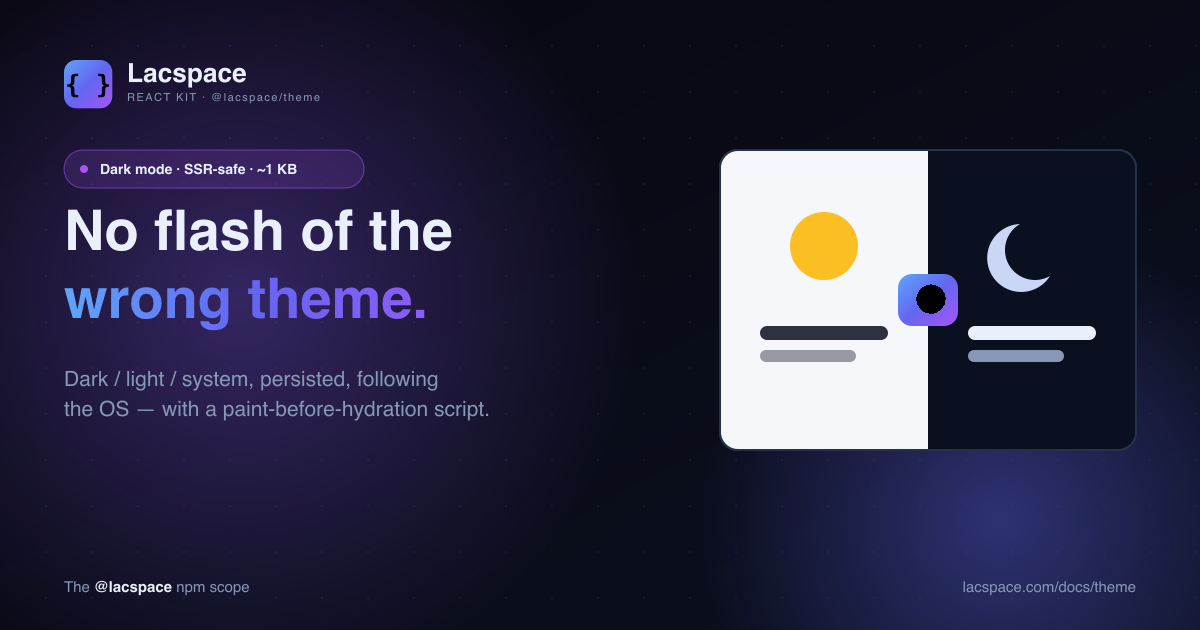
You have seen it a thousand times. A site loads white for a split second, then snaps to dark. That flash is not a bug in someone's CSS — it is baked into how server-rendered pages work. The server renders the HTML before it knows what theme the visitor prefers, so it guesses, paints, and React corrects the guess a beat later. The correction is the flash.
The only real fix
There is exactly one way to avoid the flash: apply the theme before the browser's first paint. React can't do that — it runs after paint, during hydration. The only thing that runs earlier is an inline <script> sitting in the initial HTML. That script has to read the saved preference (or the OS setting) and set the class on <html> synchronously, before anything is drawn.
This is exactly the trick next-themes popularized. @lacspace/theme distills it into about a kilobyte with no dependencies — and, crucially, renders that script for you.
The whole setup
Wrap your app. That's it — the provider injects the no-flash script into the server HTML itself, so there is nothing else to wire.
// app/layout.tsx (Next.js App Router)
import { ThemeProvider } from "@lacspace/theme";

export default function RootLayout({ children }) {
  return (
    <html lang="en" suppressHydrationWarning>
      <body>
        <ThemeProvider defaultTheme="system">{children}</ThemeProvider>
      </body>
    </html>
  );
}
A toggle is one hook:
import { useTheme } from "@lacspace/theme";

export function ThemeToggle() {
  const { resolvedTheme, setTheme } = useTheme();
  return (
    <button => setTheme(resolvedTheme === "dark" ? "light" : "dark")}>
      {resolvedTheme === "dark" ? "🌙" : "☀️"}
    </button>
  );
}
Why it's SSR-safe
The provider never reads the DOM or storage during render — the server markup is deterministic. Everything browser-specific lives in effects and in that one inline script. The script is server-rendered to HTML, so it lands in the initial response and executes before paint; React then hydrates against markup that already matches. No mismatch, no warning, no flash.
Class or data-attribute, your call
<ThemeProvider attribute="data-theme" storageKey="app-theme">
  {children}
</ThemeProvider>
// → <html data-theme="dark"> before paint
Style against whichever you choose:
:root { --bg: #ffffff; }
.dark { --bg: #0b0b0c; }            /* class strategy */
[data-theme="dark"] { --bg: #0b0b0c; }  /* attribute strategy */
Distilled, not stripped
It keeps the parts that matter — system theme that follows the OS live, persistence, class or attribute toggling, an optional CSP nonce, and disableTransitionOnChange — and drops the framework coupling. One provider, one hook, one string.
npm i @lacspace/theme@lacspace/theme is one of six packages in the Lacspace React Kit, and it is the dark-mode engine behind every create-lacspace-app template. Full API at lacspace.com/docs/theme.
Frequently asked questions
What causes the "flash of the wrong theme"?
On a server-rendered page the server does not know the user’s saved preference, so it sends light (or a default). The browser paints that, then React hydrates and switches to dark — a visible flash. Fixing it requires applying the theme before the first paint, which only an inline script in the initial HTML can do.
How does @lacspace/theme prevent it?
Its ThemeProvider renders a tiny, self-contained inline script into the server HTML. That script reads the saved theme (or the OS preference) and sets the class/attribute on before the browser paints — so there is no flash. You just add suppressHydrationWarning to .
How big is it?
About one kilobyte, with zero dependencies beyond React (a peer dependency). It ships as dual ESM + CommonJS with full TypeScript types.
Does it support system theme?
Yes. Set defaultTheme="system" and it resolves live from prefers-color-scheme and updates when the OS theme changes. useTheme() exposes both the chosen theme and the resolvedTheme.
Class or data-attribute?
Either. Use the default class strategy () or set attribute="data-theme" for . The no-flash script follows whichever you configure.