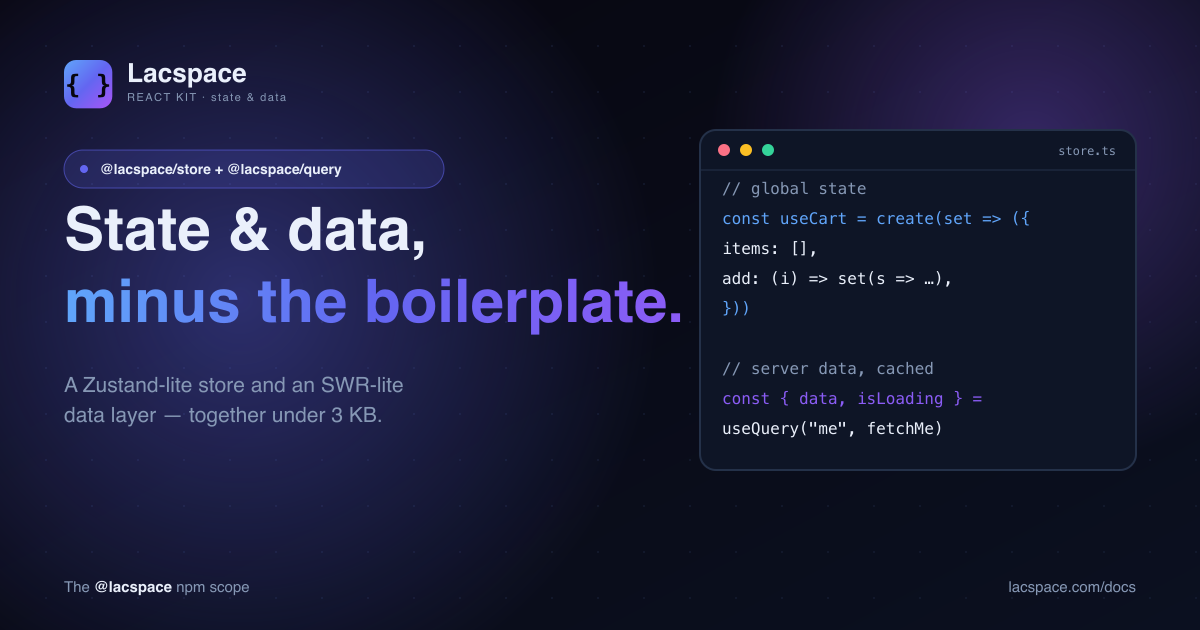
Two problems show up in almost every React app. One: some state needs to live outside a component — a cart, the theme, whether the mobile menu is open. Two: some state comes from a server and can go stale — the current user, a list, a dashboard's numbers. Reach for the wrong tool for either and you end up with prop-drilling, duplicated fetches, or a state library that's bigger than your app.
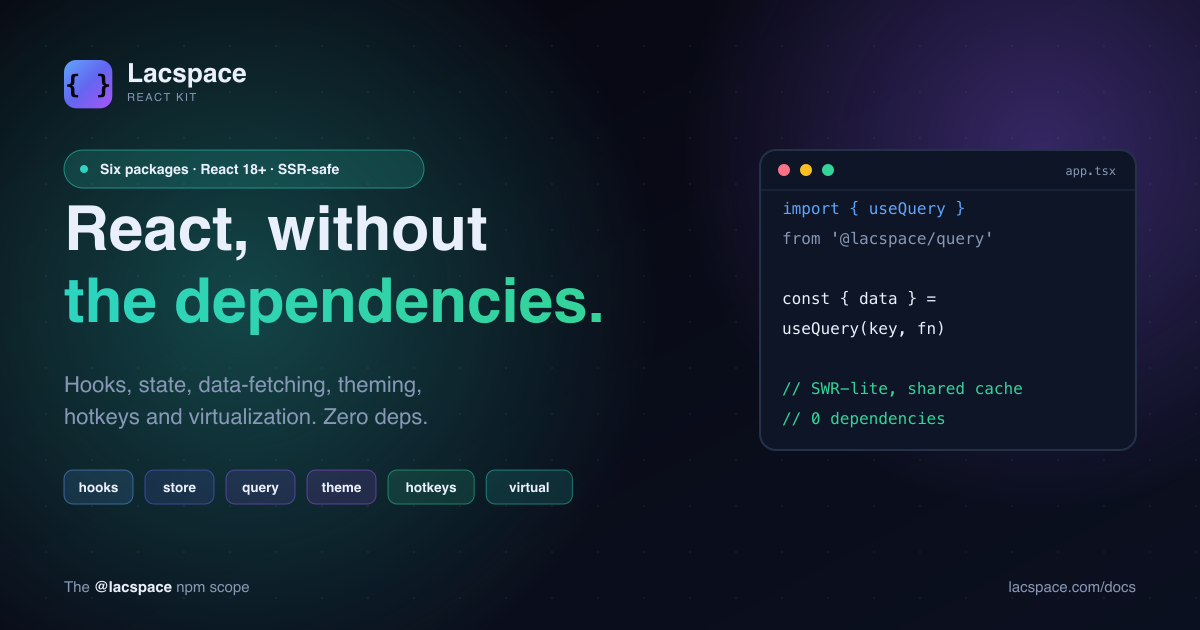
@lacspace/store and @lacspace/query are the two right tools, kept deliberately small.
@lacspace/store — client state
If you've used Zustand, you already know this API. Define a store with create, read it with a selector, and only re-render when the slice you selected changes.
import { create } from "@lacspace/store";

const useCart = create((set, get) => ({
  items: [],
  add: (item) => set((s) => ({ items: [...s.items, item] })),
  clear: () => set({ items: [] }),
  get count() { return get().items.length; },
}));

// in a component — re-renders only when items.length changes
const count = useCart((s) => s.items.length);
It's built on React's useSyncExternalStore, ships a shallow equality helper for object selectors, and a persist middleware that syncs a store to localStorage:
import { persist } from "@lacspace/store";

const useSettings = create(persist(
  (set) => ({ compact: false, toggle: () => set((s) => ({ compact: !s.compact })) }),
  { name: "settings" }
));
@lacspace/query — server state
Server data isn't really "state" — it's a cache of something that lives elsewhere. useQuery treats it that way: a keyed, shared cache with loading and error flags, deduped requests, and revalidation.
import { useQuery, useMutation } from "@lacspace/query";

function Profile() {
  const { data, isLoading, error } = useQuery("me", () => fetch("/api/me").then(r => r.json()));

  const save = useMutation((patch) => fetch("/api/me", { method: "PATCH", body: JSON.stringify(patch) }), {
    onSuccess: () => mutate("me"), // revalidate the cached query
  });

  if (isLoading) return <Spinner />;
  return <Form user={data} />;
}
The cache is a module-level map with a pub/sub, so two components asking for the same key share one request and one result. You get mutate, prefetchQuery, getQueryData, setQueryData and clearQueryCache for the moments you need to reach in directly.
Why the split is the point
| Concern | Tool | Lives where |
|---|---|---|
| Cart, theme, UI toggles | @lacspace/store | Owned by your app |
| Current user, lists, metrics | @lacspace/query | A cache of the server |
Mixing the two — stuffing fetched data into a global store and hand-managing staleness — is the classic React foot-gun. Keeping them separate is what lets each API stay this small.
Try them
npm i @lacspace/store @lacspace/queryBoth are part of the Lacspace React Kit and come pre-wired into create-lacspace-app — the store powers the cart and nav, query drives the dashboard's live stats. Docs at lacspace.com/docs.
Frequently asked questions
What do @lacspace/store and @lacspace/query do?
store is a tiny global state manager (Zustand-lite) built on useSyncExternalStore, with selectors, shallow equality and a persist middleware. query is a data-fetching layer (SWR-lite) with useQuery/useMutation, a shared module-level cache, and revalidation. store handles client state; query handles server state.
Why two packages instead of one?
Because client state and server state are genuinely different problems. Client state (a cart, a theme, UI toggles) is owned by your app; server state (the current user, a list from an API) is a cache of something remote that can go stale. Keeping them separate keeps each API small and correct.
How do they compare to Zustand and SWR?
They cover the 90% you use daily — create()/selectors/persist for store, useQuery/useMutation/shared-cache for query — in a fraction of the size and with zero dependencies. If you need the full feature surface of the originals, use the originals; if you want the essentials without the weight, use these.
Are they SSR-safe?
Yes. Both use useSyncExternalStore with a server snapshot and never touch browser globals during render, so they work in the Next.js App Router without hydration issues.
Can I use one without the other?
Yes — they are independent packages. Install only what you need.