Starting a new web app is mostly the same fifty decisions every time. Dark mode. A header that collapses on mobile. A footer with the right links. SEO metadata, a sitemap, robots. A contact form that actually validates and resists spam. A component or two you copy from the last project. None of it is hard — but together it is an afternoon you spend before you write a single line of the thing you actually meant to build.
So we packaged that afternoon into one command:
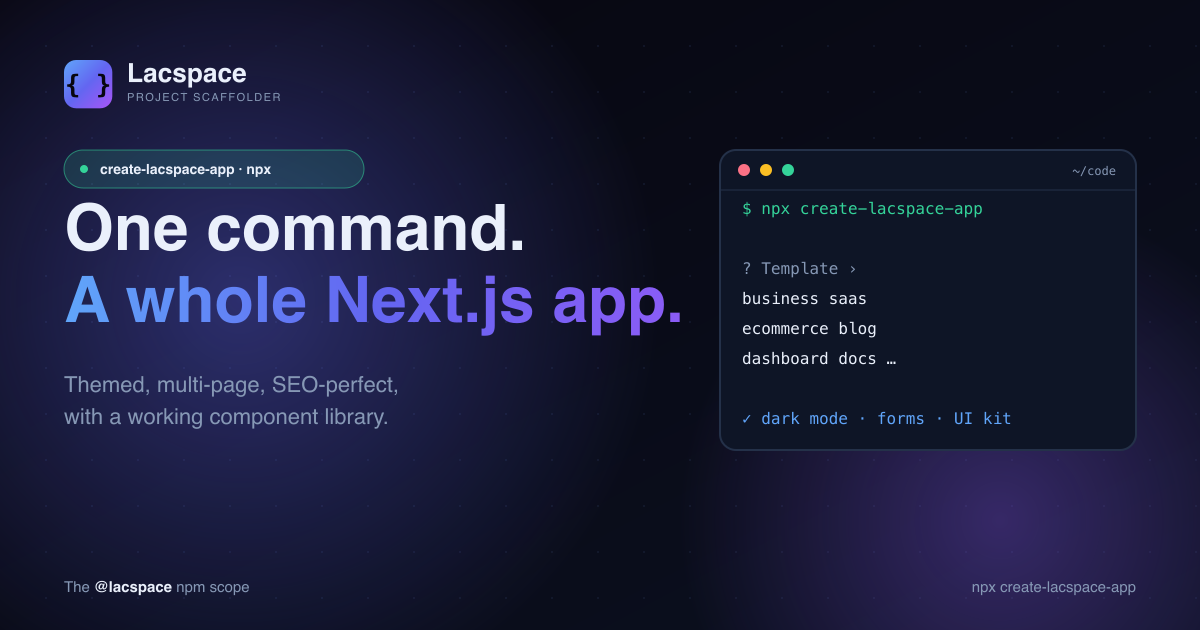
npx create-lacspace-appAnswer two prompts — a project name and a template — and you have a themed, multi-page, SEO-perfect Next.js 15 app running locally. Not a hello-world. A product.
Six templates, all production-ready
The template you pick decides the pages, the copy and the hero — but every one is a finished starting point, not a stub.
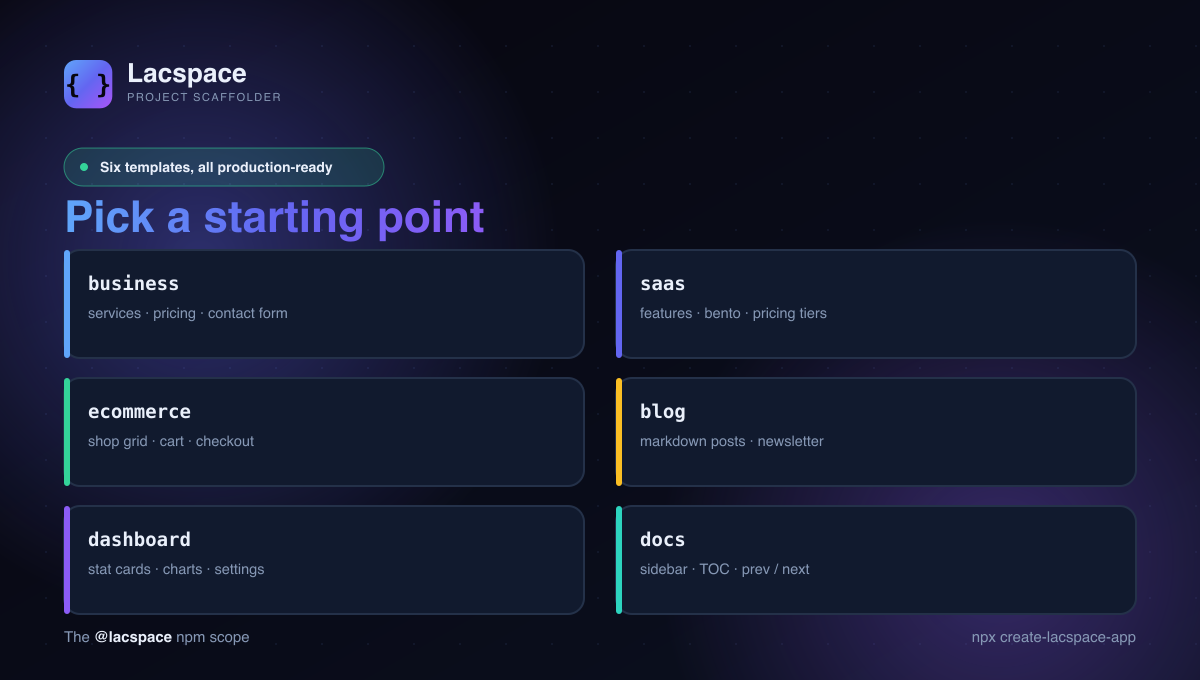
- business — services, pricing, and a working contact form.
- saas — features with a bento showcase, pricing tiers, and a hero.
- ecommerce — a product grid, a cart with a live badge, and checkout.
- blog — a real markdown blog (content files → static pages) plus a newsletter signup.
- dashboard — stat cards, an animated area chart, and a settings panel.
- docs — a sidebar, on-this-page TOC, and prev / next navigation.
What you get out of the box
Regardless of template, the generated app comes wired with the things you would otherwise bolt on by hand:
- Dark / light / system theme with no flash of the wrong theme, powered by @lacspace/theme.
- An auto-generated footer that lists every real page — and pages with no content yet render a tasteful "under development" panel instead of a 404.
- A real component library in
components/ui/: section headers, stat cards, feature cards, testimonials, a steps block, a CTA band, a bento grid, a dependency-free animated area chart, and a spam-protected newsletter block. - Working forms — the contact and newsletter forms use React Server Actions with a honeypot and a submit-timing check, built on
@lacspace/form. - SEO by default — metadata, Open Graph, a sitemap and robots, plus an optional CI gate that crawls the built site and fails the build below an SEO grade.
State and data, already wired
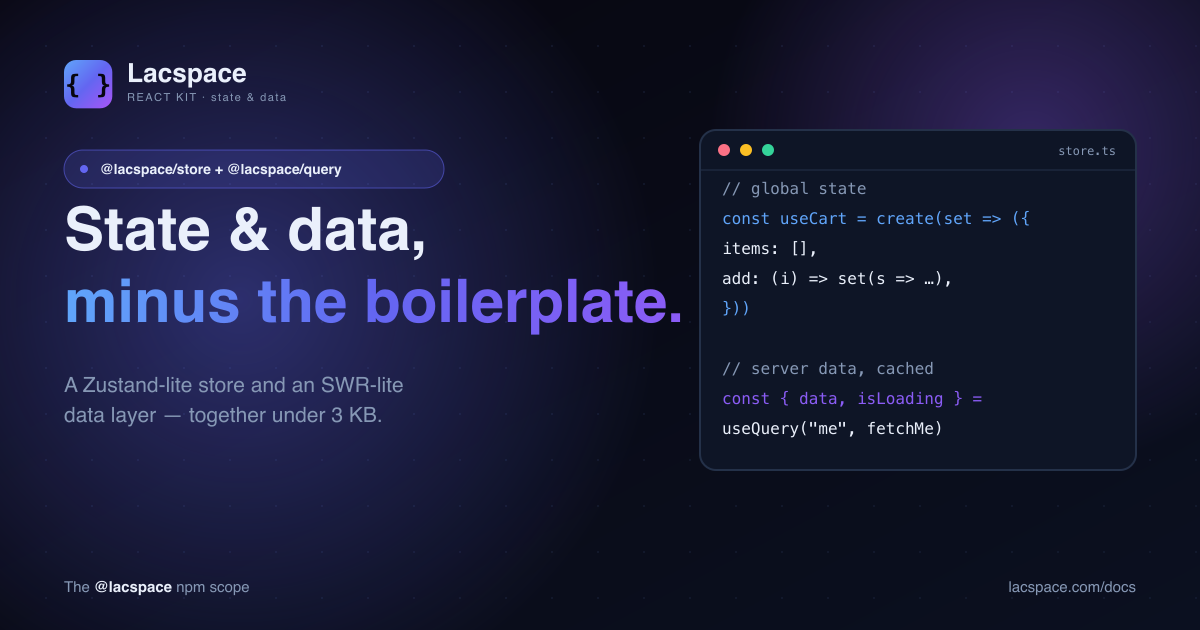
Client state and server data are the two things every app needs and every starter skips. This one includes both, pre-wired: a Zustand-lite store from @lacspace/store powers the mobile nav, the announcement bar and the ecommerce cart; an SWR-lite layer from @lacspace/query drives the dashboard's live stats.
// the cart "just works" across the app — persisted to localStorage
const useCart = create((set) => ({
  items: [],
  add: (item) => set((s) => ({ items: [...s.items, item] })),
}));
Designed, not just generated
Generated code usually looks generated. We spent the effort so it does not: each template ships an animated aurora backdrop, a hero built from the platform's own name, and reduced-motion-safe keyframe animations. The welcome page has a "Built with" section that credits the exact packages under the hood. It reads like something a careful developer built on a good day — because the careful part is done for you.
Get started
npx create-lacspace-app my-app
cd my-app
npm run dev
That is the whole ceremony. From there it is a normal Next.js app — edit, deploy to Vercel, keep going. Everything is standard App Router; nothing is locked in.
The scaffolder is part of the wider @lacspace ecosystem — around sixty zero-dependency TypeScript packages — and every package it pulls in is documented in the Lacspace Developer Handbook. Browse them all at lacspace.com/packages.
Frequently asked questions
What is create-lacspace-app?
It is a command-line scaffolder that generates a complete, production-ready Next.js 15 (App Router) application. Run `npx create-lacspace-app`, pick a template, and you get a themed, multi-page site with dark mode, working forms, an SEO setup and a real component library — no configuration required.
Which templates are available?
Six: business, saas, ecommerce, blog, dashboard and docs. Each ships template-appropriate pages with real, pre-written content — a working contact form on business, a cart on ecommerce, a markdown blog, a charting dashboard, and a sidebar docs site.
Do I need to install anything else?
No. It uses your existing package manager (npm/pnpm/yarn/bun) and the generated app depends only on Next.js, React and a handful of zero-dependency @lacspace packages. Everything — theming, forms, UI kit — is wired up out of the box.
Is it free to use commercially?
Yes. The scaffolder and every @lacspace package it uses are published under the Lacspace Free Licence (MIT-equivalent freedoms), so you can ship the generated app in personal and commercial projects.
How is this different from create-next-app?
create-next-app gives you an empty canvas. create-lacspace-app gives you a designed, multi-page product: theme toggle with no flash, an announcement bar, an auto-generated footer, a component library (stat cards, bento, charts, testimonials, CTA bands), real forms with spam protection, and pages that show a tasteful "under development" state instead of a 404.