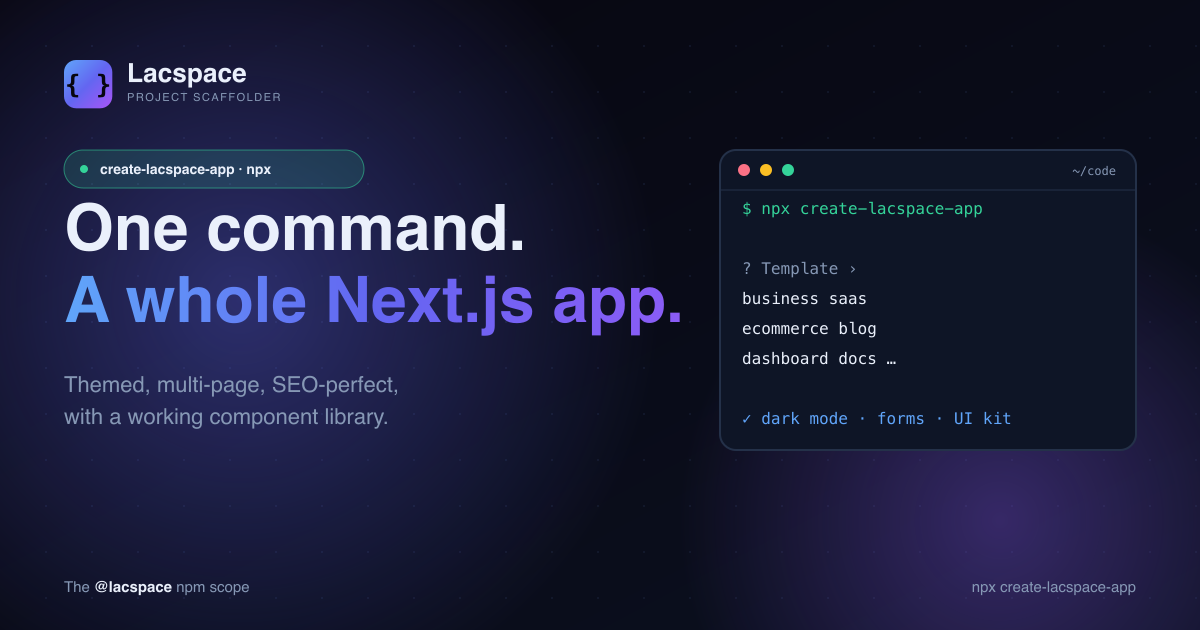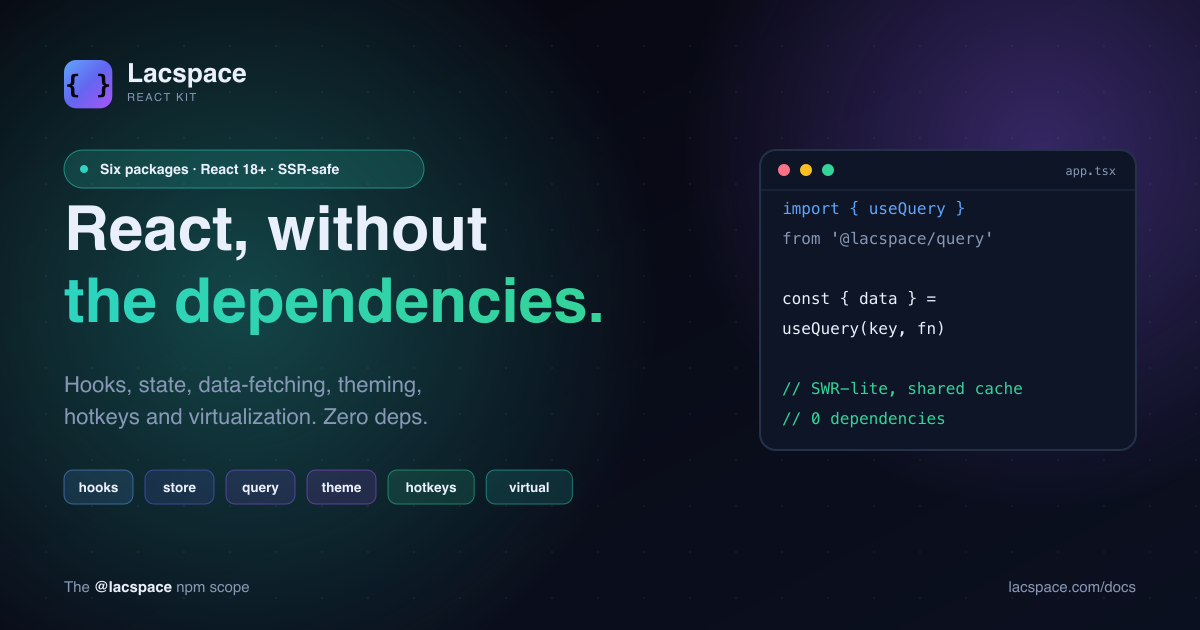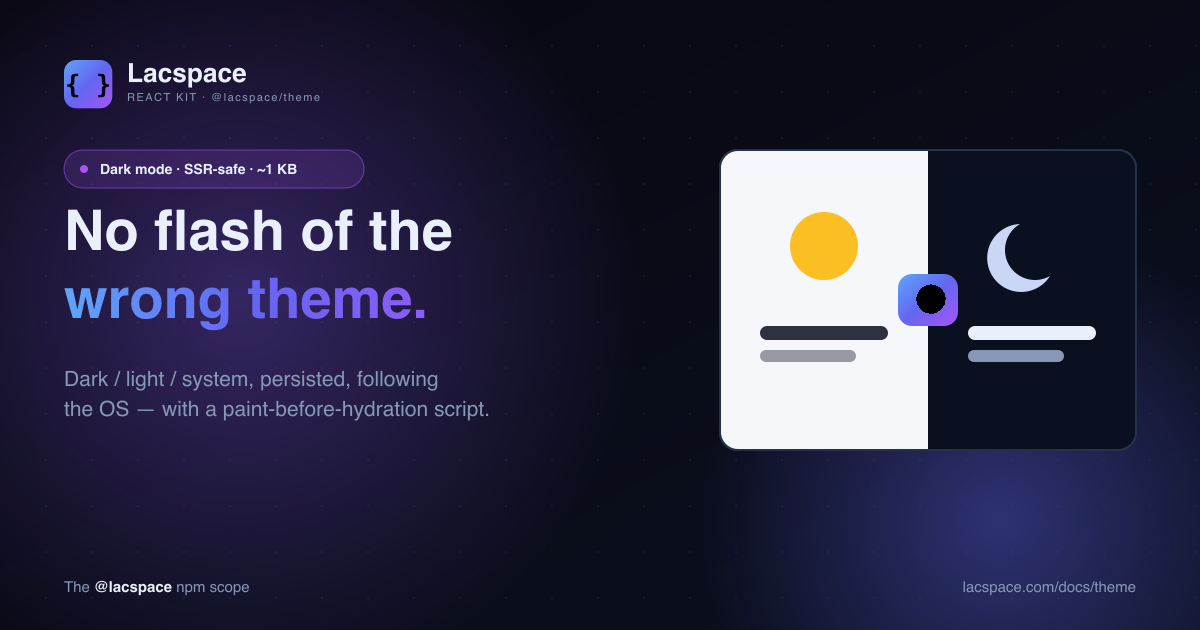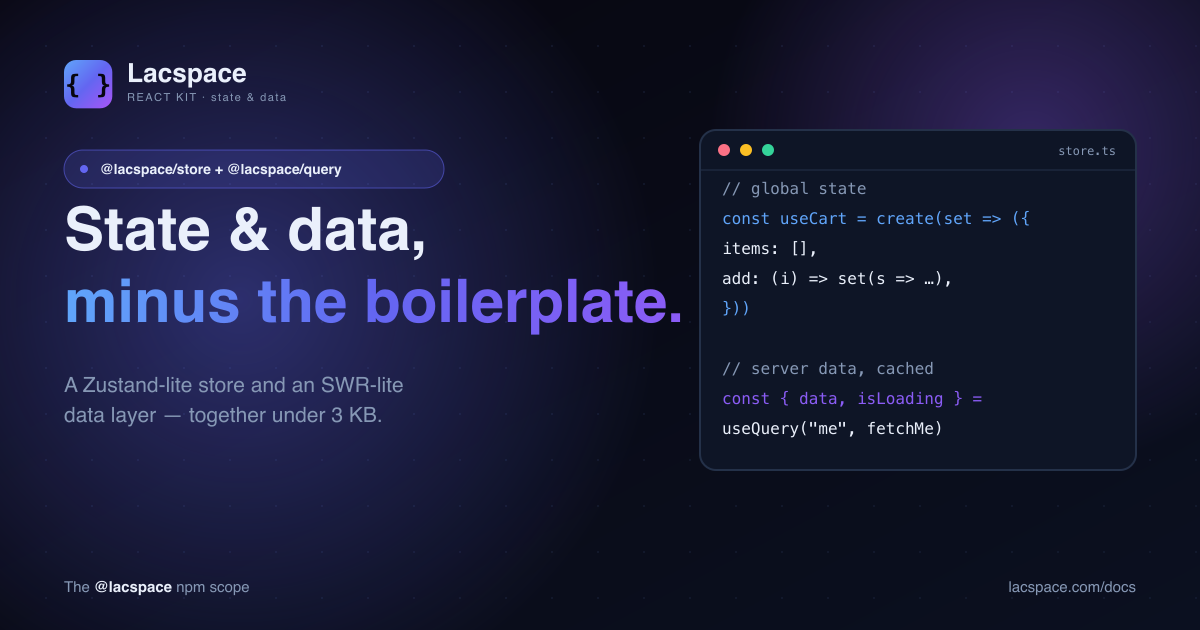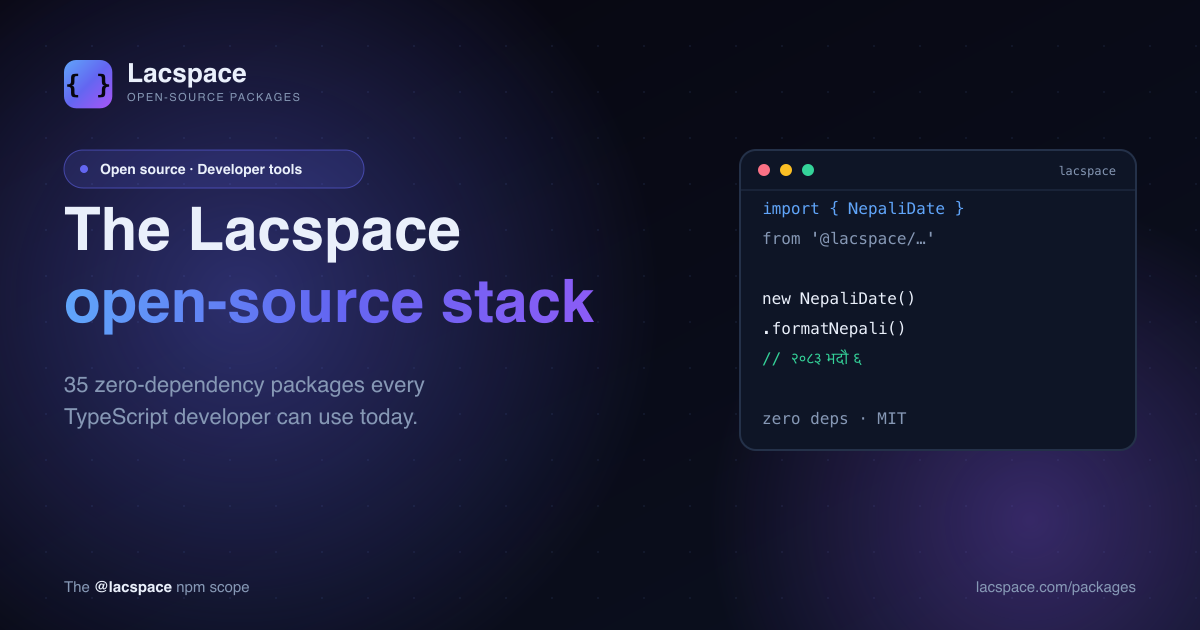
We build a lot of software at Lacspace — websites, dashboards, a trading simulator, billing apps, backends. Along the way we kept writing the same small utilities: encrypt a field before it hits the database, verify a one-time code, build a sitemap, format a Bikram Sambat date. So we cleaned them up, made them dependency-free, and published them. Today there are 35 open-source packages under the @lacspace scope on npm.
One scope, seven toolkits
Rather than one giant framework, the packages are grouped into small, focused toolkits. Pick the one function you need; ignore the rest.
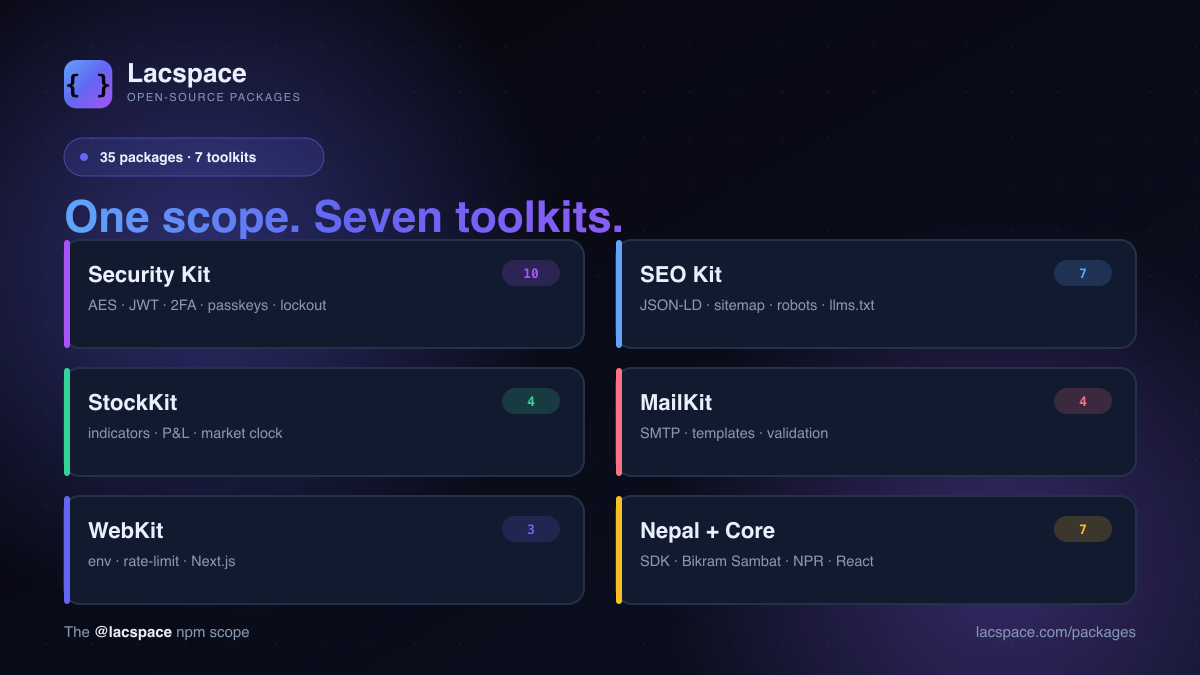
- Security Kit — AES-256-GCM encryption, password hashing, JWT, API keys, 2FA (TOTP), passkeys (WebAuthn), MFA orchestration, account lockout, secure headers and log redaction.
- SEO Kit — typed JSON-LD,
sitemap.xml,robots.txt,llms.txt, search-engine verification, RSS/Atom feeds and slug generation. - StockKit — streaming technical indicators, a P&L and brokerage-charges toolkit, a market clock, and a headless paper-trading engine (the core behind StockYatra).
- MailKit — a zero-dependency SMTP client, a responsive HTML email builder, address validation and deliverability checks.
- WebKit — typed environment variables, rate limiting and a Next.js App Router integration.
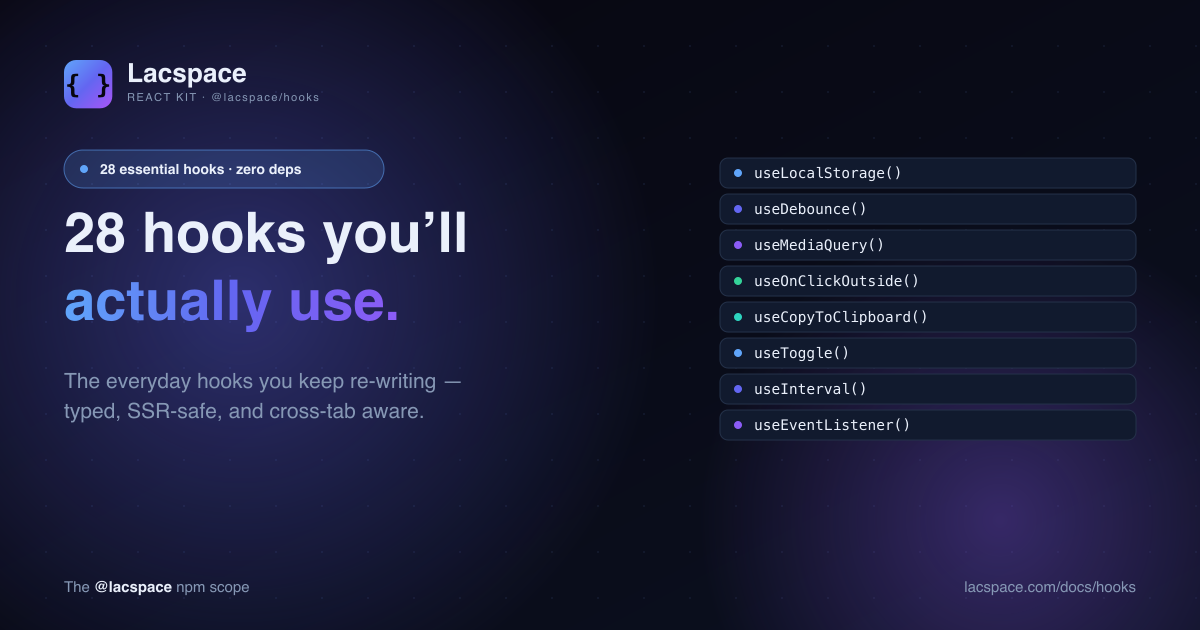
- Nepal + Core — Bikram Sambat dates, NPR/Devanagari helpers, React hooks and the Lacspace platform SDK.
Built the way libraries should be
Every package follows the same four rules — the standards we hold our own products to, applied to the tools we give away.
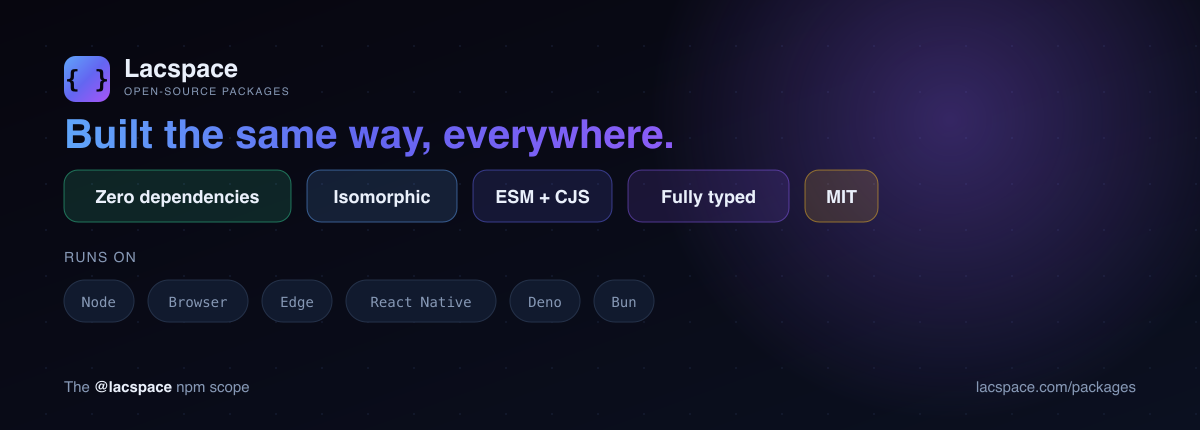
- Zero runtime dependencies. Tiny installs, a clean supply chain, nothing to audit but us.
- Isomorphic. One codebase for server, browser, edge and native — no polyfills, no environment branching.
- Typed & dual-format. Full
.d.tsdefinitions, shipped as both ESM and CommonJS with a properexportsmap. - Free & permissive (Lacspace Free Licence). Use them anywhere, commercial or not.
Thirty seconds to your first call
There is no config file to write and no interactive setup. Install, import, go:
npm install @lacspace/sdk
# or: pnpm add / yarn add / bun add @lacspace/sdk
import { NepaliDate } from "@lacspace/nepali-date";
import { formatNPR } from "@lacspace/nepali-utils";
new NepaliDate().formatNepali(); // "२०८३ भदौ ६, शनिबार"
formatNPR(1234567.5); // "Rs. 12,34,567.50"Small on purpose — powerful together
The packages are deliberately small, because the real power shows up when you compose them. A secure login, for instance, is just four tiny functions from four packages:
import { verify } from "@lacspace/password";
import { verifyTotp } from "@lacspace/otp";
import { sign } from "@lacspace/jwt";
import { lockout } from "@lacspace/lock";

const guard = lockout({ maxAttempts: 5 });

if ((await guard.check(email)).locked) throw new Error("Too many attempts");
const okPw  = await verify(password, user.passwordHash);
const ok2fa = okPw && (await verifyTotp(code, user.totpSecret)) !== null;
if (!ok2fa) { await guard.record(email); throw new Error("Invalid credentials"); }
await guard.reset(email);
return sign({ sub: user.id }, process.env.JWT_SECRET, { expiresIn: 3600 });
Who it's for
If you write TypeScript — a solo indie hacker, a startup team, or an enterprise backend — there is almost certainly one function here that saves you an afternoon. You do not need to use the Lacspace platform to use most of these; the Nepal toolkit, the Security Kit and the SEO Kit are useful to anyone.
Explore the full catalogue on the packages page, read the per-package docs, and if there is a library you wish existed, open an issue and tell us. This is just the start.
Frequently asked questions
What are the Lacspace npm packages?
They are a family of 35 small, open-source TypeScript libraries published under the @lacspace scope on npm. They cover security, SEO, stock-market tooling, email, web/backend utilities, Nepal-specific helpers and the Lacspace platform SDK — the same libraries we use to build our own products, given away under the free Lacspace Free Licence.
Are they really zero-dependency?
Yes — there are no third-party runtime dependencies. A few packages build on another @lacspace package (for example the security packages use the platform Web Crypto, and @lacspace/password uses @lacspace/crypto), but nothing external gets pulled into your node_modules. That keeps installs tiny and your supply chain clean.
Where do they run?
Most are isomorphic — written against standard web APIs like fetch and Web Crypto — so the same code runs on Node 18+, in browsers, on edge runtimes and workers, and in React Native. A handful are server-only by nature (for example the SMTP mailer opens sockets); every README states its runtime.
Can I use them commercially?
Yes. Every package is published under the Lacspace Free Licence (MIT-equivalent freedoms), so you can use them in personal and commercial projects with no strings attached.
How do I install one?
Use your package manager of choice, e.g. npm install @lacspace/sdk (or pnpm/yarn/bun add). Every package ships full TypeScript types and is published as both ESM and CommonJS.
Where is the source code?
All 35 packages live in one open monorepo at github.com/lacspace/npm-packages under the Lacspace Free Licence. Issues and pull requests are welcome.