A package you can't figure out in two minutes may as well not exist. As the @lacspace ecosystem grew past sixty packages, a README per repo stopped being enough. Developers needed one place to answer three questions fast: what exists, which one do I want, and how do I use it.
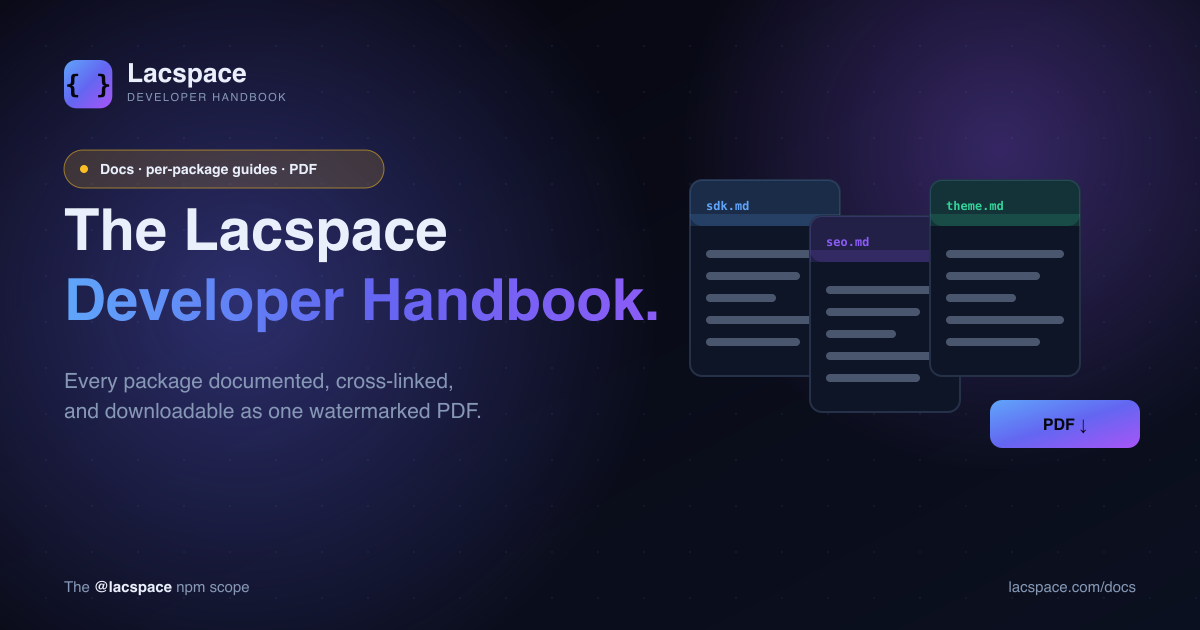
That place is the Lacspace Developer Handbook.
A hub at /docs
lacspace.com/docs is the front door: every package grouped into its kit — Security, SEO, Web, Backend, Data, Mail, Stock, and the React Kit — with a one-line description and a link into the detail. It mirrors how the packages are actually organized, so if you know the kit, you're one click from the library.
A guide for every package
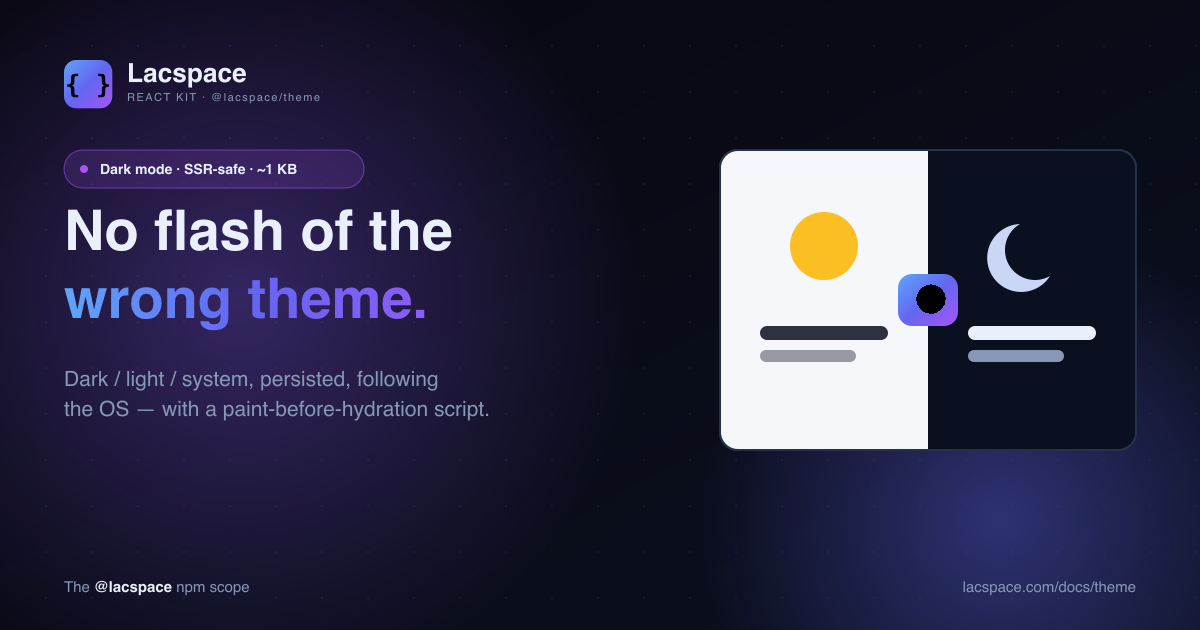
Each package gets its own page at /docs/[package]: install command, a quickstart, a full API reference, and — the part READMEs usually skip — when to use it, practical tips, and honest warnings about the edge cases. The page for @lacspace/theme tells you about suppressHydrationWarning; the page for @lacspace/hooks lists every signature.
"Which package for what"
The hardest question with a big toolkit isn't how to use a package — it's knowing which one to reach for. The handbook includes a decision guide that maps a task ("hash a password", "build a sitemap", "add dark mode", "cache server data") to the exact package that does it. It's the map you want on day one.
A PDF you can keep
Here's the surprising part. The entire handbook is downloadable as a single, watermarked, logo-embedded PDF at /docs/pdf — and every package page has its own PDF at /docs/[package]/pdf. It's generated by a dependency-free, raw-PDF engine we originally built for the Lacspace legal documents: no headless browser, no heavyweight library, just bytes. That means the PDF is always in sync with the live catalog, and it costs almost nothing to produce.
One catalog feeds everything: the docs hub, the per-package pages, the "which package for what" guide, the OG images, and the PDF. Write it once, and it flows everywhere.
And it ships in your own projects
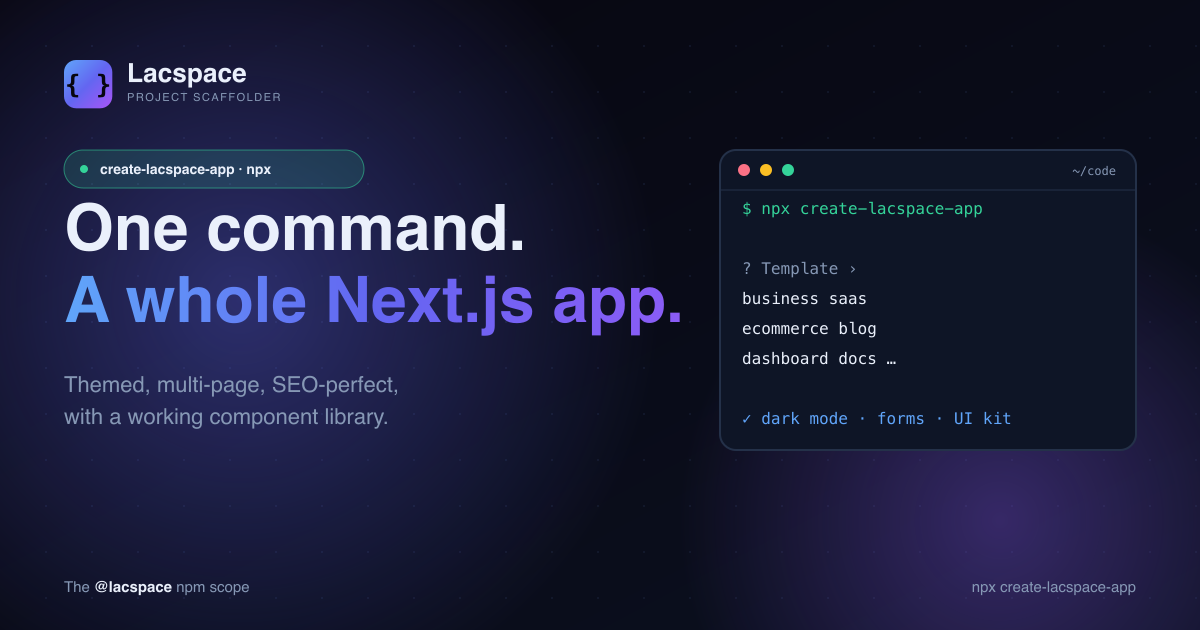
The docs template in create-lacspace-app is a real markdown documentation site — sidebar, on-this-page TOC, prev / next navigation — so you can stand up the same kind of handbook for your own product in one command.
Start reading
Browse the hub at lacspace.com/docs, grab the PDF handbook, or jump straight to the package catalog. Everything is free to read, and most of it is free to ship.
Frequently asked questions
What is the Lacspace Developer Handbook?
It is the documentation system for the @lacspace ecosystem: a hub at lacspace.com/docs, a dedicated guide page for each of the ~60 packages, a "which package for what" decision guide, and a downloadable PDF that bundles it all into one watermarked, logo-embedded document.
Where do I find it?
The hub is at lacspace.com/docs. Each package has its own page at lacspace.com/docs/[package], and the PDF is at lacspace.com/docs/pdf (with per-package PDFs at lacspace.com/docs/[package]/pdf).
Is the PDF generated automatically?
Yes. It is produced by a dependency-free, raw-PDF engine — the same engine behind the Lacspace legal document downloads — so the handbook stays in sync with the catalog without a heavy toolchain.
How many packages are documented?
Around sixty, grouped into kits — Security, SEO, Web, Backend, Data, Mail, Stock, the React Kit and more — each with install instructions, usage, an API reference, tips and warnings.
Is everything free?
The documentation is free to read, and most packages are free under the Lacspace Free Licence. A few products are commercial, client or private; each package page states its licence tier.