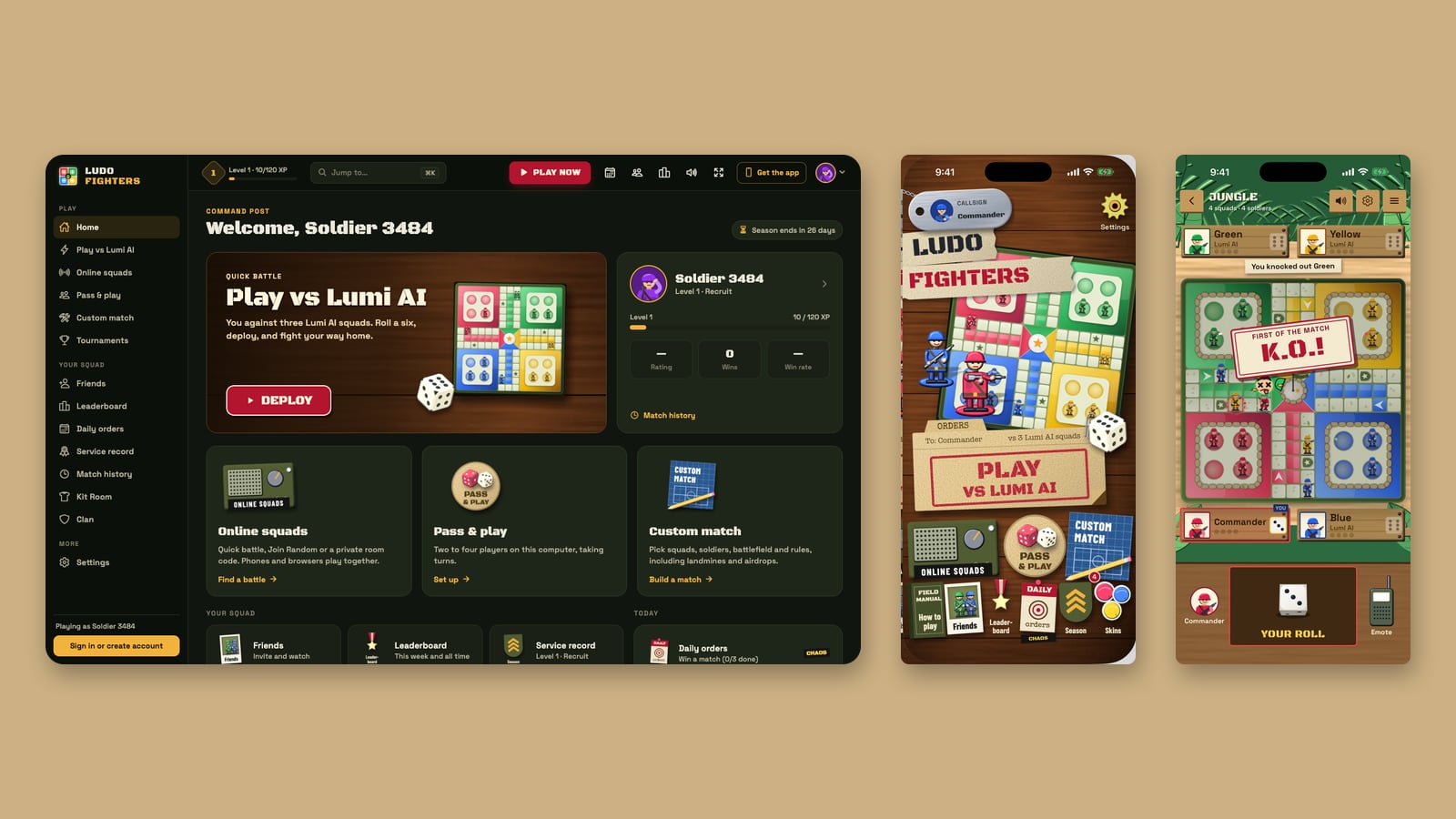
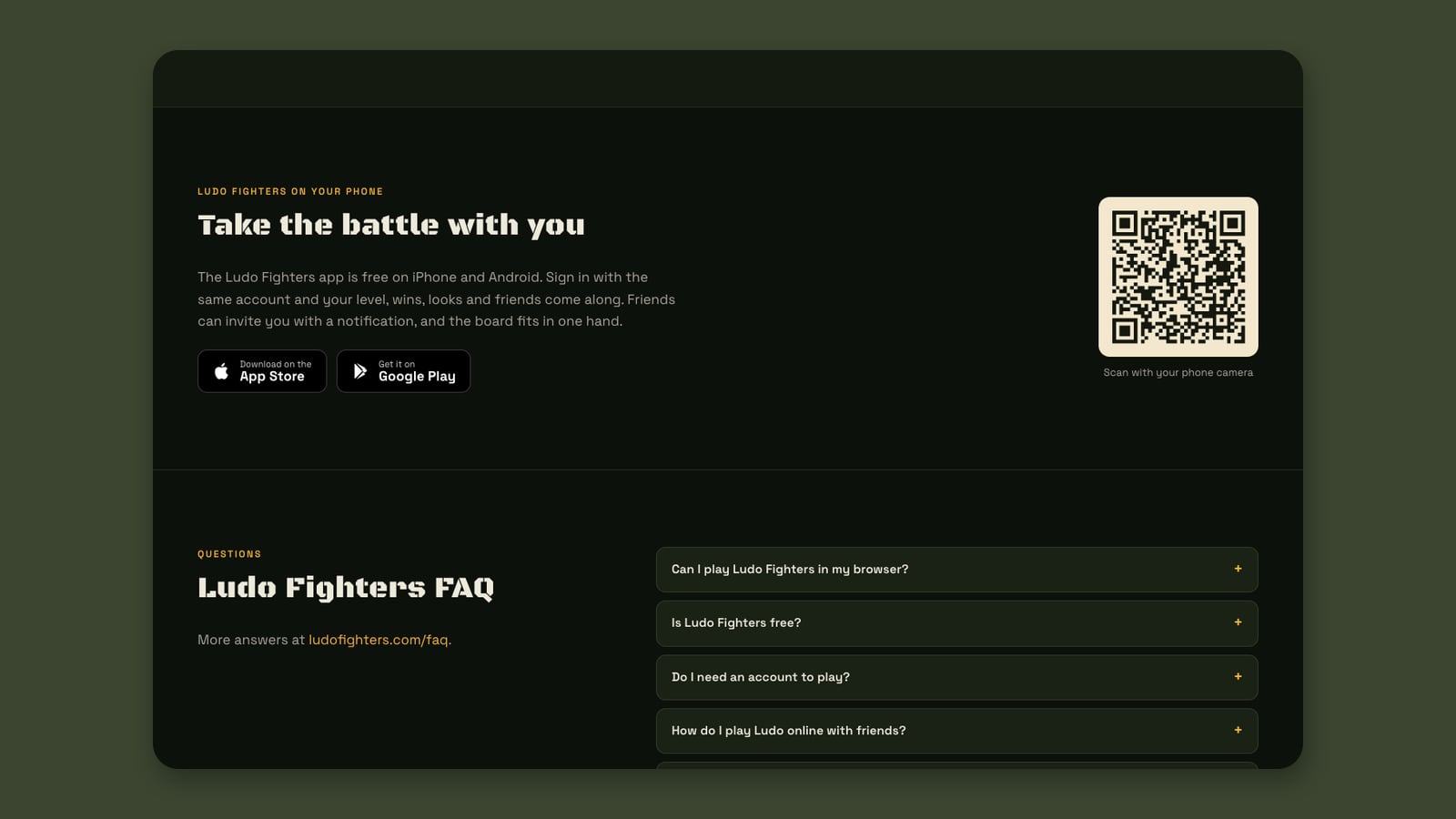
Your soldier is the same soldier wherever you play. Ludo Fighters: Battle Board is in the App Store for iPhone and iPad, on Google Play for Android, and now in the browser at play.ludofighters.com. All three use one account. Sign in on a laptop at lunch and on your phone at home, and your level, wins and Kit Room looks are waiting in both places.
Three ways in
| iPhone and iPad | Android | Browser | |
|---|---|---|---|
| Get it | App Store | Google Play | play.ludofighters.com |
| Price | Free | Free | Free |
| Install | From the store | From the store | None |
| Best on | Phones and tablets | Phones and tablets | Computers |
| Account | Shared | Shared | Shared |
There are no ads and nothing to buy in any of them. Kit Room looks such as soldier skins, dice and boards are earned by playing.
What carries over
An account is optional. You can play as a guest anywhere. Create one, with a password or an email code, and these follow you to every device:
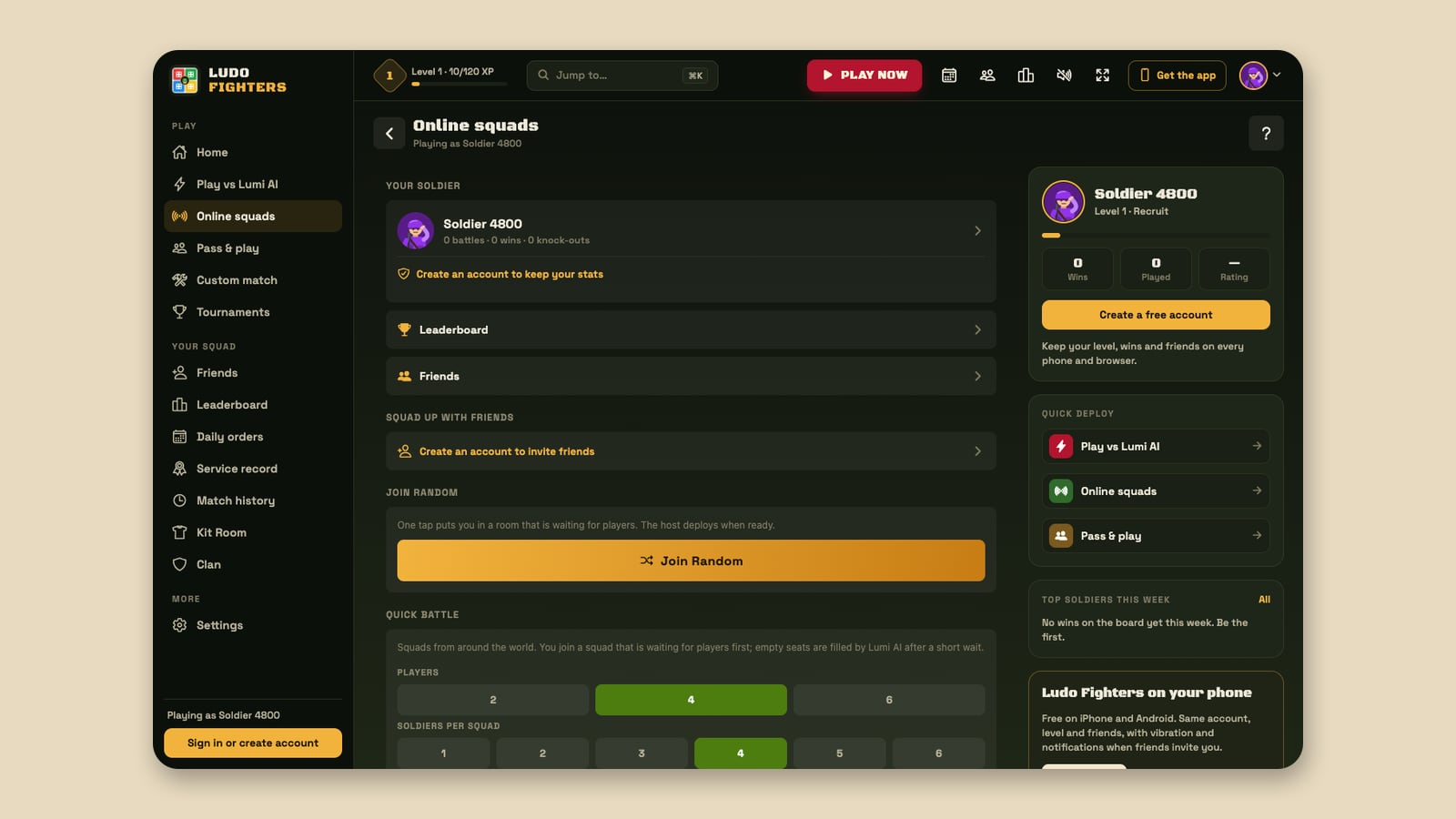
- Level and XP. The level badge in the browser’s top bar is the same number as in the app.
- Wins and your service record. Your battles, wins and rank.
- Kit Room looks. Every look you have earned, ready to wear on either screen.
- Friends. Your friends list, so you can invite them from wherever you are.
- Your place on the leaderboard. Phone and browser battles count towards the same Wins, Rating, Knockouts and Level boards.
One set of rooms
Online squads treats every player the same. A private room’s 6-character code or link works from the app and from the browser, so a friend on a laptop and a friend on a phone end up at the same board. Quick battle and Join Random draw from the same pool too. How online rooms work in the browser.
When to use the apps
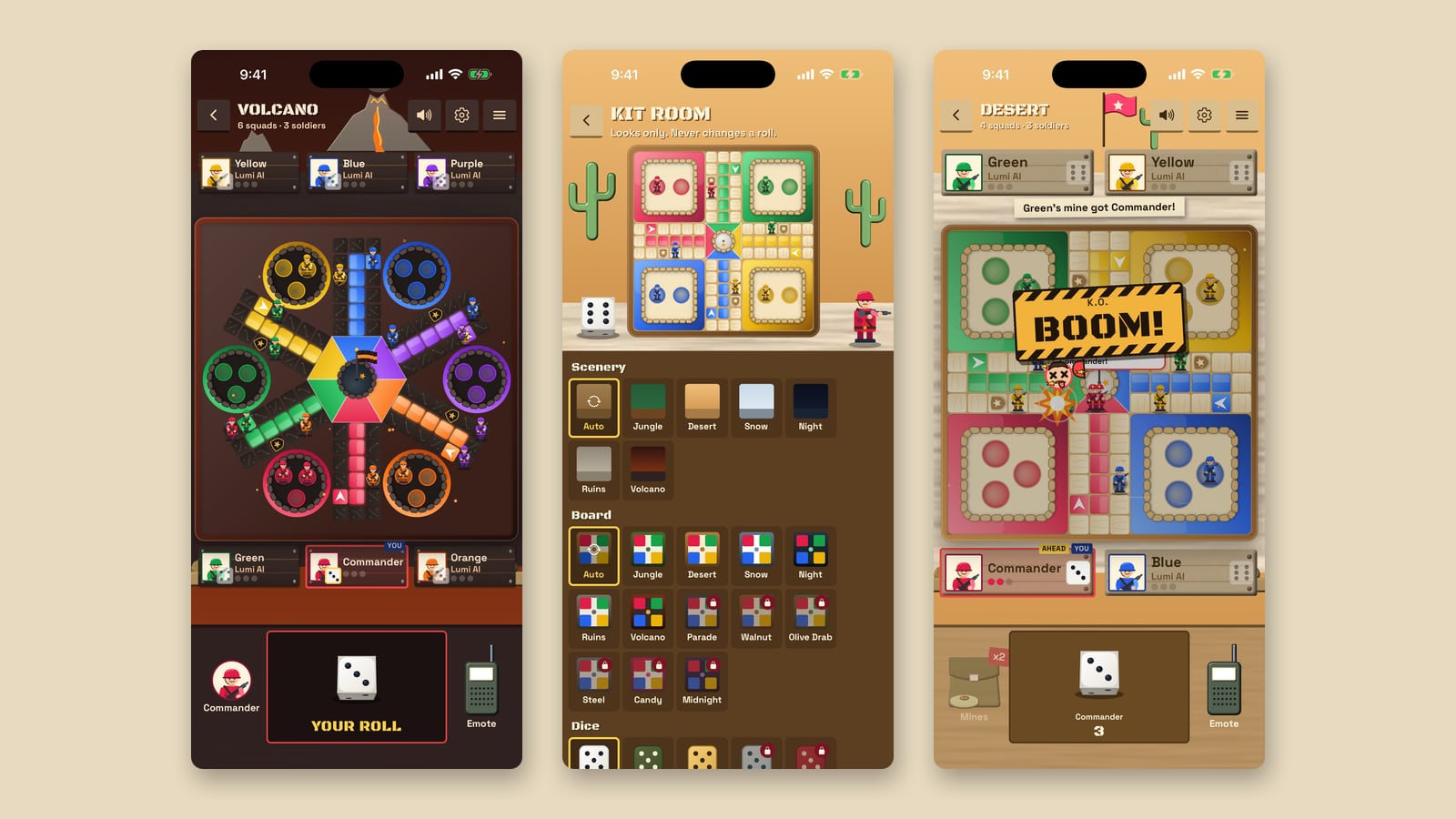
On a phone, we recommend the apps. They run smoother than a phone browser, the board is sized to fit in one hand, and they can do things a web page cannot do as well:
- Invites as notifications. A friend can call you into a battle and your phone tells you.
- Vibration. A buzz on the moments that matter.
- Your phone’s home screen. One tap to the war table.
When to use the browser
On a laptop or desktop, the browser is the quickest way to play: no install, a layout made for a big screen, keyboard shortcuts and a Jump to search. It is also handy on a computer you do not own, since there is nothing to install and you can play as a guest. Everything the desktop layout adds.
The same game in each
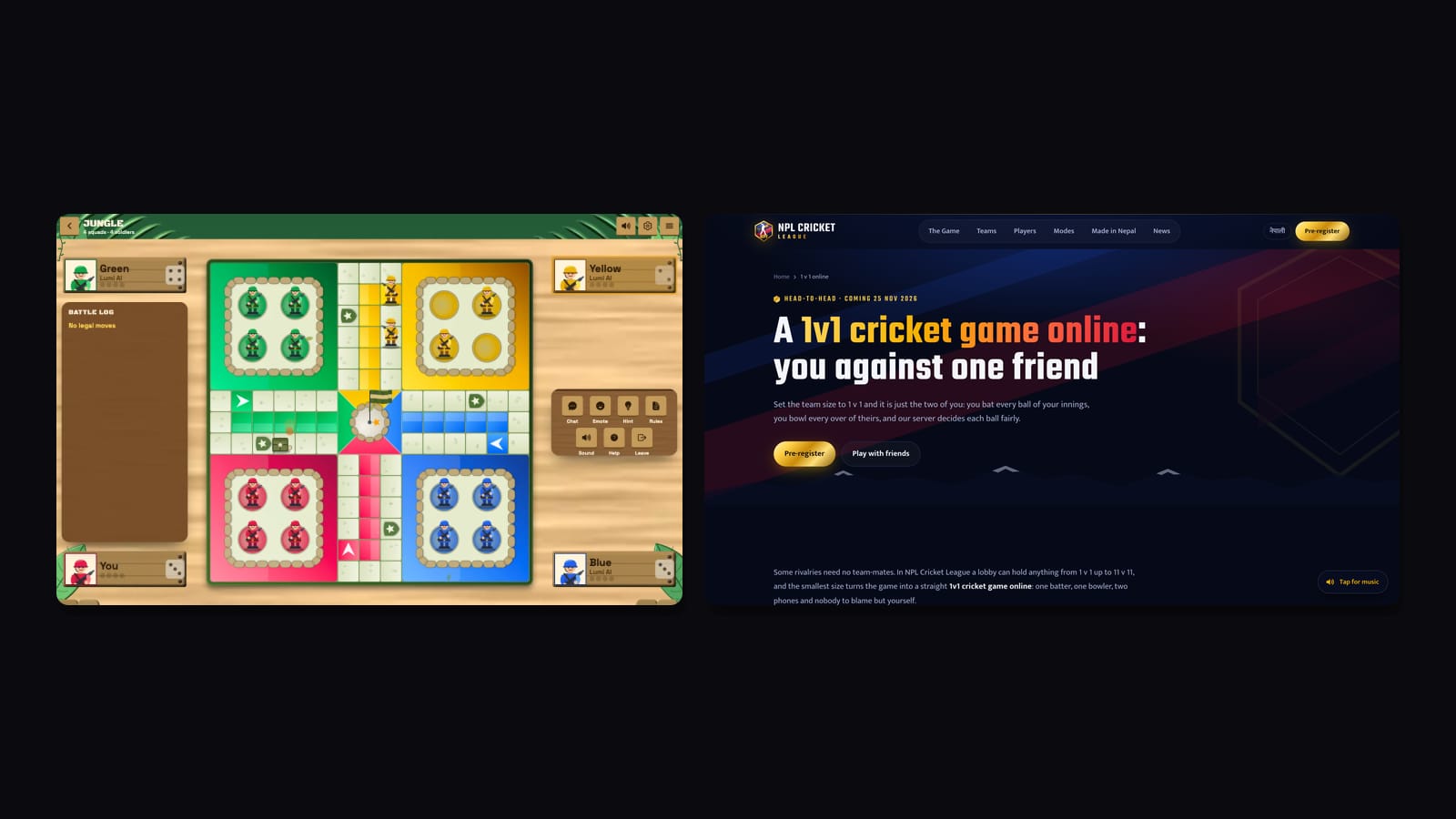
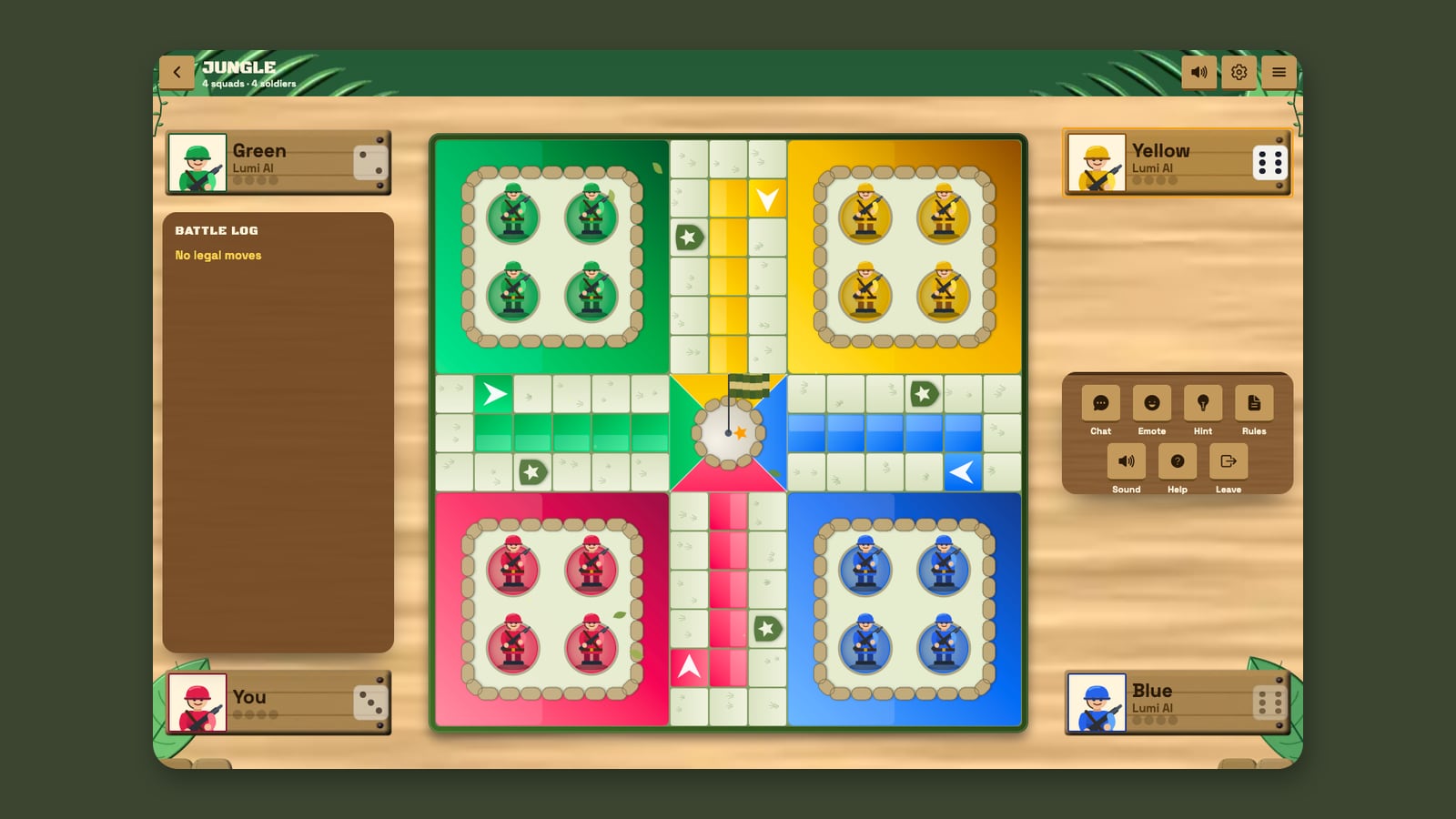
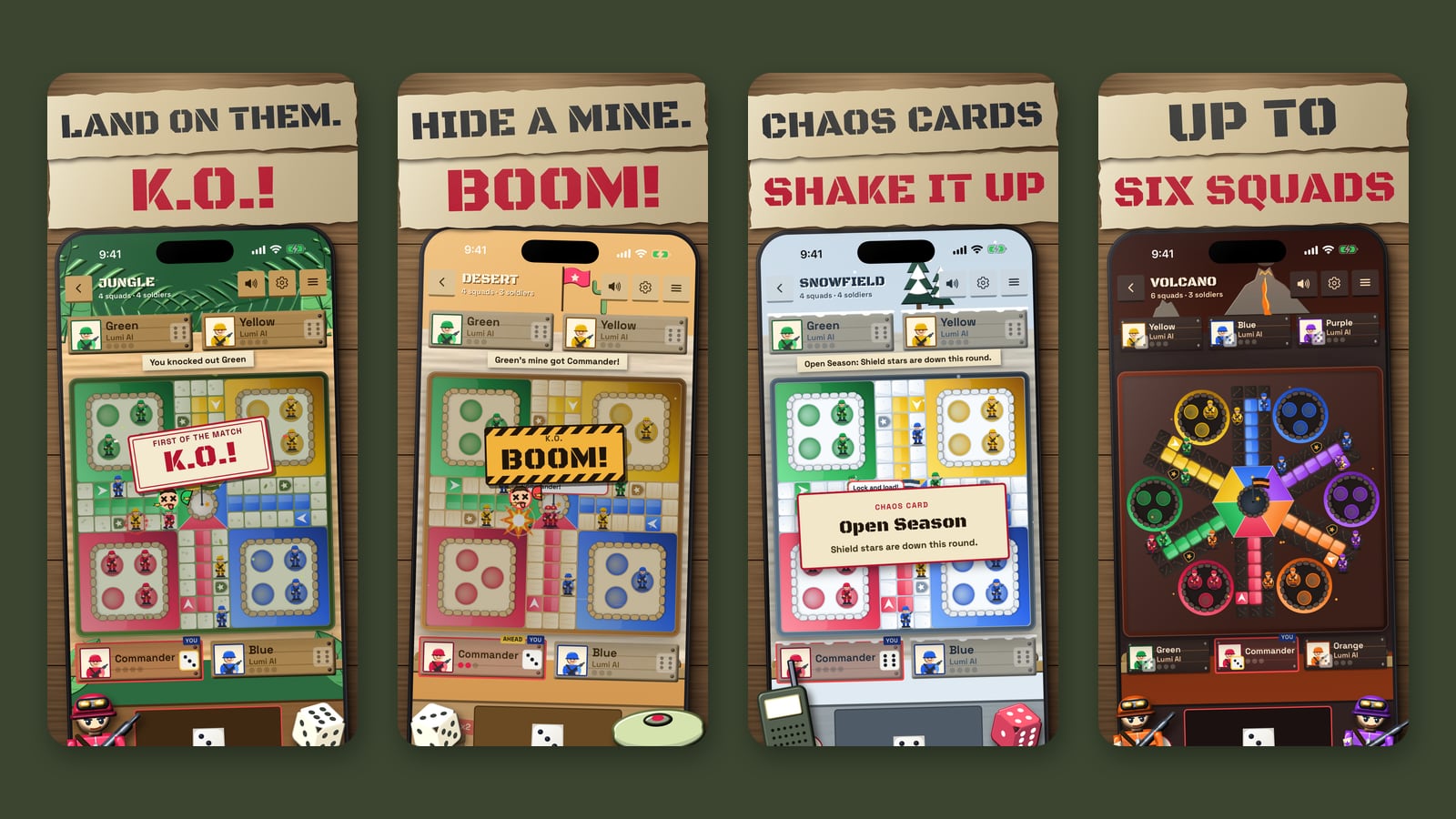
All three run the same game: classic Ludo rules, a cartoon fight on every capture, six battlefields, Lumi AI as the opponent, and optional extras such as landmines and airdrops. For the latest additions to the apps, read what’s new in version 1.1.0.
Keep reading: Ludo Fighters is now playable in your browser · Built for desktop: shortcuts, Jump to and the command post · What’s new in Ludo Fighters 1.1.0 · A parents’ guide to Ludo Fighters
Ludo Fighters: Battle Board is a game by LacNova Games, part of Lacspace Corporation Pvt Ltd. As of 14 November 2026 version 1.1.0 is live on Google Play and the App Store, and the browser version is live at play.ludofighters.com. The stores show the official age ratings on their pages. Combat in the game is cartoon only, with no blood. There are no real-money stakes in the game.
Frequently asked questions
Is my Ludo Fighters account the same on the app and the browser?
Yes. One account works in the iPhone app, the Android app and the browser at play.ludofighters.com. Your level, wins, Kit Room looks and friends carry over.
Where can I download Ludo Fighters?
Ludo Fighters: Battle Board is on the App Store for iPhone and iPad and on Google Play for Android. You can also play it in a browser at play.ludofighters.com without downloading anything.
Can I play with a friend who uses a different device?
Yes. Online rooms are shared by the apps and the browser. Send a private room’s code or link and your friend joins from either.
Should I use the app or the browser on my phone?
The app. It is smoother, fits the board to one hand, and adds invite notifications and vibration. The browser is best on a computer.
Do I need an account?
No. You can play as a guest. An account, set up with a password or an email code, is what carries your progress between devices.