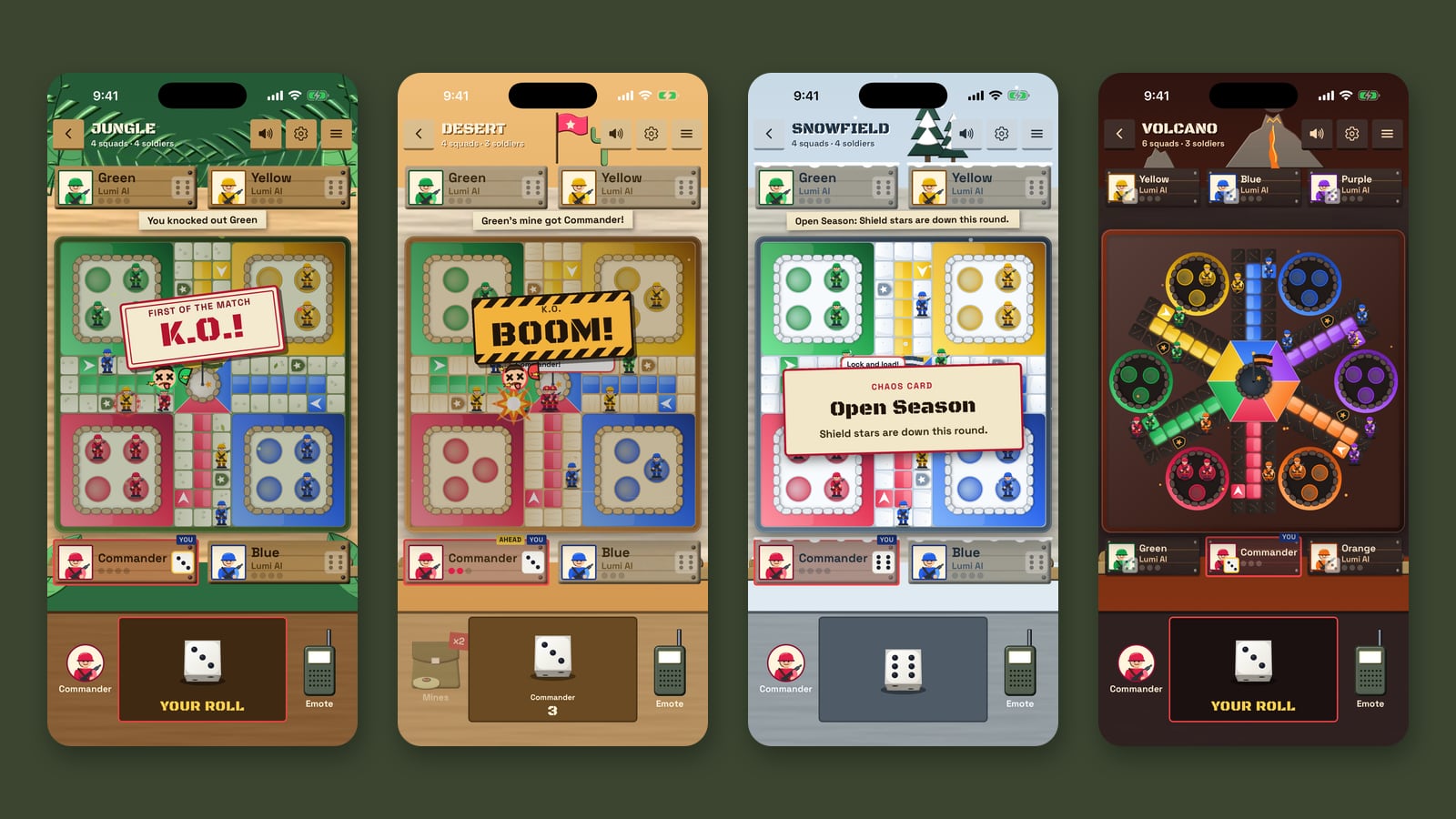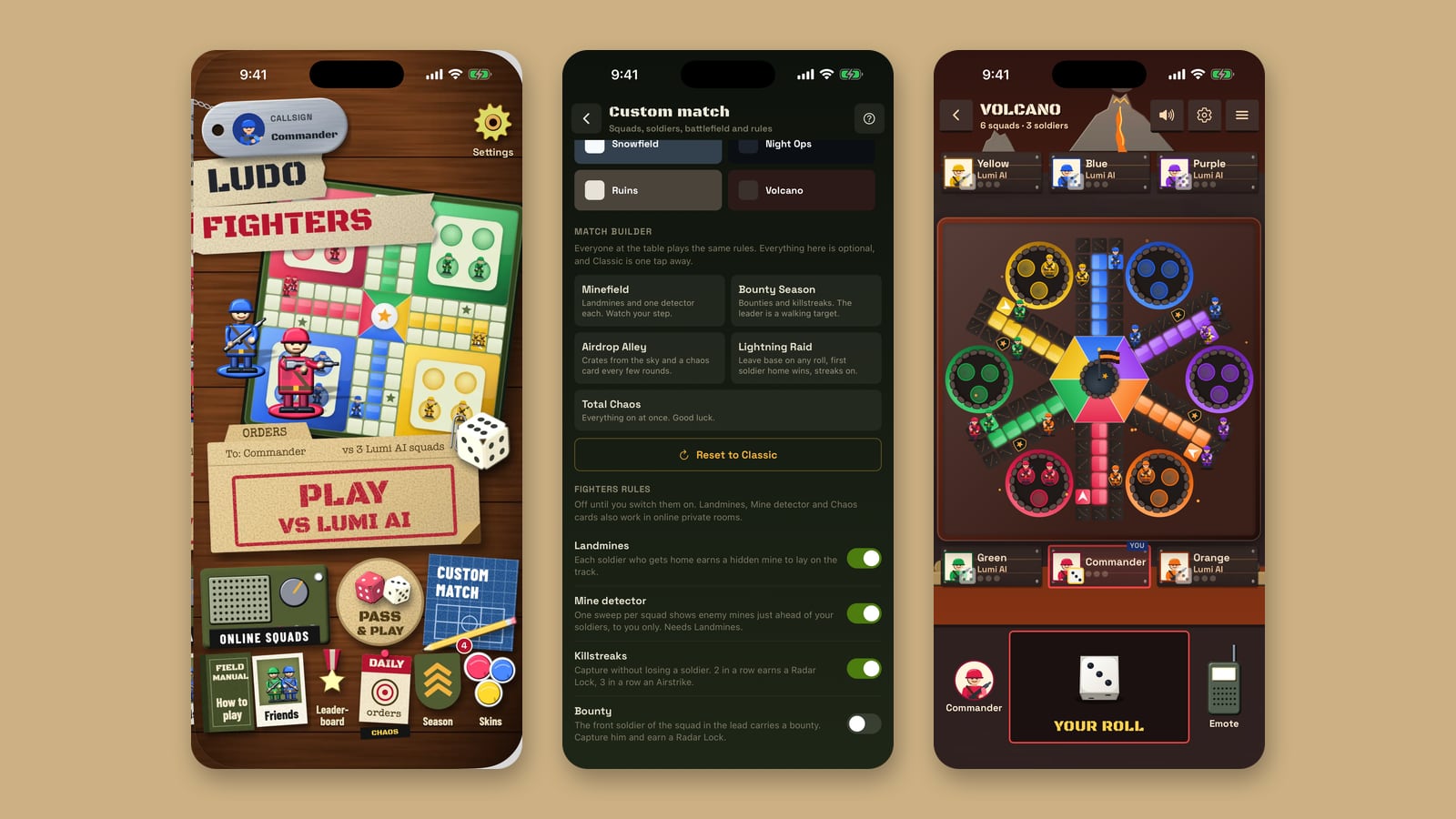
A phone game blown up to fill a monitor tends to feel like exactly that. When we brought Ludo Fighters: Battle Board to the browser at play.ludofighters.com, we laid it out again for a computer: a sidebar instead of a tab bar, a top bar that is always there, a search you open from the keyboard, and shortcuts on the board. This is a tour of those desktop parts. If you are new to the browser version, start with what it has and how to start.
The command post
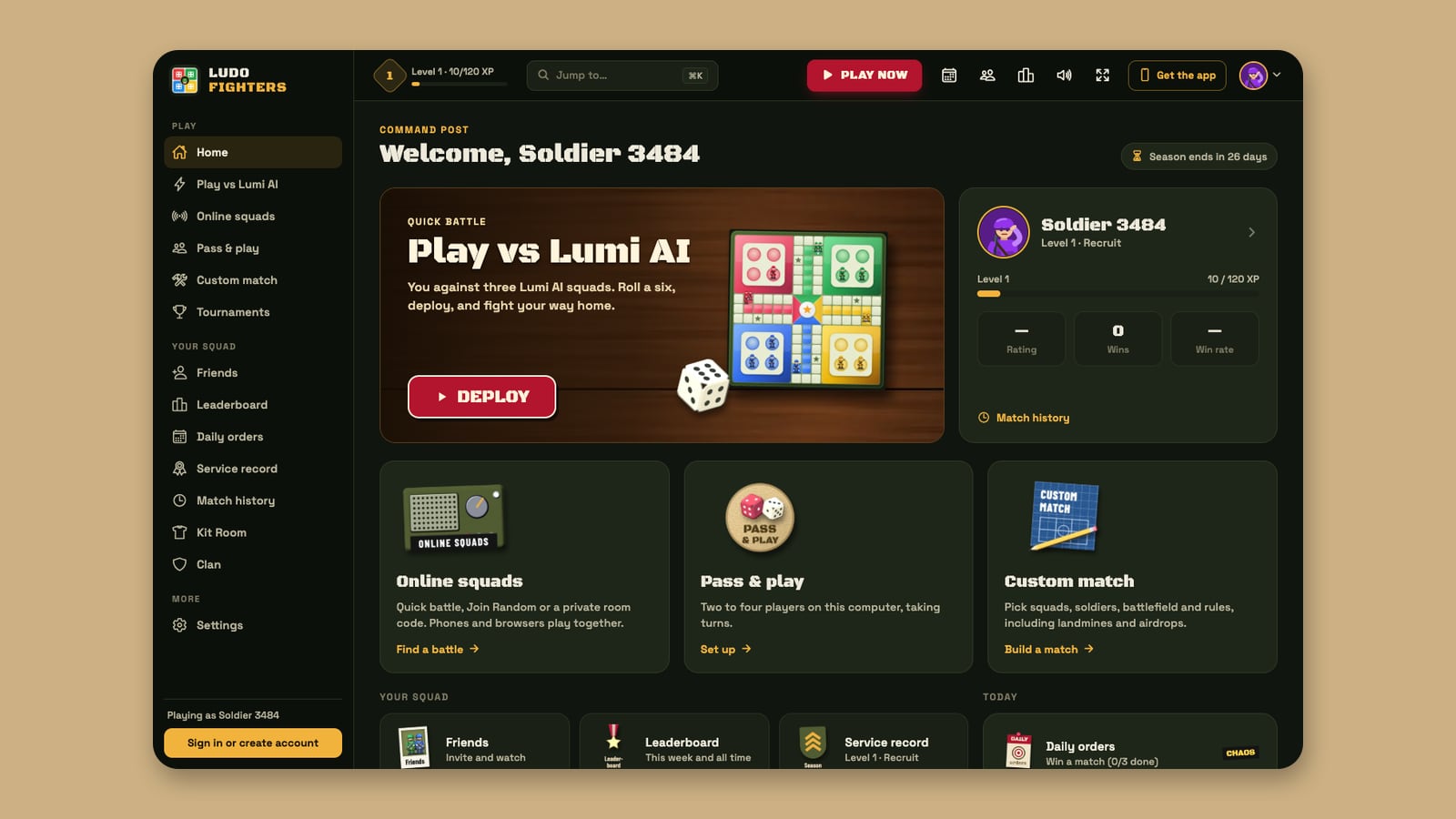
Home on a computer is the command post. The left sidebar groups everything into three sections: Play (Home, Play vs Lumi AI, Online squads, Pass & play, Custom match and Tournaments), Your squad (Friends, Leaderboard, Daily orders, Service record, Match history, Kit Room and Clan) and More (Settings). At the bottom it shows who you are playing as, with a button to sign in or create an account if you are a guest.
The main area leads with a quick battle against Lumi AI and a Deploy button, next to your profile card with your level, XP bar, rating, wins and win rate. Below sit the other modes, your squad, today’s daily orders, the season countdown and the Field manual.
The top bar
The bar along the top stays put on every screen outside a match:

| Part | What it does |
|---|---|
| Level badge | Your level and how far you are to the next one |
| Jump to | A search for every screen in the game, opened with Ctrl K (Command K on a Mac) |
| Play now | Straight into a battle against Lumi AI |
| Quick buttons | Daily orders, friends, the leaderboard, sound on and off, and full screen |
| Get the app | Links to the phone apps |
| Profile | Your soldier and account |
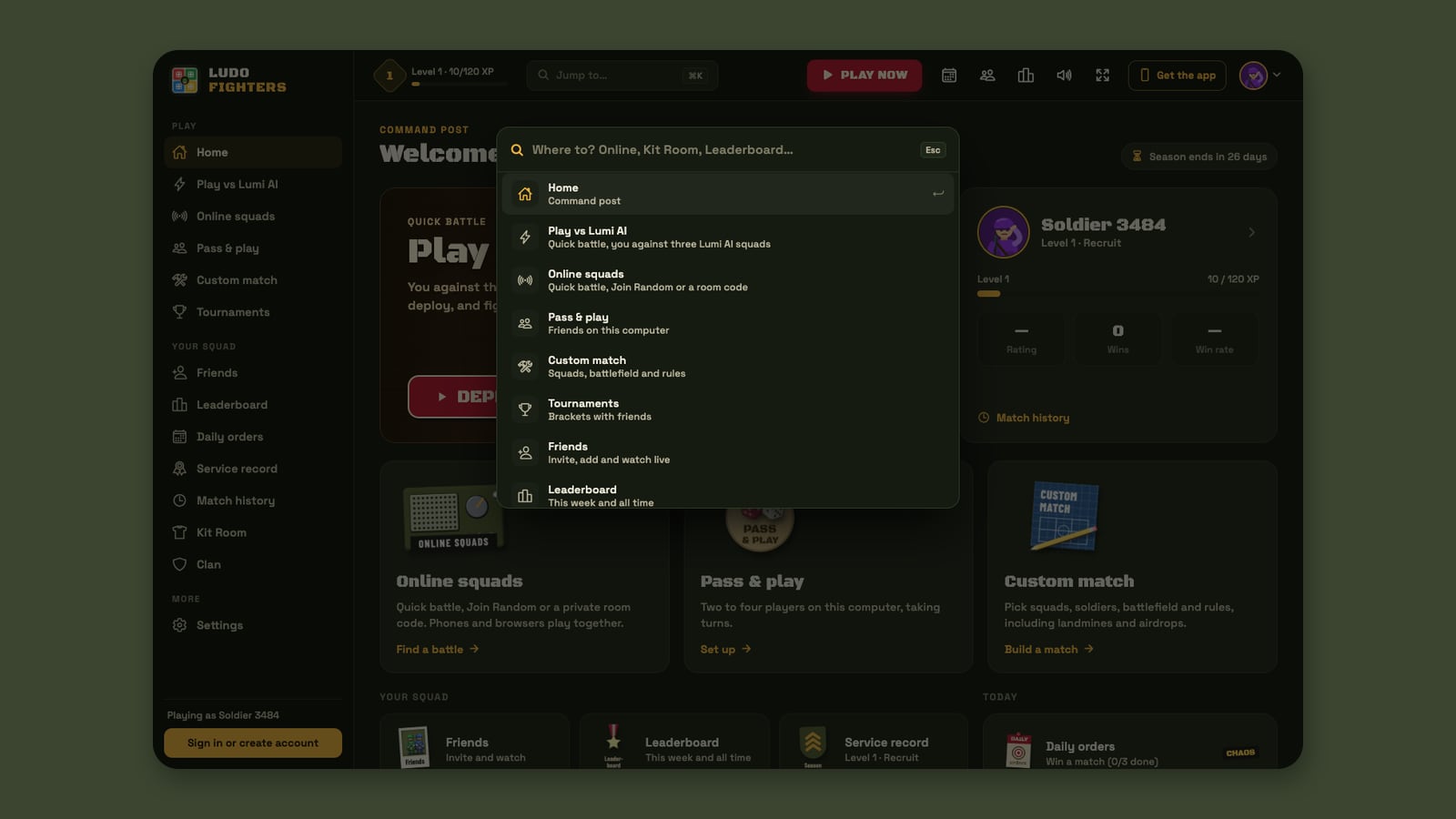
Jump to
Jump to is the fastest way around. Press Ctrl + K, or ⌘ + K on a Mac, start typing (Online, Kit Room, Leaderboard) and press Enter. Each result has a one-line description, so you can find Match history or Settings without remembering where they live. Esc closes it.
Keyboard shortcuts on the board
Once a battle starts you do not need the mouse for the common moves:
| Key | What it does |
|---|---|
| Space | Rolls your die when it is your turn |
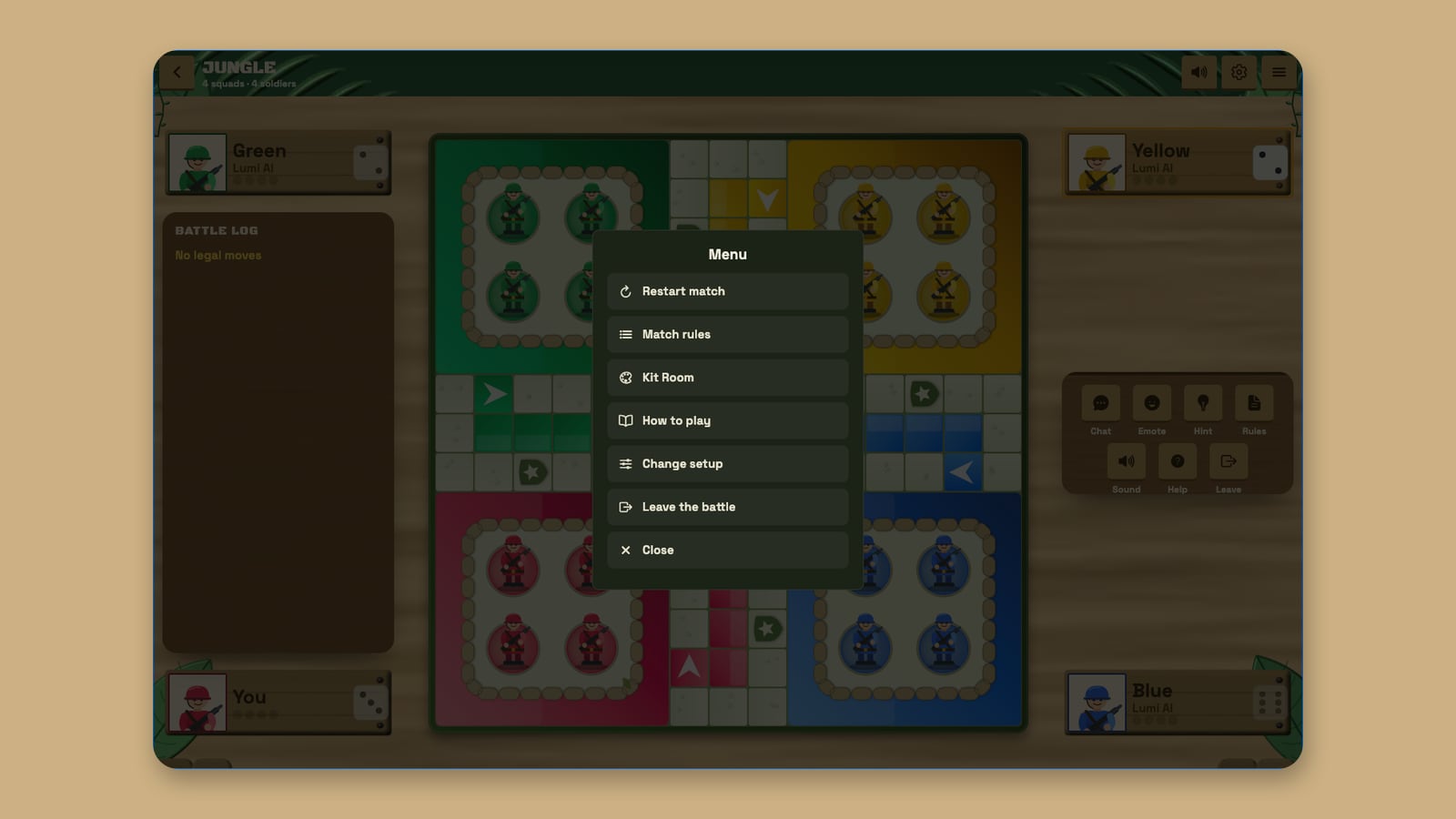
| Esc | Opens the match menu |
| F | Full screen on and off |
| M | Mutes and unmutes all sound |
The match menu has everything you might want mid-battle: Restart match, Match rules, Kit Room, How to play, Change setup and Leave the battle.
A guard against the stray refresh
Browsers make it easy to lose a game by accident: a reload or a closed tab. During a battle, Ludo Fighters asks the browser to check with you first, so a refresh or a closing tab brings up the browser’s “leave this page?” prompt instead of ending your match there and then.
The Field manual
Every rule in the game is written up, with drawings, in the Field manual. On a computer it is a full page of its own at play.ludofighters.com/app/manual, not a pop-up. A contents column on the left follows you as you scroll and highlights the section you are reading, and a search box and topic chips at the top jump straight to a rule. It opens from the command post (“Every rule, illustrated”), the “?” buttons, the help icon in the top bar and Settings.
Each section has its own address, such as /app/manual/airdrops, so you can bookmark a rule or send it to a friend with the Copy link button. Most sections end with a “Try it now” button that starts the right kind of match, and Previous / Next buttons walk you through in order.
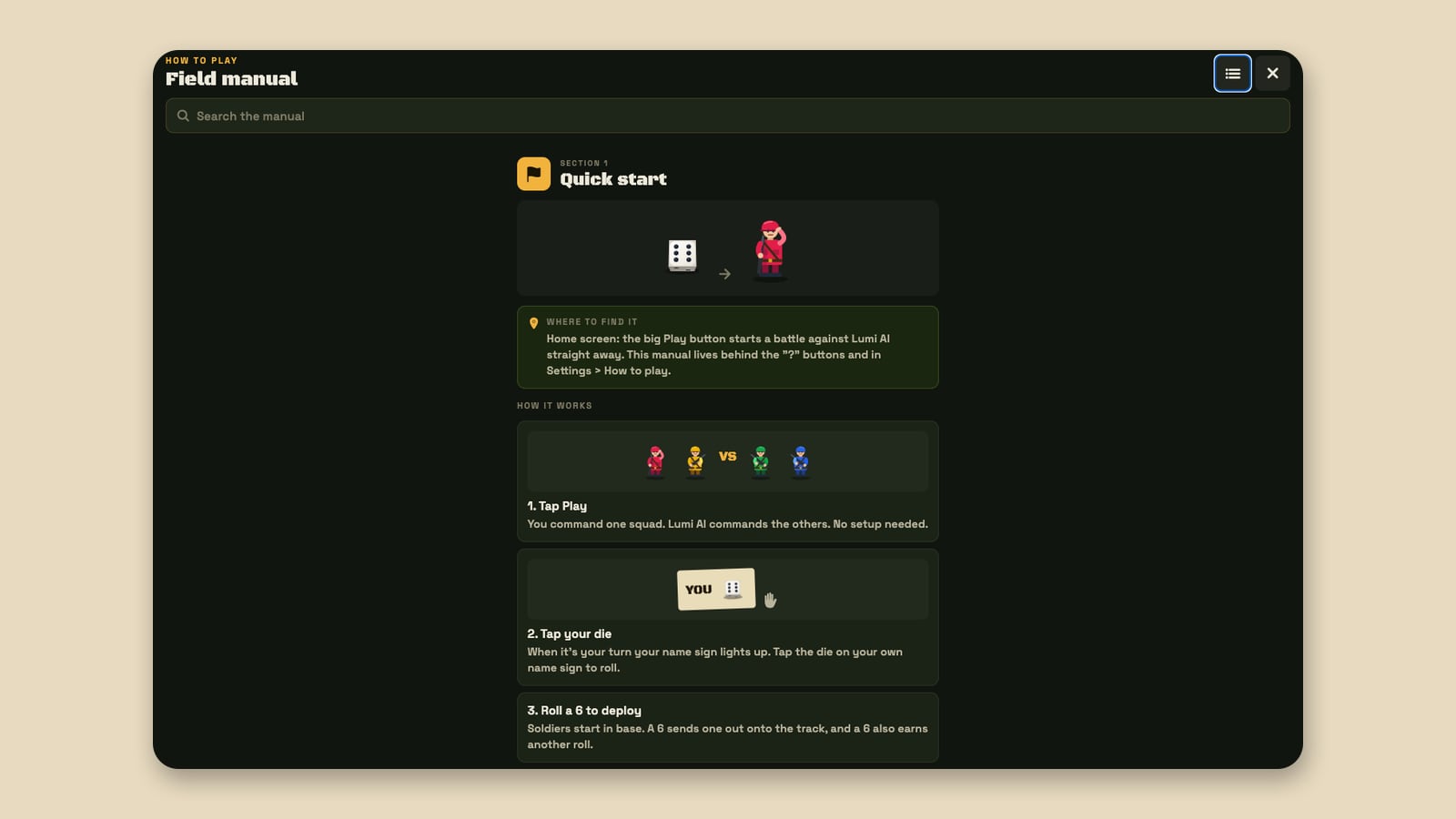
Its 19 sections run from the basics to the extras:
| Sections | Covers |
|---|---|
| 1 to 3 | Quick start, the basics, knockouts and safe squares |
| 4 to 6 | Airdrops, the match screen’s bottom bar, optional rules such as mines, chaos cards, killstreaks and Squad Wars |
| 7 to 8 | Online battles, friends and watching |
| 9 to 12 | Levels and XP (up to level 100), daily orders and streaks, ranked seasons and tiers, the Kit Room |
| 13 to 19 | Clans, tournaments, battle events, inviting friends, home layouts, settings and an FAQ |
For the rules in plain prose, there is also our guide to modes and house rules and the how to play page on ludofighters.com.
Keep reading: Ludo Fighters is now playable in your browser · One soldier, every screen · Modes, six squads and house rules · Lumi AI’s five personalities
Ludo Fighters: Battle Board is a game by LacNova Games, part of Lacspace Corporation Pvt Ltd. As of 14 November 2026 version 1.1.0 is live on Google Play and the App Store, and the browser version is live at play.ludofighters.com. The stores show the official age ratings on their pages. Combat in the game is cartoon only, with no blood. There are no real-money stakes in the game.
Frequently asked questions
What are the keyboard shortcuts in Ludo Fighters?
In a battle in the browser, Space rolls your die, Esc opens the match menu, F toggles full screen and M mutes all sound. Outside a battle, Ctrl K (Command K on a Mac) opens the Jump to search.
Can I play Ludo Fighters on a PC or laptop?
Yes. Open play.ludofighters.com in a modern browser. There is nothing to install, and the layout is made for a computer screen.
What happens if I refresh the page during a battle?
The browser asks you to confirm before leaving, so an accidental refresh or closed tab does not end your match without a warning.
Where are the rules in the browser version?
In the Field manual at play.ludofighters.com/app/manual: 19 illustrated sections on their own page, with a contents column, a search box and a link for every section. It opens from the command post, the “?” buttons, the top bar and Settings.
Can I play full screen?
Yes. Use the full-screen button in the top bar, or press F during a battle.