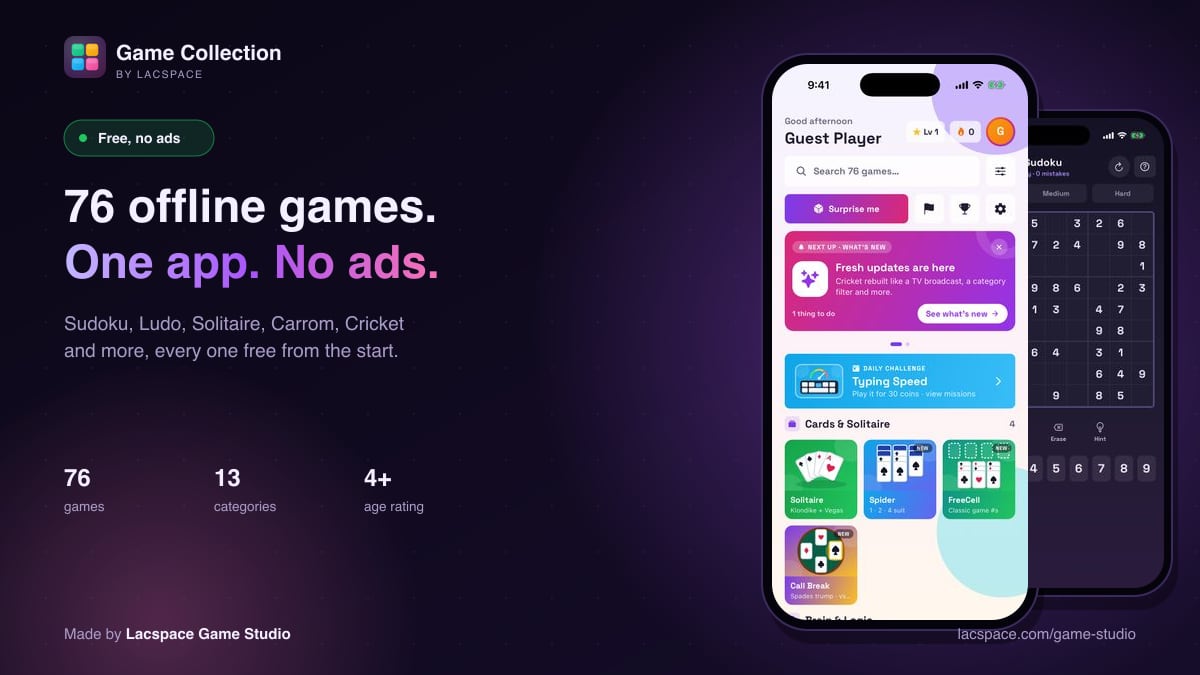
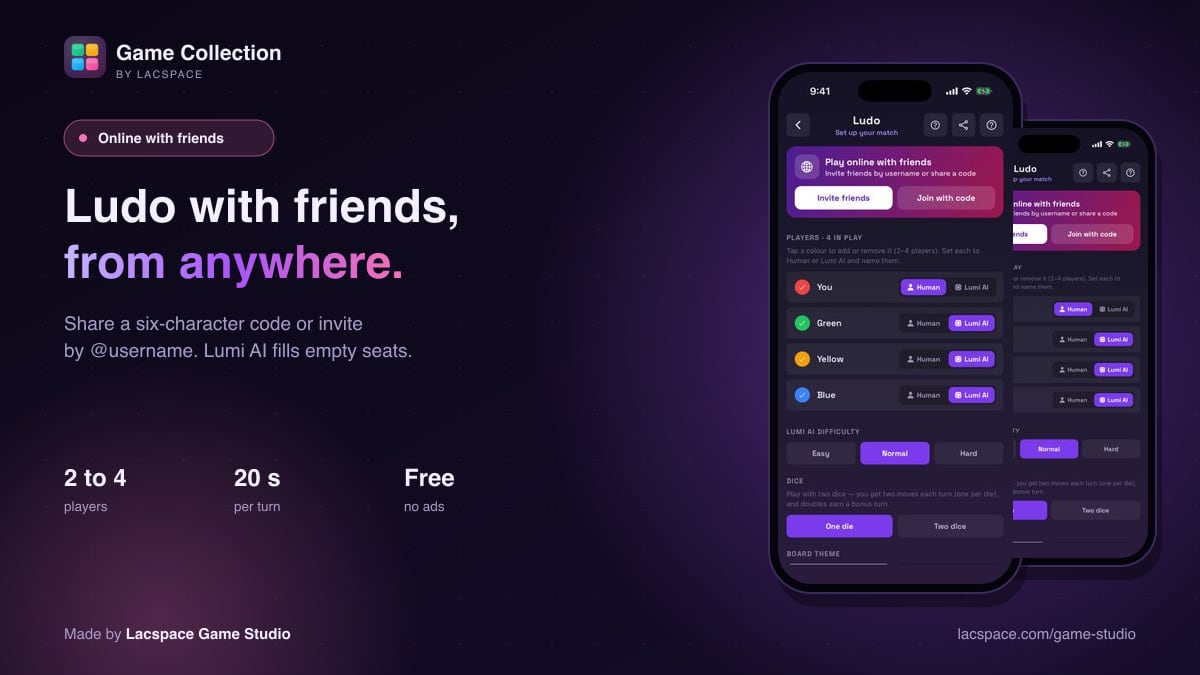
Ludo is better with people you know. The online Ludo in Game Collection lets you play with friends who aren't in the same room. You share a short code or send an invite, and everyone plays on the same board from their own phone. It's free, with no ads, and the server deals with the awkward parts: slow players, dropped connections and empty seats.
Before you start
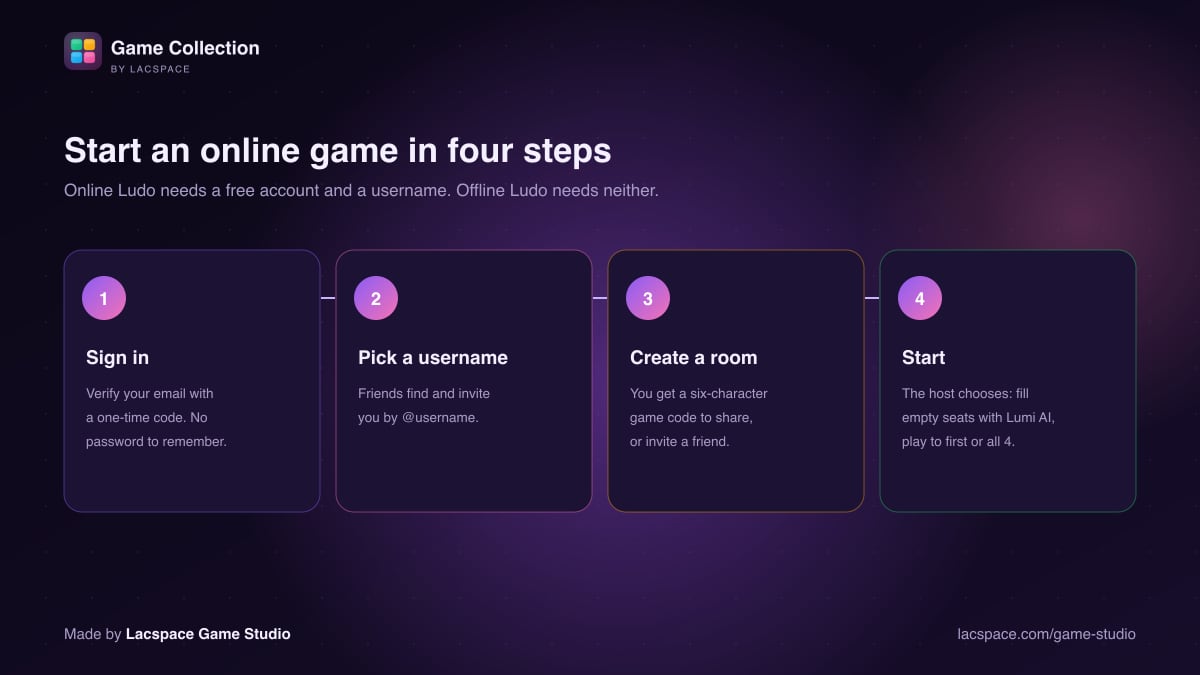
Online play needs two things: a free account and a username.
- The account is verified with a one-time code sent to your email. There is no password.
- The username is how friends find you. They invite you by your @username.
Offline Ludo, against Lumi AI or passing the phone around, needs neither.
Step by step
- Open Ludo and tap Play online with friends.
- Create a room. You get a six-character game code. Tap Share code to send it on any messaging app, or use Invite friends to pick someone from your friends list.
- Friends join. Anyone with the code taps Join with code and types it in. An invited friend gets the invite in the app, or as a push notification if the app is closed.
- The host sets the game. Choose whether empty seats are filled by Lumi AI, and whether the game ends when the first player gets all four pieces home or continues until the places are decided.
- Start. A game needs at least two players. Then roll, move and race home.
What happens if someone is slow or drops out?
The server runs the game, not anyone's phone. It rolls the dice, checks every move and keeps a turn timer.
- 20 seconds per turn. Each player gets 20 seconds to roll and 20 seconds to move. If time runs out, the server plays that turn for them, so one distracted player can't hold everyone up.
- Dropped connections. If someone loses signal, Lumi AI keeps their seat moving. When they reconnect, they rejoin the same game.
- No cheating with dice. Every roll happens on the server, so no player's phone can change one.
There are also quick reactions you can send during play: Nice!, Good game, Lucky!, Oops, Hurry up, Wow and Sorry. When a game ends, the host can start a rematch.
Offline Ludo or online Ludo?
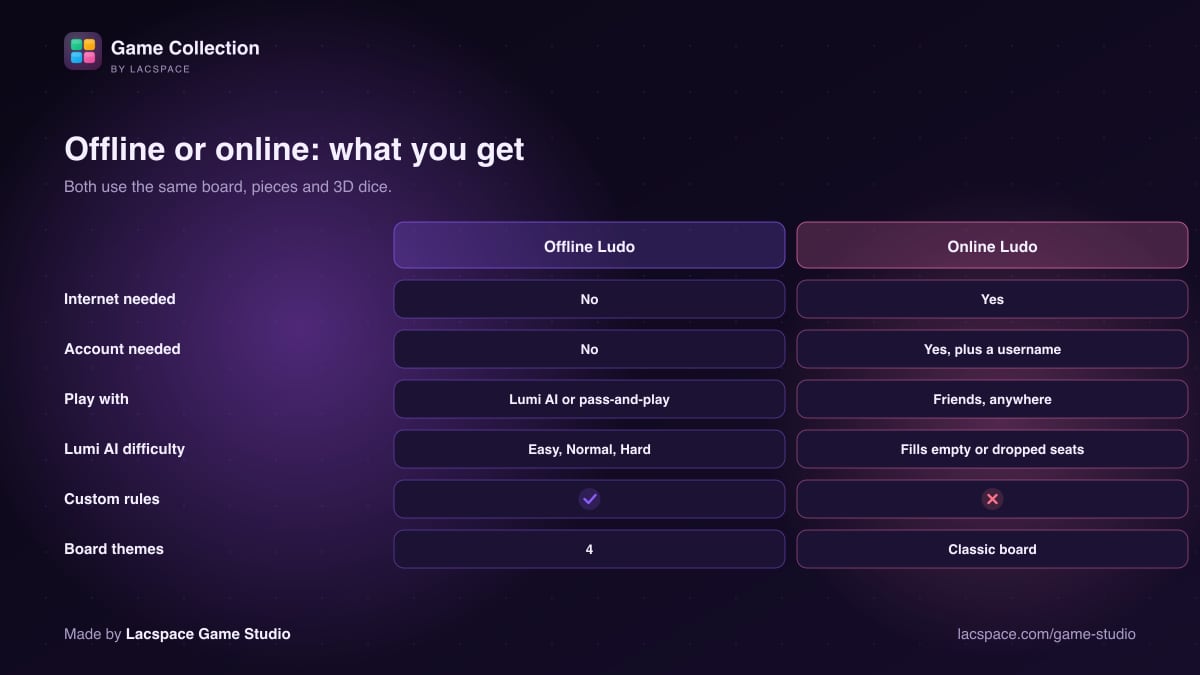
Offline Ludo is the more customisable of the two:
- Players: 2 to 4, each seat set to a human or Lumi AI.
- Difficulty: Easy, Normal or Hard.
- Dice: one or two.
- Board themes: Classic, Midnight Neon, Wood and Candy.
- House rules you can switch on or off:
- a 6 to leave the base;
- an extra turn on a 6 or a capture;
- three 6s in a row forfeit the turn;
- an exact roll to reach home;
- safe squares.
| Rule | What it does | Default |
|---|---|---|
| Six to start | A piece leaves the base only on a 6 | On |
| Extra turn on 6 | Roll again after a 6 | On |
| Extra turn on capture | Roll again after sending a piece home | On |
| Three 6s forfeit | A third 6 in a row ends your turn | On |
| Exact finish | You need the exact number to reach home | On |
| Safe squares | Star squares cannot be captured on | On |
Curious how Lumi AI decides which piece to move? We explain it here.
Keep reading: Meet Lumi AI, our game opponent · 76 free offline games with no ads · Inside Lacspace Game Studio · How the app picks your next game
Game Collection is made by Lacspace Game Studio. This article describes the app as of 3 November 2026; games and features change with updates. Game Collection is free, with no ads and no in-app purchases.
Frequently asked questions
Is online Ludo in Game Collection free?
Yes. Online Ludo is free, with no ads and no purchases. You need a free account, verified with a one-time email code, and a username.
How do I invite a friend to Ludo?
Create a room in online Ludo, then share the six-character game code or tap Invite friends to invite someone on your friends list by their @username. Offline friends receive a push notification.
How many players can play online Ludo?
Two to four. A game needs at least two players, and the host can let Lumi AI fill any empty seats.
What happens if a player leaves or loses connection?
The server keeps the game going. Lumi AI plays a dropped player’s turns, and the player can rejoin the same game when they reconnect. Each turn also has a 20-second timer.
Can I play Ludo offline against the computer?
Yes. Offline Ludo works without internet against Lumi AI on Easy, Normal or Hard, or as pass-and-play, with custom rules and four board themes.
Can someone cheat the dice in online Ludo?
No. Every roll and every move is made and checked on the server, not on a player’s phone.