UI/UX design people understand the first time.
Most software problems people complain about are design problems: a button nobody can find, a form that loses what was typed, a dashboard that shows everything and explains nothing. Good interface design removes that friction before it costs you customers or staff hours.
How we approach it
Lacspace designs the products we run ourselves, so our designers sit next to the developers who build the screens and the support team who hear what users struggle with. For clients we design new products from scratch, redesign ones that have grown messy, and build design systems that keep every screen consistent as the product grows.
Research before pixels
Short interviews and a walk through how people do the job today, so the design starts from real tasks rather than guesses.
Wireframes and flows
The structure of each journey, from first screen to finished task, agreed before visual design begins.
Clickable prototypes
Prototypes you can try on a phone or laptop and put in front of real users to see where they hesitate.
Visual design
Clean, light interfaces in your brand, with type, colour and spacing that work in light and dark themes and pass contrast checks.
Design systems
Reusable components, tokens and rules so developers build consistent screens quickly and the product stays coherent.
UX audits
A review of an existing product with the problems ranked by impact and a clear list of fixes.
How the project runs
- 01
First call
What the product does, who uses it, and what is not working today.
- 02
Scope and quote
Which journeys we design, what research is needed, deliverables, timeline and price, in writing.
- 03
Research and flows
We talk to users, map the journeys and agree the structure with you.
- 04
Prototype and test
A clickable prototype, tested with real users and refined from what we learn.
- 05
Design and hand-off
Final screens and a design system, handed to your developers or built by ours.
The technology, in plain words
We design in shared design files and prototype in the browser when a flow needs to feel real. Every component is defined with design tokens, the same variables developers use in code, so what you approve is what gets built.
Accessibility is part of the brief: readable contrast, clear focus states, sensible tap sizes and labels for screen readers. We design every state of a screen, including loading, empty and error, because that is where most products feel unfinished.
Who it is for
- Founders who need a product designed before development starts
- Teams whose product has grown confusing as features were added
- Companies with developers but no product designer
- Businesses that want a consistent look across web and mobile
- Products losing users at sign-up, checkout or onboarding
Related client work
Case studies from projects we built, written from what was actually delivered.
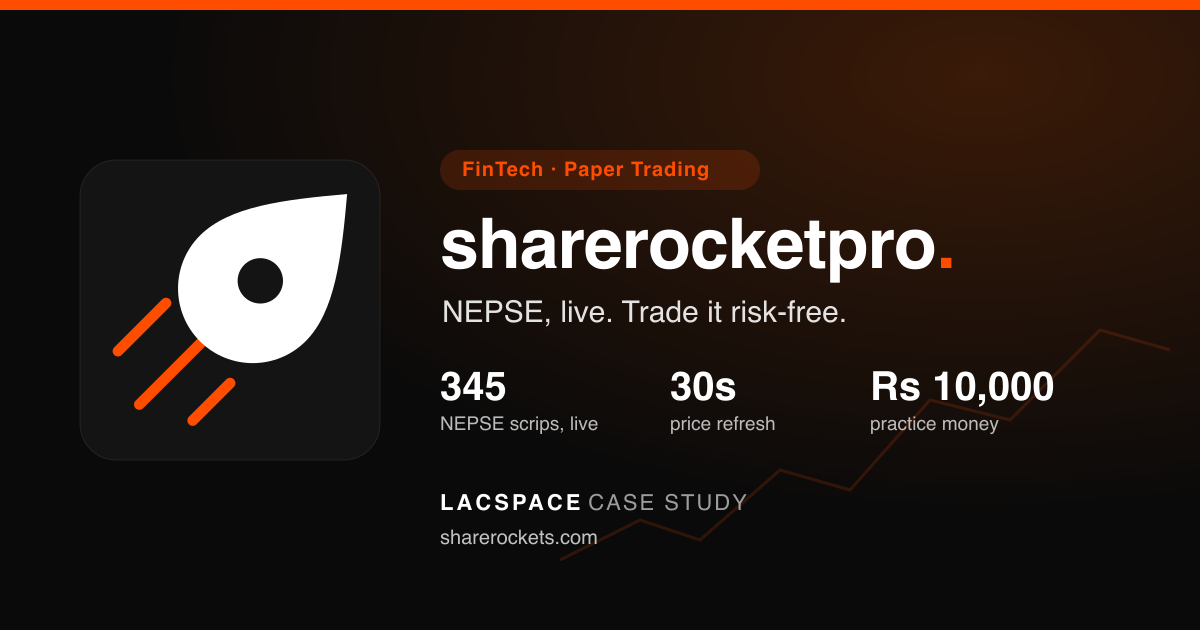 FintechShareRocketProLacspace built and maintains ShareRocketPro — live NEPSE market data for all 345 listed scrips, plus an iOS and Android paper-trading app with Rs. 10,000 practice money and a 24/7 practice market. The client found us through StockYatra, our own paper-trading app.Read the case study
 Commerce & retailColour NepalA full-scale e-commerce marketplace platform built to empower jewellery and beauty vendors across Nepal, combining cultural elegance with modern shopping, secure payments, and nationwide delivery.Read the case study
 EducationManas International SchoolA modern educational website designed to represent Manas International School’s academic excellence, global learning vision, and student-centric approach through a clean UI and structured information architecture.Read the case study
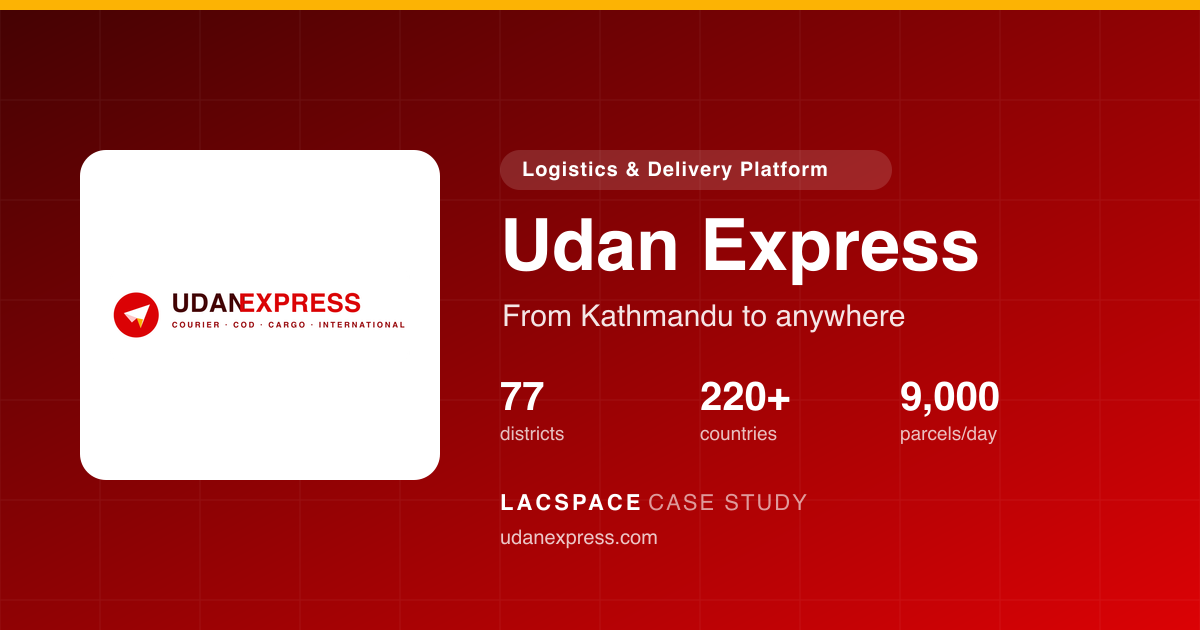 LogisticsUdan ExpressLacspace built Udan Express end to end — a courier, cash-on-delivery, cargo and international delivery platform covering all 77 districts of Nepal and 220+ countries, with a merchant dashboard, live tracking, weekly COD settlement, a rate calculator, a REST API and offline-first rider apps.Read the case study
Also in products we build and run
Questions buyers ask
What is the difference between UI and UX design?
UX design is how a product works: the journeys, structure and flow that get someone from a question to an answer. UI design is how it looks and feels on screen: layout, type, colour and components. We do both together, because one without the other rarely works.
Can you design an app that another team will build?
Yes. We hand over final designs, a design system and developer notes so any capable team can build from them. We can also build it ourselves.
Do you test designs with real users?
Yes. Clickable prototypes are put in front of people who match your users before development, so problems are fixed when they are cheap to fix.
What is a UX audit?
A structured review of an existing product. We walk through key journeys, note where users get stuck or confused, rank the issues by impact and recommend specific fixes.
Do you design for dark mode and accessibility?
Yes. Every design is built with light and dark themes and checked for contrast, focus states and readable type, so it works for every user.
Related reading
Related services
- Website developmentBusiness websites designed, built and hosted with search, speed and accessibility built in, plus enquiry forms that reach your team, and easy to update.
- Mobile app developmentiPhone and Android apps built from one codebase: design, development, App Store and Google Play publishing, push notifications and updates after launch.
- MVP developmentMVP development for startups: we scope the smallest product that tests your idea, design and build it for web or mobile, launch it and help you learn from it.
- Every service we offer
Tell us what you need built.
Start with a call. You get a written scope and price before anything is agreed.