Why Businesses Are Replacing Spreadsheets With Business Software
For years, spreadsheets have been one of the most useful tools for businesses. They are simple to create, easy to share, and flexible enough to manage everything from sales records and expenses to customer information and inventory. For a small business just getting started, a spreadsheet can feel like the perfect solution because it is familiar, inexpensive, and doesn't require much technical knowledge.
But businesses don't stay small forever.
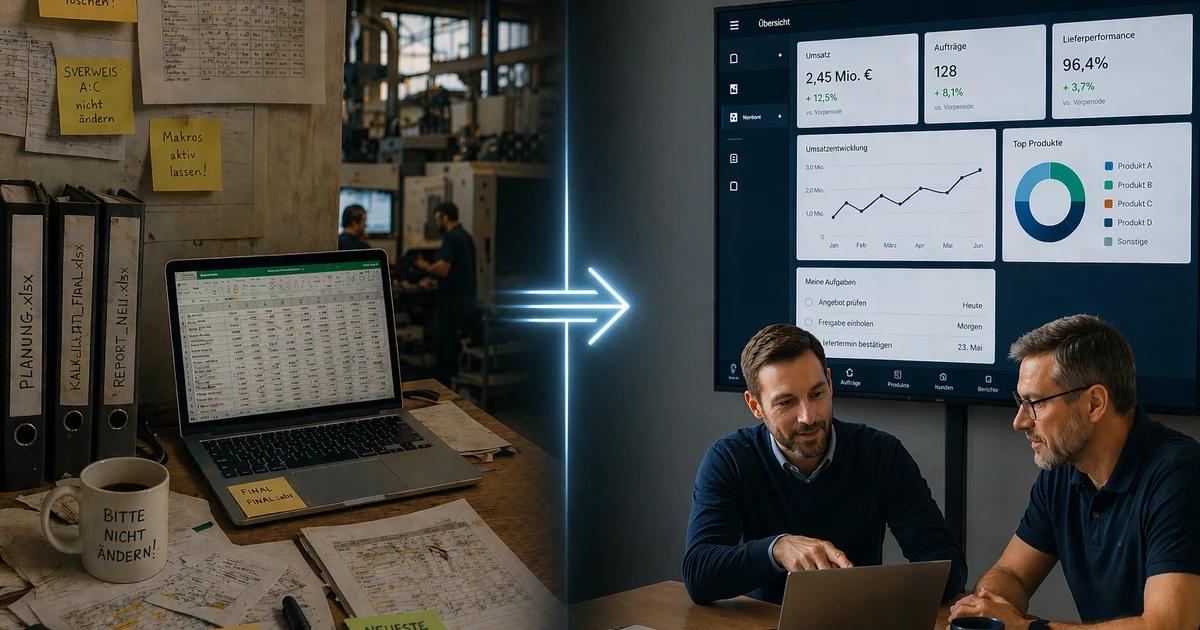
As the number of customers increases, employees are added, transactions become more frequent, and daily operations become more complicated, the same spreadsheet that once made things easier can slowly become one of the biggest sources of frustration. Information gets scattered across multiple files, employees start creating their own versions, formulas break, important data gets entered incorrectly, and finding the right information takes longer than it should.
This is why many businesses are moving from spreadsheets to dedicated business software. The change isn't happening simply because software is more modern. It is happening because businesses are reaching a point where spreadsheets can no longer keep up with the way they operate.
A spreadsheet can record information.
Business software can help you manage the process behind that information.
Spreadsheets Work Well Until Your Business Starts Growing
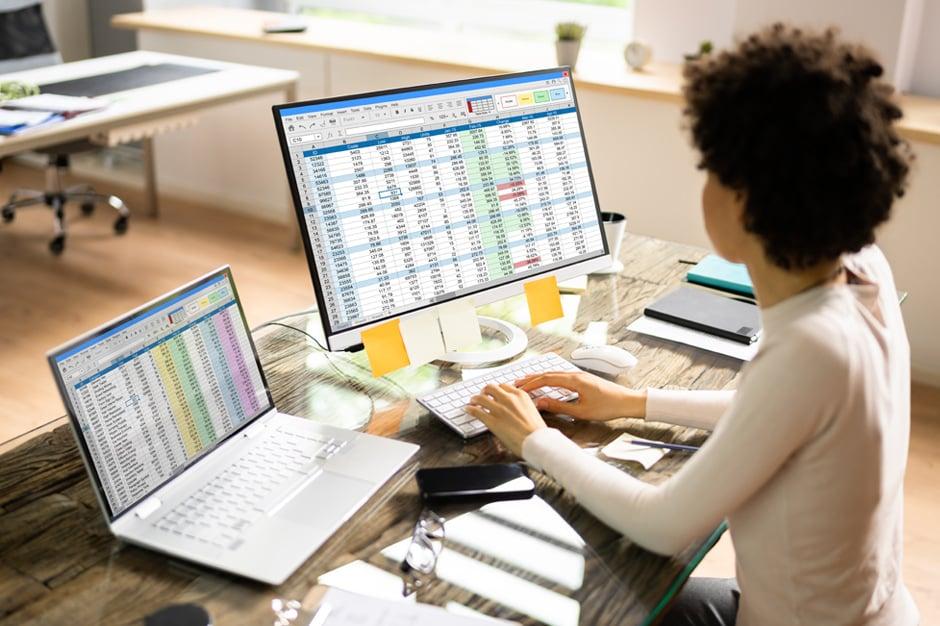
When a business is small, managing information through spreadsheets can be relatively easy. Perhaps one person handles sales, another manages expenses, and the owner keeps track of inventory in a simple file. Everyone knows where the information is, and there aren't too many transactions to manage.
The problem starts when the business grows.
Imagine a retail business that initially has 100 products and a few employees. One spreadsheet may be enough to keep track of inventory. A year later, the business has 2,000 products, several employees, multiple suppliers, and hundreds of transactions every week. Suddenly, the spreadsheet is no longer just a simple record. It has become an important part of the entire operation.
Employees may need to update it at the same time. Someone might accidentally delete a formula. Another employee might enter information in the wrong column. Someone else might save an outdated version and send it to management. Eventually, the business spends more time maintaining the spreadsheet than actually using the information inside it.
This is often the point where businesses realize that their problem isn't the spreadsheet itself.
Their business has simply outgrown it.
The Problem With Managing Business Information Across Multiple Files
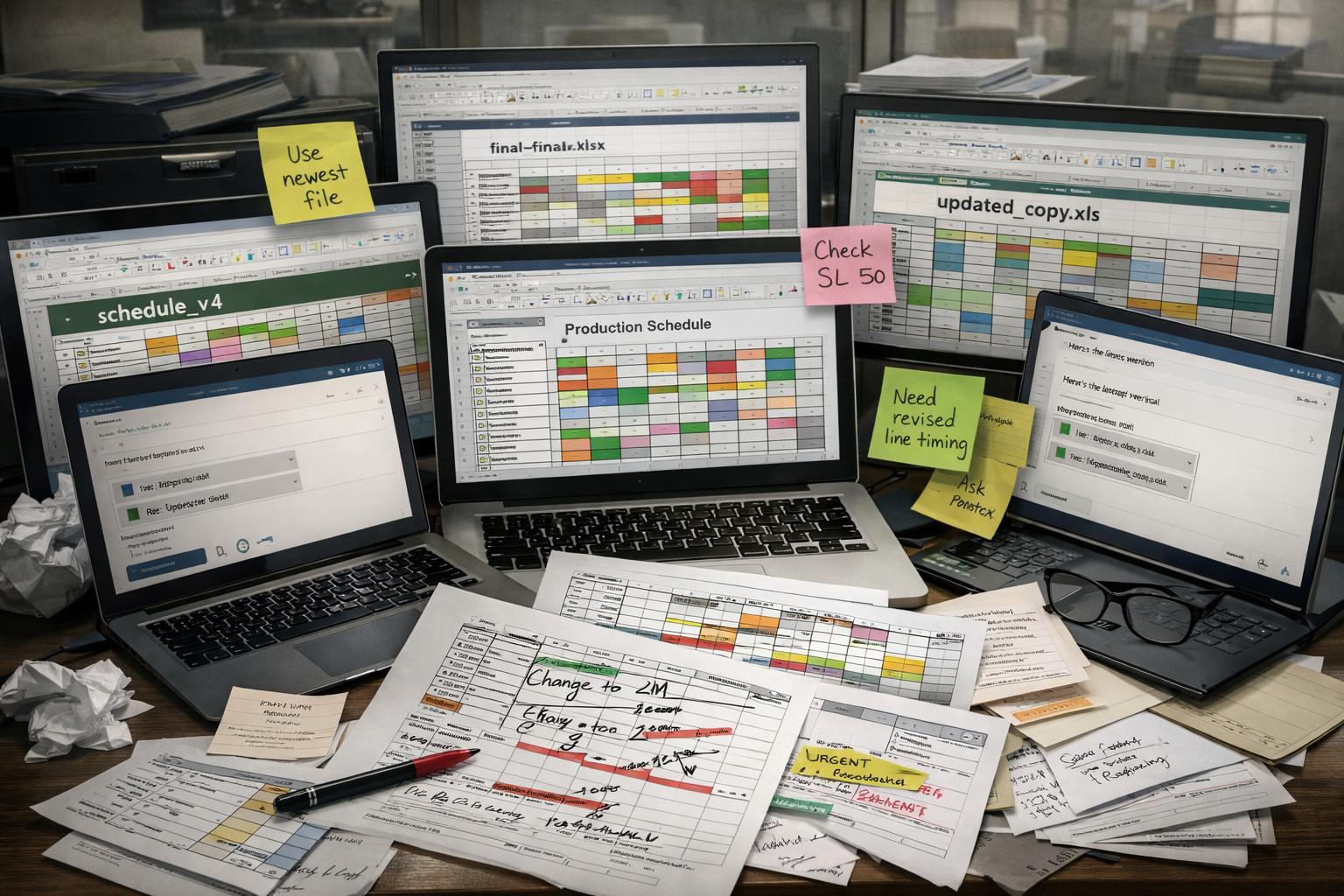
One spreadsheet might not seem like a problem. Five spreadsheets may still feel manageable. But when a business starts using separate files for customers, sales, inventory, expenses, employees, suppliers, and reports, information becomes fragmented.
Imagine a restaurant where one employee manages customer orders in one spreadsheet, another tracks inventory in a second file, the accountant maintains expenses somewhere else, and the manager keeps sales information in another document.
Now imagine the owner wants to know which products are selling the most and whether enough inventory is available.
They may have to open multiple files, compare information, check whether the data is updated, and manually put everything together.
The problem isn't that the information doesn't exist.
The problem is that the information isn't connected.
Business software can bring related information into a centralized system so employees and managers don't have to constantly search through different files to understand what is happening.
Instead of asking, "Which spreadsheet contains that information?" the business can ask, "What does the system show?"
Manual Data Entry Creates Room for Mistakes

Spreadsheets depend heavily on people entering and updating information correctly. When there are only a few records, this may not be a major concern. But as the amount of information grows, even a small mistake can create larger problems.
A single incorrect number can affect a calculation. An outdated file can lead to an incorrect decision. A duplicated customer record can create confusion. An employee forgetting to update inventory can make the system show information that is no longer accurate.
These mistakes aren't necessarily caused by careless employees. They often happen because the process itself depends too heavily on manual work.
Business software can reduce some of this manual effort by automating repetitive processes and applying rules consistently. Instead of asking employees to calculate the same information repeatedly, the system can perform those calculations automatically. Instead of manually updating several records, information can potentially flow through connected parts of the system.
The goal isn't to remove people from the process.
It's to remove unnecessary opportunities for human error.
Business Software Gives Everyone Access to the Same Information

One of the biggest advantages of dedicated business software is having a centralized source of information.
When different employees maintain separate spreadsheets, it can become difficult to know which version is correct. One person may have updated their file yesterday while another is still working with information from last week.
This creates a simple but serious question:
Which information should management trust?
A centralized business system can help solve this problem by allowing relevant employees to work from the same underlying information. When data is updated, the change can be reflected across the system according to the software's design and permissions.
For example, if a product is sold, inventory information can be updated within the system. If a customer places an order, the order can be recorded and made available to the relevant employees. If management wants to review sales, they can access the same underlying business information rather than collecting separate spreadsheets from different departments.
This creates greater consistency and makes collaboration easier.
Business Software Can Automate Repetitive Work
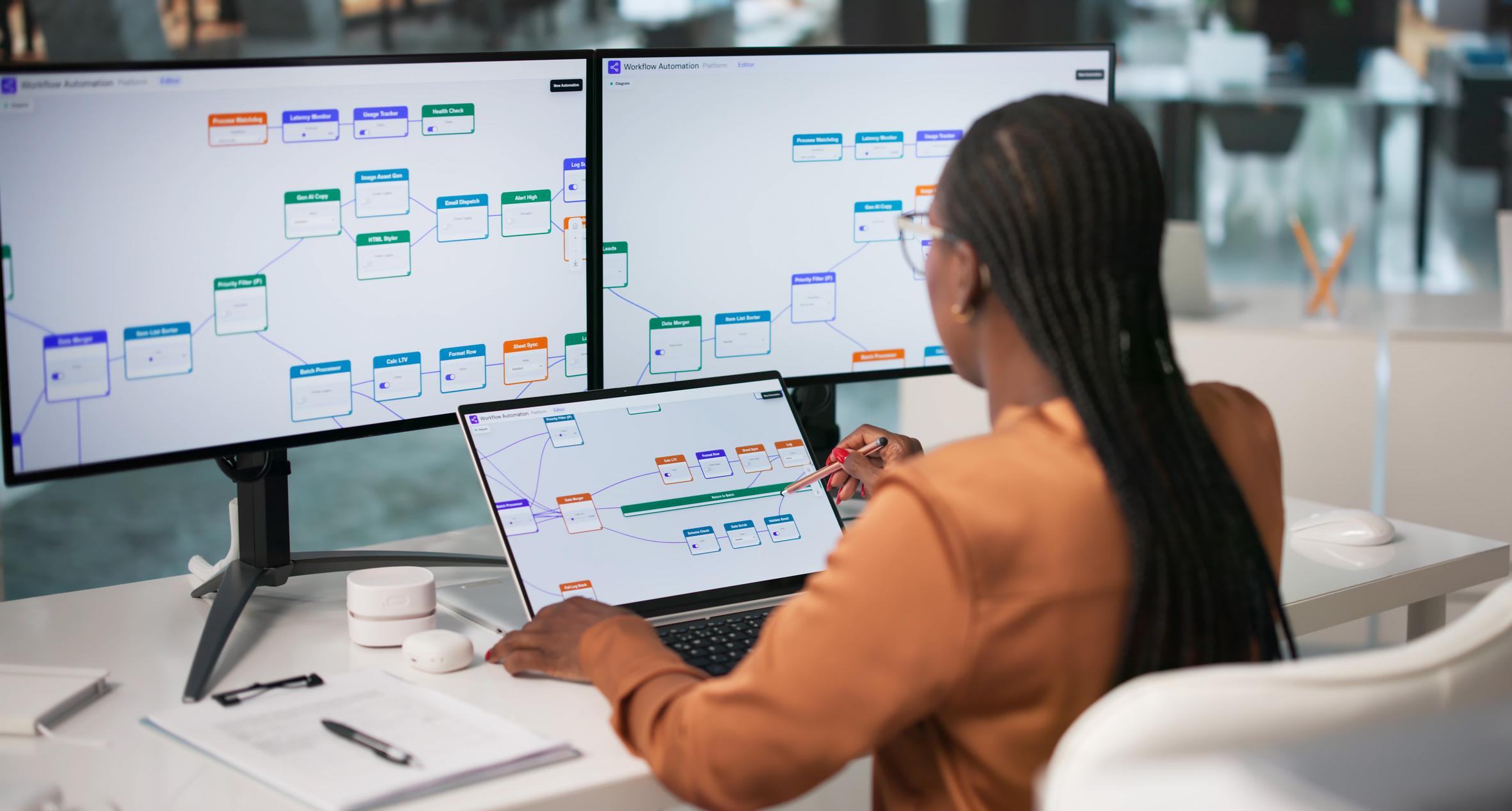
One of the biggest reasons businesses move away from spreadsheets is not simply data management. It is the amount of repetitive work employees have to perform around those spreadsheets.
Think about a business that receives dozens or hundreds of orders every day. Employees may have to enter order information, update inventory, calculate totals, prepare reports, send notifications, and update different records.
If these tasks are performed manually every day, they consume a significant amount of employee time.
Business software can automate parts of these workflows. When a specific action happens, the system can perform related tasks according to its configuration. An order can update relevant records. A booking can appear on a schedule. A payment can update a transaction record. A report can be generated from existing data.
Automation doesn't mean that employees become unnecessary.
It means employees can spend less time doing repetitive administrative work and more time focusing on tasks that actually require their judgment, communication, and creativity.
Better Data Can Lead to Better Business Decisions
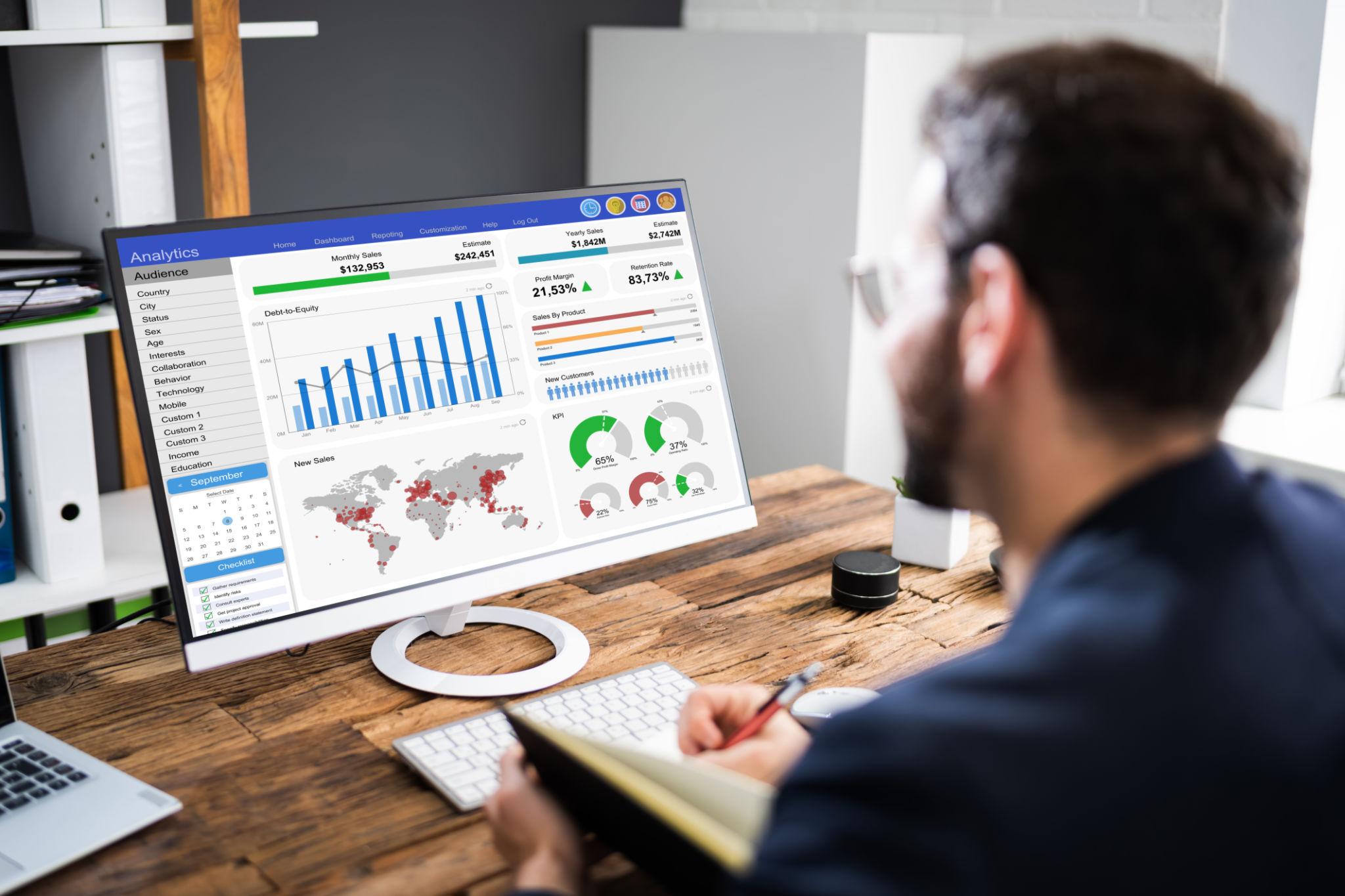
Having information is useful, but knowing what that information means is even more important.
Spreadsheets can certainly be used to create reports and charts, but doing this manually can become increasingly difficult as the business grows. Managers may spend hours collecting information from different files before they can even begin analyzing it.
Business software can make this process more structured by bringing important business information into dashboards and reports.
A manager might want to understand sales performance, customer activity, inventory levels, employee performance, or operational trends. Instead of manually collecting information from different departments, the relevant data can be available through the system.
This can help management make decisions based on current business information rather than assumptions or outdated reports.
The real value of business software isn't simply having more data.
It's making useful information easier to access when decisions need to be made.
Security and Access Become More Important as Businesses Grow

When a business is small, it may not think much about who can access different types of information. But as more employees join the organization, sensitive business information needs to be managed more carefully.
A spreadsheet can easily be copied, downloaded, emailed, or shared with someone who shouldn't have access to it. Managing permissions across dozens of files can become difficult.
Business software can provide more structured access controls depending on how the system is designed. Different employees can have access to the information and functions relevant to their roles, while management can have broader visibility.
This doesn't automatically make every software system secure. Security still depends on proper development, configuration, hosting, authentication, backups, permissions, and business practices.
But a dedicated business system can provide a stronger foundation for managing access than a collection of loosely controlled files.
As businesses grow, protecting information becomes part of protecting the business itself.
Spreadsheets Are Tools. Business Software Is a System.
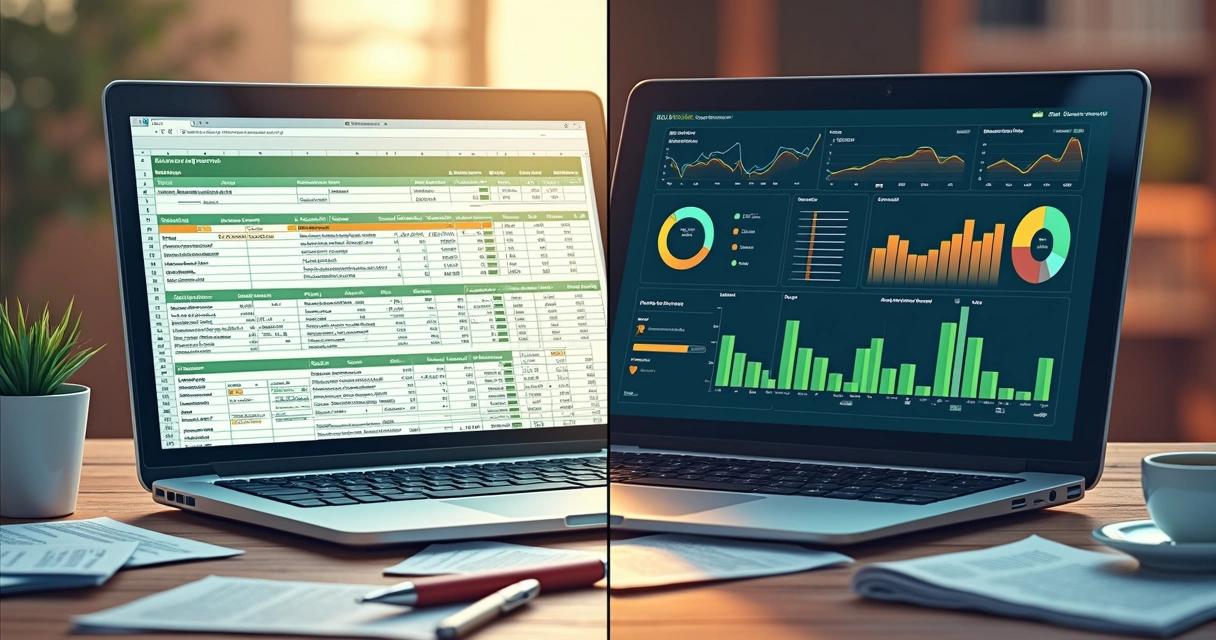
The biggest difference between spreadsheets and business software is the way they are used.
A spreadsheet is primarily a tool for organizing and manipulating information. It can be incredibly powerful when used correctly, but it usually depends heavily on people knowing what to enter, where to enter it, and how to manage the file.
Business software is designed around a workflow.
Instead of simply recording sales, it can help manage the sales process. Instead of only recording inventory, it can help manage inventory operations. Instead of simply storing customer information, it can support customer management.
That distinction becomes increasingly important as a business grows.
A business doesn't just need somewhere to store information.
It needs systems that help people use that information to run the business.
Replacing Spreadsheets Doesn't Mean Replacing Everything at Once
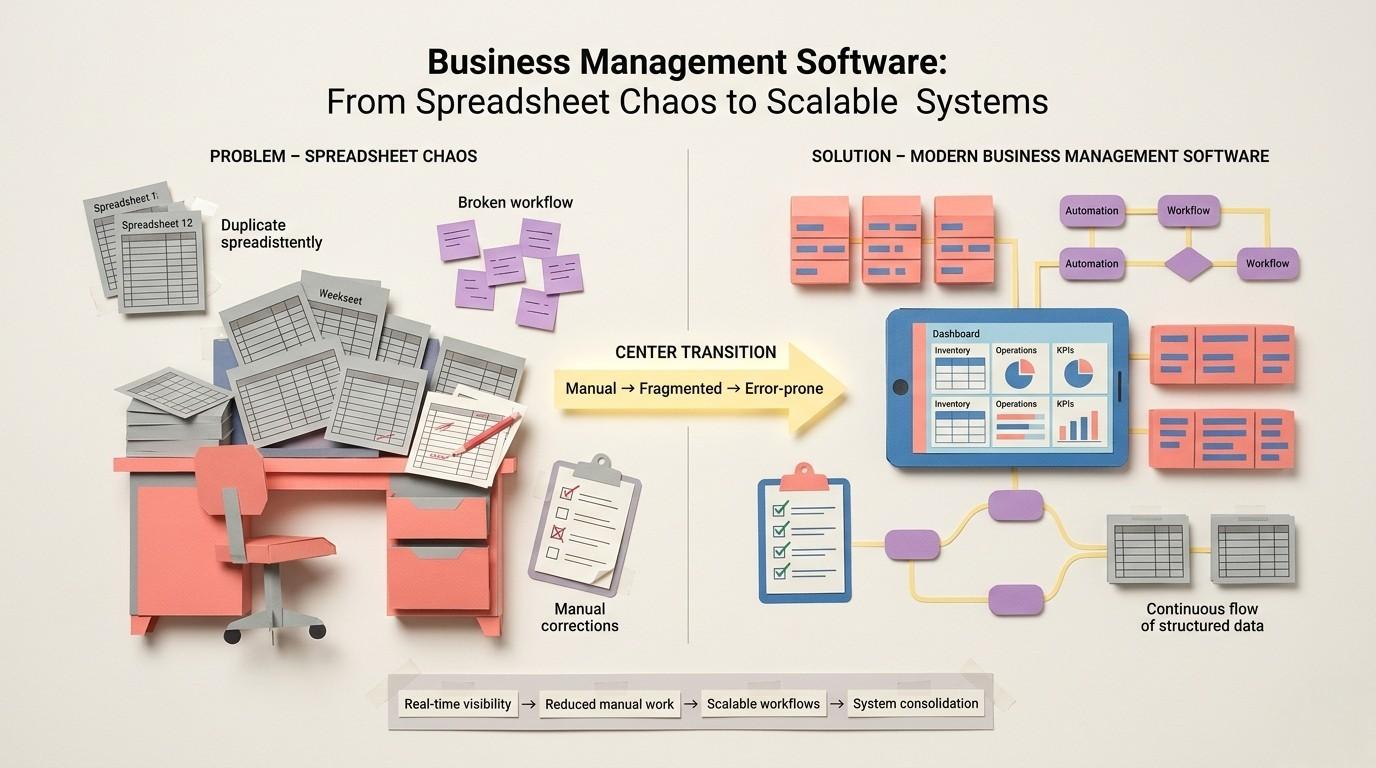
Some businesses hesitate to move away from spreadsheets because they assume adopting software means completely changing the way they work overnight. It doesn't have to.
Digital transformation can happen gradually.
A business can start by identifying the process that creates the most problems. Maybe inventory is difficult to manage. Maybe customer records are scattered. Maybe employees spend too much time creating reports. Maybe orders are being entered manually in multiple places.
Instead of trying to replace every system immediately, the business can address its biggest bottleneck first.
Once that process becomes more organized, other parts of the business can gradually be connected.
The goal isn't to introduce technology simply for the sake of technology. The goal is to identify where the business is losing time, creating unnecessary work, or making avoidable mistakes and then use the right software to improve that process.
Good technology adoption should make the business feel simpler, not more complicated.
When Should a Business Move Beyond Spreadsheets?
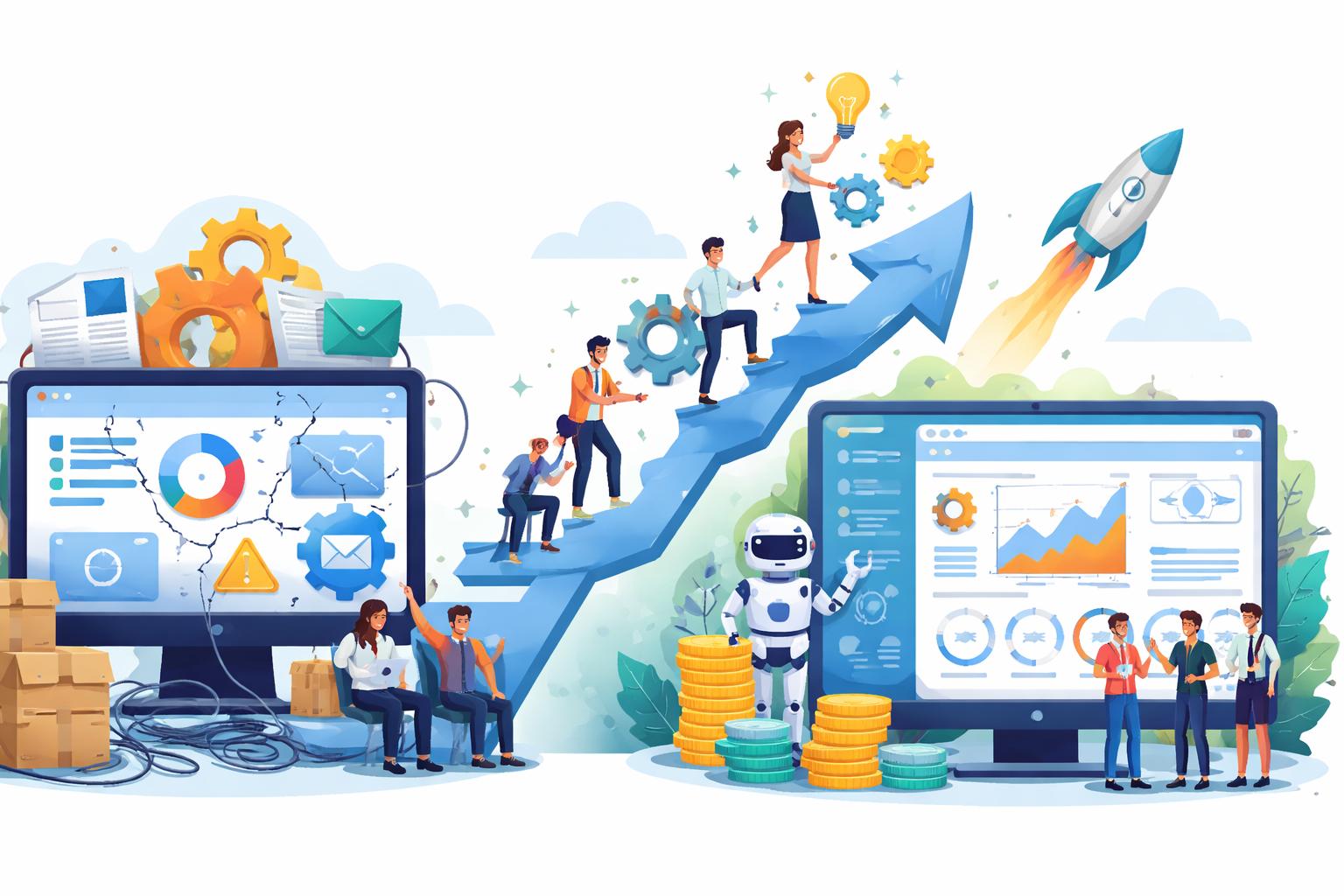
There is no specific number of employees or transactions that tells a business it has to stop using spreadsheets. The right time depends on how much the spreadsheets are affecting daily operations.
If employees are spending hours maintaining files, if different departments have different versions of the same information, if mistakes are becoming common, or if management struggles to get accurate reports, those are signs that the business may need a more structured system.
Another important sign is when employees start creating workarounds because the existing process isn't practical. When people maintain their own spreadsheets, duplicate information in different places, or manually transfer data between systems, the business may be spending significant time compensating for limitations in its tools.
At that point, the question isn't whether spreadsheets are still technically possible.
The question is whether they are still efficient for the business you have become.
How Lacspace Helps Businesses Move Beyond Manual Systems
At Lacspace, we help businesses move from disconnected and manual processes toward digital systems that are designed around how the business actually works. Instead of simply replacing a spreadsheet with another piece of software, the focus should be on understanding the underlying problem and building a solution that makes the process more efficient.
Different businesses have different needs. A retail business may need inventory and billing management. A restaurant may need ordering and customer management. A school may need student and fee management. A logistics company may need shipment tracking and delivery management. A growing enterprise may need several systems connected together.
The right solution depends on the business, its workflows, and its goals.
Because the purpose of business software isn't simply to make your company look more digital.
It's to help your people spend less time managing systems and more time growing the business.
Frequently Asked Questions
Are spreadsheets bad for businesses?
No. Spreadsheets are useful tools and can work extremely well for small businesses and simple tasks. Problems usually arise when a business becomes too dependent on spreadsheets for complex, high-volume, or interconnected processes.
When should a business replace spreadsheets with software?
A business should consider moving to dedicated software when spreadsheets are creating frequent errors, duplicated work, outdated information, reporting difficulties, or significant administrative workload.
Can business software reduce manual work?
Yes. Depending on the system, software can automate repetitive tasks such as calculations, record updates, notifications, reporting, scheduling, and other workflows.
Is business software expensive?
The cost depends on the type of software, features, integrations, customization, and scale. The important question is not only the initial cost but also how much time, errors, and operational inefficiency the system can help reduce.
Does every business need custom software?
No. Some businesses can use existing software effectively. Custom software becomes more useful when a business has unique processes, specific requirements, or needs that existing tools cannot adequately support.
Conclusion
Spreadsheets aren't disappearing because they are bad tools. They are being replaced in many growing businesses because businesses themselves are becoming more complex.
What works for a small team with a few customers may not work when there are multiple departments, hundreds of transactions, thousands of customers, and increasingly complicated workflows. At that point, constantly adding more spreadsheets can create more problems than solutions.
Business software provides a different approach. Instead of simply storing information, it can connect processes, automate repetitive work, centralize data, improve visibility, and help employees manage everyday operations more efficiently.
The question isn't whether your business can still run on spreadsheets.
The better question is:
How much time, money, and opportunity is your business losing by continuing to depend on them?
Sometimes, the next stage of business growth doesn't require more people.
It requires a better system.
Frequently asked questions
Why are businesses replacing spreadsheets with business software?
As customers, employees and transactions grow, spreadsheets struggle to keep up. Information gets scattered across multiple files, employees create their own versions, formulas break and data is entered incorrectly, so finding the right information takes longer than it should.
When does a business outgrow its spreadsheets?
Often when it spends more time maintaining the spreadsheet than using the information inside it, for example when several employees update the same file, formulas get deleted, and outdated versions are sent to management.
What is the difference between a spreadsheet and business software?
A spreadsheet can record information, while business software can help you manage the process behind that information, instead of leaving data fragmented across separate files for customers, sales, inventory, expenses, employees and suppliers.