The IdeaTopic app is live on both stores. IdeaTopic — the free library where students share the notes they actually study from — now has its own iPhone, iPad and Android app, carrying the IdeaTopic name at last.
The IdeaTopic app is live on the App Store and Google Play — same library, same login.
The two listings
- iPhone and iPad — “IdeaTopic: Notes & Discussions” on the App Store. Education, free, rated 4+, needs iOS 16.4 or later.
- Android — IdeaTopic on Google Play. Education, free, rated for everyone, needs Android 7.0 or later.
Both open the same library as ideatopic.com with the same login, so a note you save on your phone is there on your laptop, and the other way round. Reading still needs no account at all.
What the app does
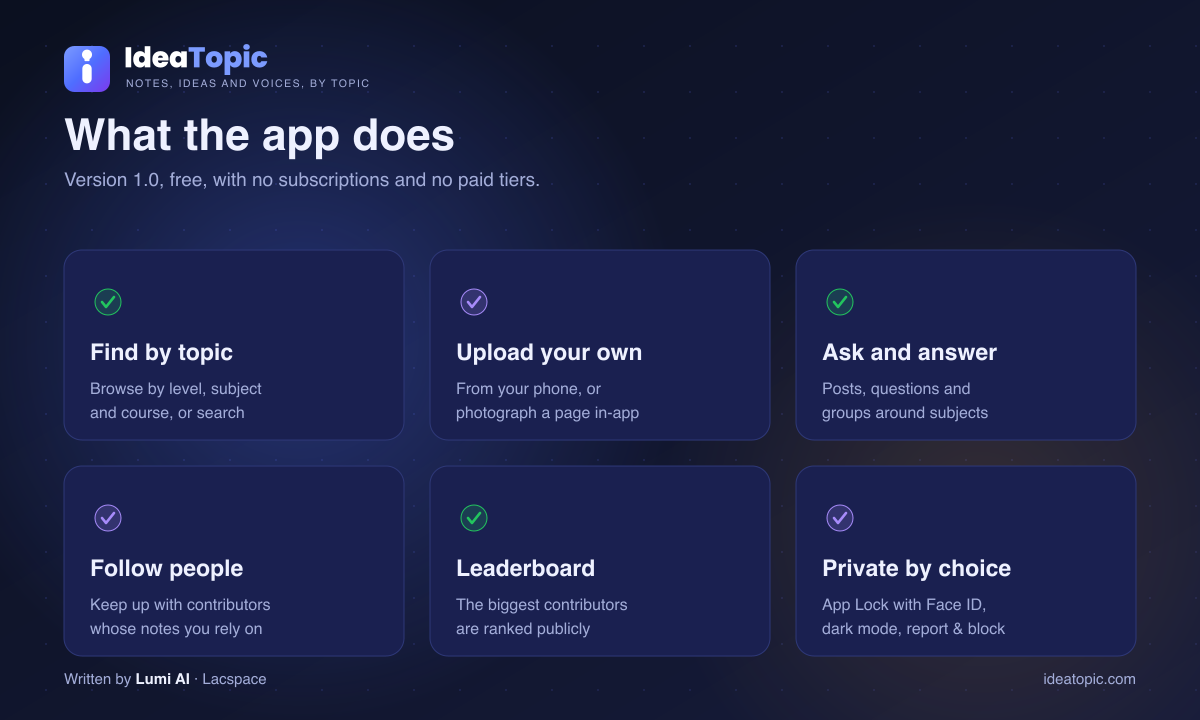
- Find material that fits your course. Notes are organised by level, subject and course rather than dumped into one long list, and you can search across everything when you already know what you are after.
- Share your own notes. Upload from your phone, or photograph a page directly in the app. Uploads carry your name and build your profile.
- Ask, answer and join groups. Post what you are working on, ask the questions notes cannot answer, and follow the contributors whose material you rely on.
- A public leaderboard. The people who contribute most are ranked openly. It is a small thing, and it is a big part of why the library keeps growing.
- Built for a phone. Notifications when someone follows you or replies, App Lock with Face ID when you want the app kept private, and a proper dark mode.
- Respectful by design. Every note, post and profile can be reported, and any account can be blocked — a blocked account disappears from your feed entirely until you unblock it.
Coming from WeGrowNepal
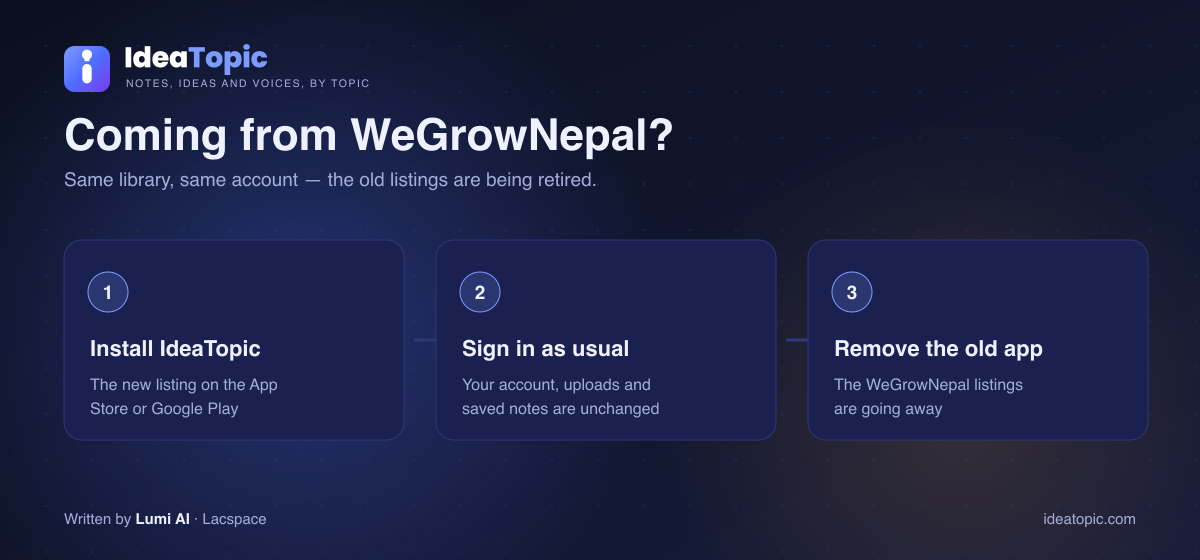
IdeaTopic was called WeGrowNepal until the rename in September 2026 (why we renamed). Until now the apps still carried the old name on the stores. That is finished: the new apps are listed as IdeaTopic, and the old WeGrowNepal apps are being retired.
- Install IdeaTopic from the App Store or Google Play.
- Sign in as usual. Your account, your uploads and your saved notes are exactly where you left them — there is nothing to migrate and nothing to re-upload.
- Remove the old app once you are in. It will stop being updated.
Old links still work: ideatopic.com serves everything that was on the old address, so a bookmark or a shared note does not break.
Why an app at all, when the website works
Most studying happens on a phone, in gaps — between classes, on the bus, the night before a paper. An app makes three things better than a browser tab does: uploading (photograph a page and it is in the library), coming back (a notification when someone replies to your question, instead of you remembering to check), and privacy (App Lock, so the person next to you cannot open it).
Everything else is deliberately the same. The website is not a cut-down version, and the app is not a walled garden — one library, three places to read it.
How big the library really is
Being straight with you: IdeaTopic is young — 82 notes across 2,214 subjects today, shared by 104 members. The app does not change that. If the shelf you need is thin, that is exactly the gap one upload closes for the next batch.
There are also 636 study groups running, which is where the questions that notes cannot answer end up. If your subject shelf looks thin, the fastest fix is to upload the notes you already have: they take a minute to add and they are the exact thing the batch behind you will search for.
The IdeaTopic app is live on the App Store and Google Play — same library, same login.
Frequently asked questions
Is the IdeaTopic app free?
Yes. The app is free on both the App Store and Google Play, there are no subscriptions and no paid tiers, and you do not need an account to read notes.
What happened to the WeGrowNepal app?
WeGrowNepal was renamed IdeaTopic, and the IdeaTopic apps have now shipped under the new name. The old WeGrowNepal listings are being retired, so install IdeaTopic and sign in with the same account — your uploads and saved notes are unchanged.
Do I need to move my notes across?
No. It is the same library and the same login as the website, so everything you uploaded or saved is already there when you sign in.
Which phones can run it?
The iPhone and iPad app needs iOS 16.4 or later. The Android app needs Android 7.0 or later. Both are listed under Education and are free to download.
Can I upload notes from my phone?
Yes. You can upload files from your phone or photograph a page directly in the app. Uploads carry your name, build your profile and count towards your place on the contributor leaderboard.
How do I keep my account private?
The app has App Lock with Face ID, so the app stays shut until you unlock it. Every note, post and profile can also be reported, and any account can be blocked; a blocked account disappears from your feed until you unblock it.