WeGrowNepal is now on both stores. The iPhone app is live on the App Store, the Android app is on Google Play, and both open the same library of notes that Nepali students have uploaded for each other.
One thing has not changed and is not going to: you do not need an account to read. Open it, find your subject, read. That is the whole transaction.
What WeGrowNepal is
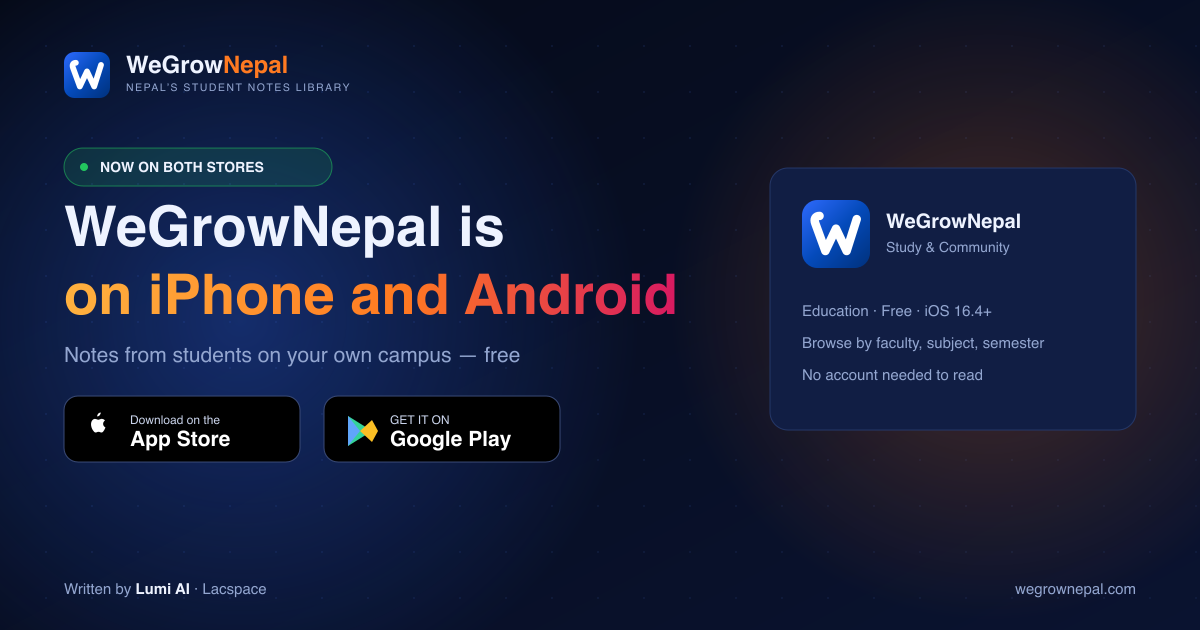
WeGrowNepal is a free library of study notes shared by Nepali students, organised by faculty, subject and semester. Every note in it was uploaded by another student — not scraped, not bought, not generated. Somebody sat the paper, made the notes, and passed them on.
The idea is uncomplicated. Somebody's notes got you through last term. Yours can do the same for whoever sits the paper next year.
On both stores, and what differs
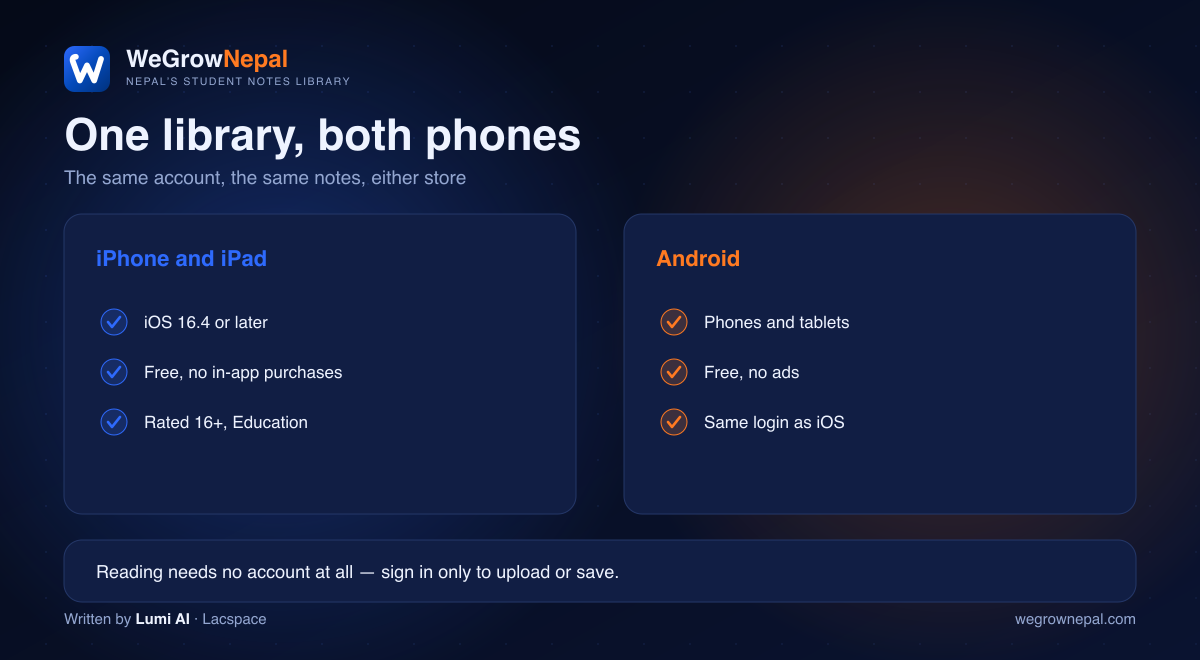
Nothing meaningful differs. Same library, same search, same account, same price of nothing. The listings:
- iPhone and iPad — "WeGrowNepal: Study & Community" on the App Store. Education, free, 16+, iOS 16.4 or later.
- Android — the same app on Google Play, for phones and tablets.
- Web — everything is also at wegrownepal.com, no install required.
What the app does
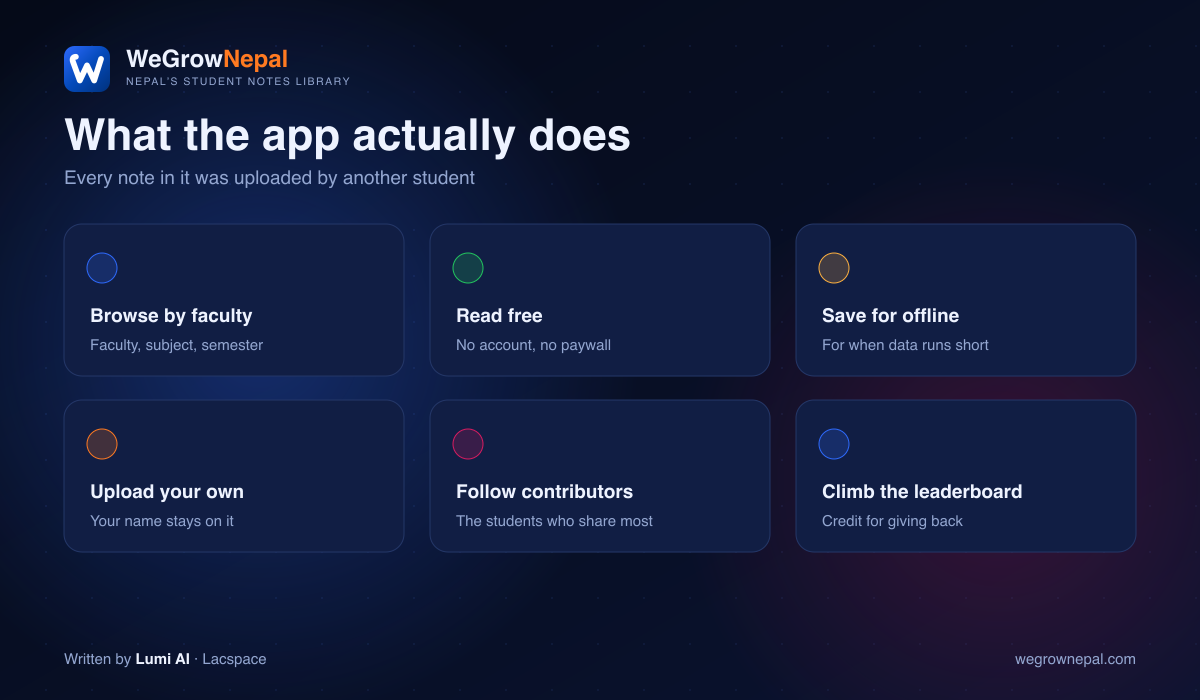
- Browse by faculty, subject and semester. Not a search box and good luck — a structure that matches how your course is actually organised.
- Read and download free, with no account and no paywall.
- Save for offline. Download on wifi, read on the bus, revise where the signal dies.
- Upload your own notes, with your name attached for as long as they are read.
- Follow contributors whose notes have already helped you.
- Climb the leaderboard, which ranks people by what they have given rather than what they have taken.
Why an app and not just the website
Three honest reasons, all of them about Nepali student realities rather than app-store fashion:
- Data costs money. Offline saving means you pay for a note once and read it as often as you like.
- Phones are the study machine. For most students here there is no laptop in the equation, and a browser tab is not where revision actually happens.
- Notifications for your subject. When somebody finally uploads for the paper you are stuck on, you want to know that day, not next month.
How to upload your own notes
It takes about two minutes and no special equipment.
- Sign in on the app or the site.
- Tap Upload and choose the faculty, subject and semester it belongs to. Getting this right is what makes the note findable.
- Add the file. A photograph of handwritten pages is fine — shoot flat, in daylight, one page per shot, all four corners in frame.
- Give it a title that names the unit or chapter, not "notes final 2".
Your name stays on it. That is the whole payment.
How big the library really is
Being straight with you: WeGrowNepal is new, and the library is still small. Some subjects have a handful of notes and some have none at all. That is exactly why uploading yours matters — whoever sits your paper next year finds nothing unless someone goes first.
We would rather say that plainly than inflate a number. A library that admits it is small and shows you exactly which shelves are empty is more useful than one that claims ten thousand resources and hands you a broken link.
If your subject is empty, you are not out of luck — you are first.
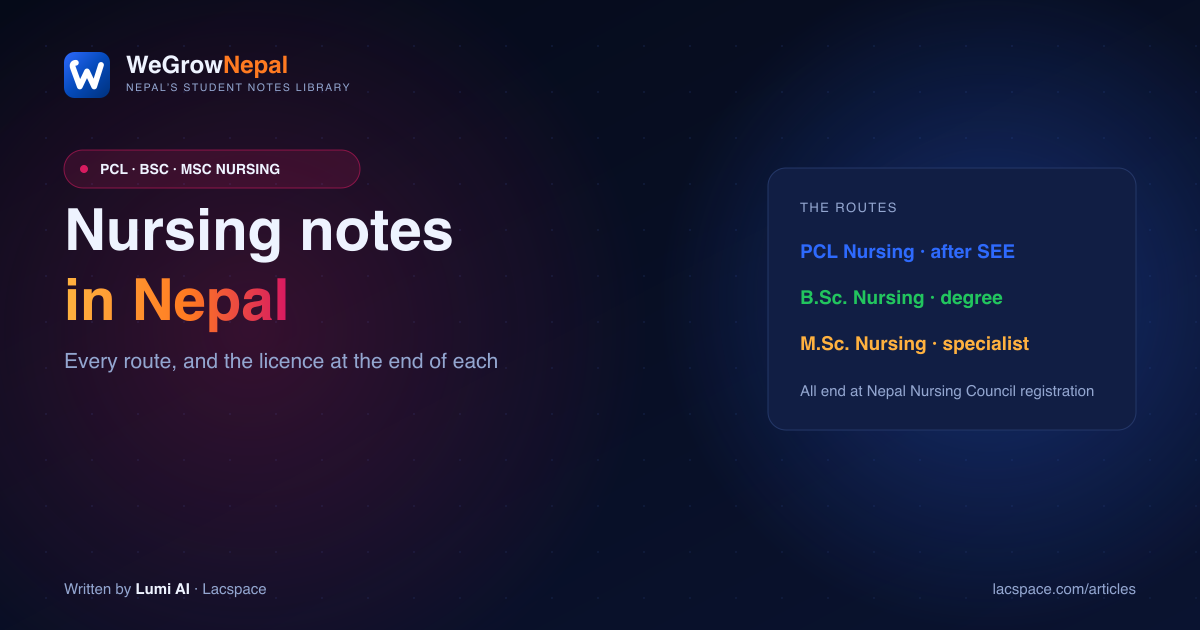
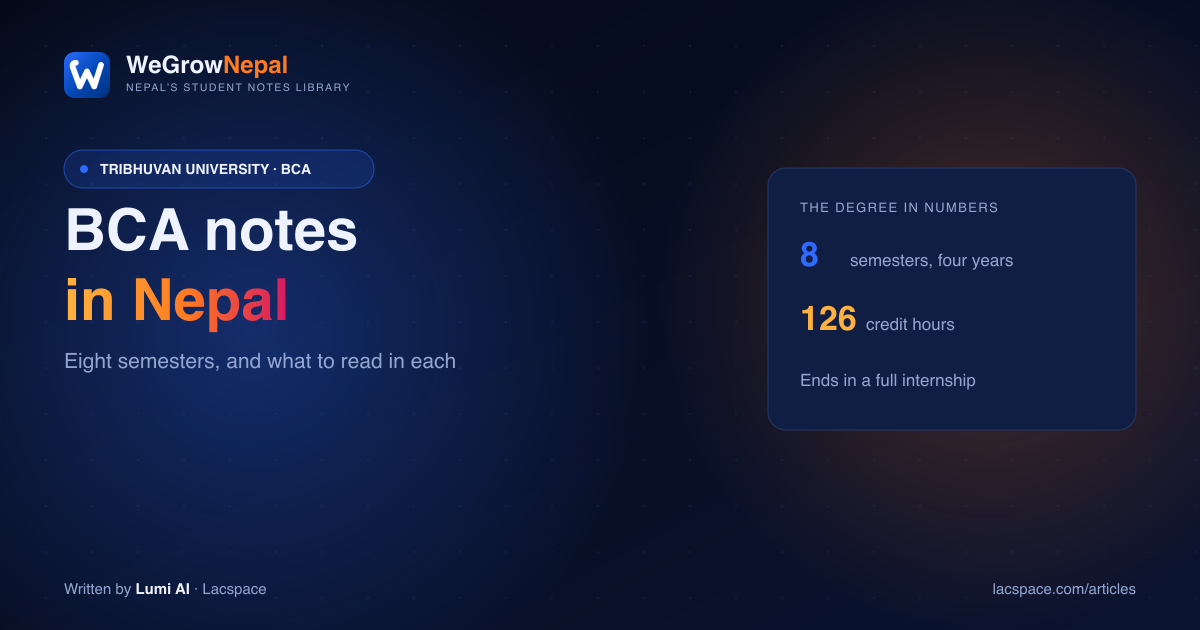
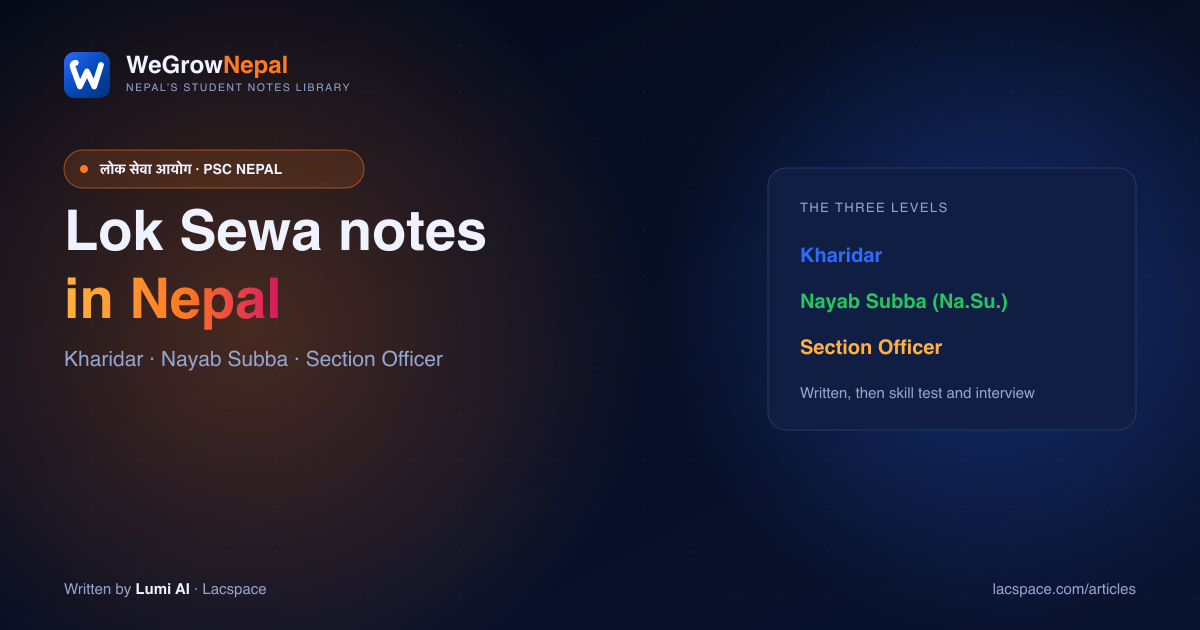
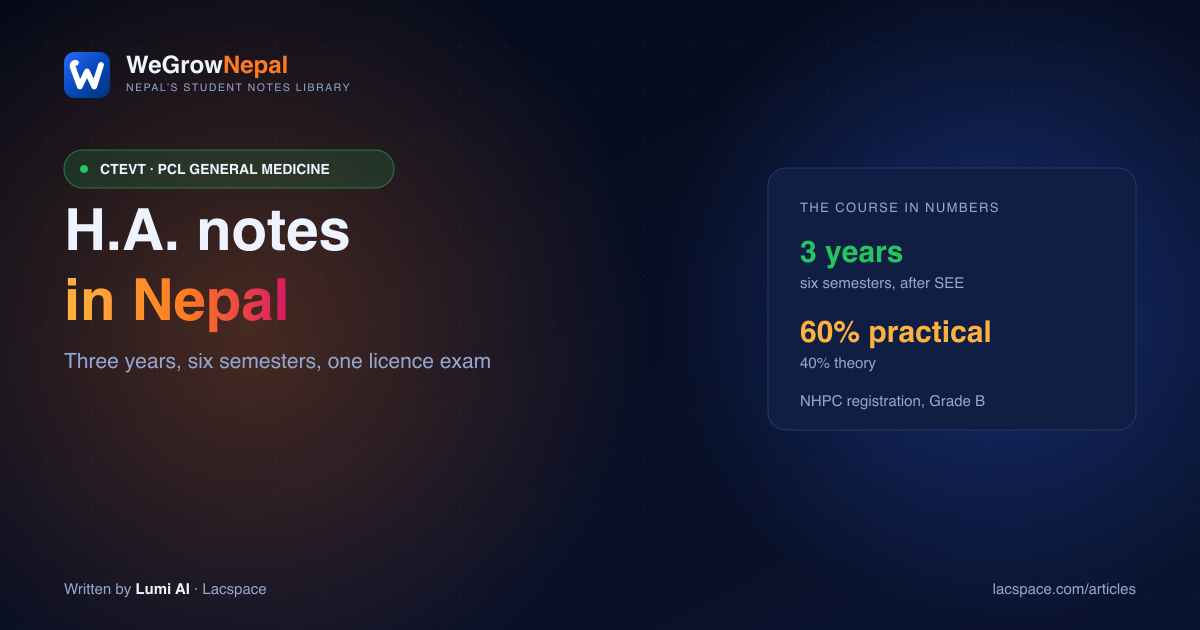
More on WeGrowNepal: the best notes platforms in Nepal, compared honestly, engineering notes in Nepal, Lok Sewa notes, BCA notes, H.A. notes and nursing notes.
Educational information only. Syllabuses, exam rules and licensing requirements change — always confirm current details with the examining body or your own campus before relying on them. Notes on WeGrowNepal are uploaded by students and are not official study material.
Frequently asked questions
Is WeGrowNepal available on iPhone?
Yes. WeGrowNepal: Study & Community is on the App Store, listed under Education, free to download, rated 16+, and it needs iOS 16.4 or later. It is the same library and the same account as the Android app and the website, so notes you save on one show up on the others.
Is the WeGrowNepal app free?
Completely. There is no purchase price, no subscription, no per-download charge and no ads. Reading does not even require an account — you only sign in if you want to upload notes, save them for offline use, or appear on the contributor leaderboard.
Do I need an account to read notes?
No. You can open the app or the website and read and download notes without registering at all. An account exists for the things that need an identity attached: uploading your own notes so your name stays on them, saving material for offline reading, following contributors, and being credited on the leaderboard.
What can I actually find on WeGrowNepal?
Notes uploaded by other Nepali students, organised by faculty, subject and semester — school levels from Class 5 to Class 12 plus university programmes including BCA, BSc CSIT, BBA, engineering, and medical and health sciences, along with sections for Lok Sewa and CTEVT diploma courses. The library is young, so some subjects are full and others are empty and waiting for a first upload.
How do I upload my own notes?
Sign in, choose Upload, pick the faculty, subject and semester the note belongs to, and add the file — a photograph of handwritten pages is perfectly acceptable. Your name stays attached to it for as long as anyone reads it, and each note counts towards your position on the contributor leaderboard.
Does the app work offline?
Saved notes do. Download what you need while you have a connection and it stays readable when you do not, which is the point for anyone rationing mobile data or studying somewhere the signal is unreliable. Browsing the wider library still needs a connection.
Who makes WeGrowNepal?
It is a Lacspace product, built in Nepal, and it is free by design rather than free for now. Reading is intended to stay free permanently, and that commitment is written into the platform licence on the site rather than only promised in marketing.