Salons, spas, barbershops, beauty parlours and nail bars in India all run the same way: a chair, a queue, a bill and a till. What differs from other countries is everything around the bill. If the software you choose was built for another market, your staff will notice in the first week, long before your accountant does.
This guide is a checklist for owners comparing salon software in India. For each point we say what to look for, and where SaloonERP stands, including the things it does not do.
1. Can one bill carry more than one GST rate?
A haircut and a bottle of shampoo do not always carry the same GST rate, and in an Indian salon they routinely land on the same ticket. Software that keeps one tax rate per bill forces your front desk into workarounds: split bills, adjusted prices or a note for the accountant.
What to look for: the rate stored on each line, and a tax report that groups turnover by the rate it was charged at. That is the shape a GST return asks for.
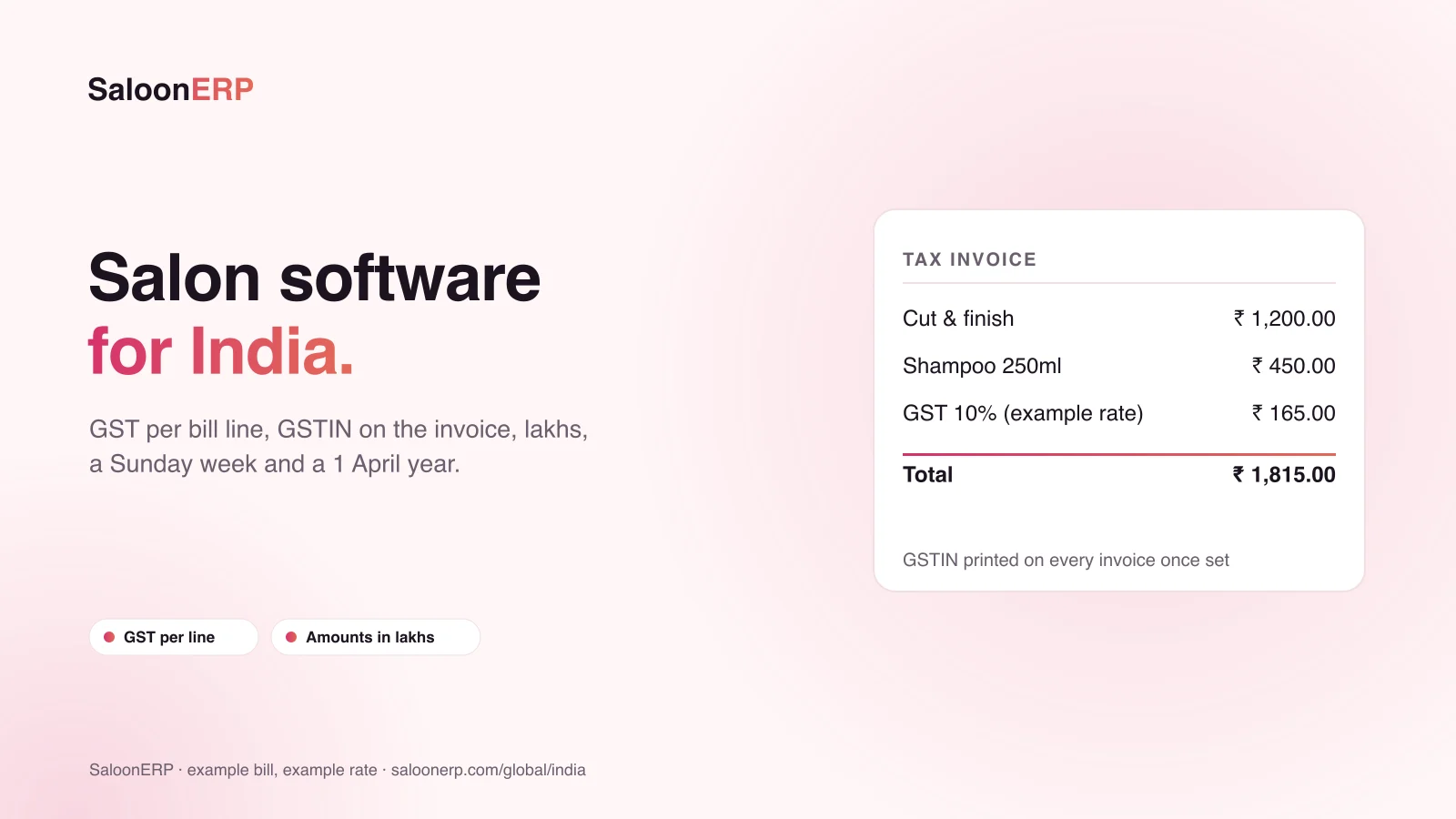
SaloonERP: every service, product and bill line carries its own rate, so several rates can appear on one ticket, and the report groups taxable turnover by rate.
2. Does your GSTIN print on the invoice?
It belongs on the invoice, not in a settings screen nobody prints. In SaloonERP it is stored once and printed on invoices once set, labelled GSTIN because India is selected as the country.
3. Do amounts look right to an Indian reader?
A monthly figure printed as 129,679.37 instead of 1,29,679.37 is the first sign that software was built elsewhere. Ask to see a report in rupees with amounts grouped in lakhs. SaloonERP sets the workspace to Indian Rupee at two decimal places and groups amounts in lakhs.
4. Does the week start on Sunday, and the year on 1 April?
A weekly report that quietly starts on Monday puts your busiest day at the wrong end of the week. A financial year that starts in January puts your year-end three months early. Choosing India in SaloonERP opens the week on Sunday and records the financial year as opening on 1 April.
| Check | What to look for | SaloonERP in India |
|---|---|---|
| GST on each line | Several rates on one bill | Yes, rate stored per line |
| Tax report | Turnover grouped by rate | Yes, output tax by month and by rate |
| GSTIN on invoices | Printed, not hidden in settings | Yes, once set |
| Number format | Lakhs, two decimals, INR | Yes |
| Week and year | Sunday week, 1 April year | Yes, set by choosing India |
| Branches | Own hours per branch and per day | Yes, up to your plan's branch limit |
| E-invoicing / IRN | Needed if you are above the threshold | No, not supported |
| Input tax | Tax you pay to suppliers | No, only tax you charge |
5. Can each branch keep its own hours?
Sunday trading differs from Tuesday in almost every salon. Each branch needs its own address, phone and opening hours for each day of the week, with the owner still seeing every branch together. SaloonERP runs several branches in one workspace, up to your plan's limit, each with its own address and opening hours for each day of the week. SaloonERP's own guide to running a multi-branch salon covers what is shared and what belongs to a branch.
6. Ask what it does not do
Every product has limits. A vendor who will not name theirs is one to be careful with. SaloonERP publishes its own for India:
- No GST e-invoicing or IRN. If your registration is above the e-invoicing threshold, SaloonERP does not register invoices with the IRP, and you should not plan around it doing so.
- Tax you pay is not tracked, only tax you charge. Your accountant supplies the input-tax side.
- Reports run on the dates you pick, not on your financial year by default.
- One workspace is one country. A group trading in India and another country runs one workspace in each.
7. The day-to-day questions
Tax is only part of it. The questions that decide whether staff actually use the software are about the counter: can a walk-in be served without a phone number, can a bill be split across cash and card, and does the day close cleanly? SaloonERP's blog covers each: walk-ins with no name, split payments and dues and the end-of-day close.
8. Price, trial and support
SaloonERP has a 14-day trial with no card required. Its plans are on the pricing page, and the team gives quotes in INR. The India office is in Nagpur, with a phone that is answered Monday to Saturday.
Want customers to find and book you online as well? Saloonly is the marketplace that runs on SaloonERP: free to list, and bookings land in the same diary. See Saloonly for salon owners: a practical guide.
Keep reading: Salon software in Nepal: what to check · How to reduce no-shows at your salon · How to get your salon found online without ads
SaloonERP is salon management software built by Lacspace. Product details are as published on saloonerp.com on 28 October 2026; tax rates on the example bill are examples only, and this is not tax advice. Features, plans and prices can change; the pricing page and our team have the current ones.
Frequently asked questions
Does SaloonERP work for salons in India?
Yes. Choosing India sets the workspace to Indian Rupee at two decimal places, names the tax GST and the registration GSTIN, groups amounts in lakhs, opens the week on Sunday and records the financial year as opening on 1 April.
Can one salon bill carry two GST rates?
Yes. Every service, product and bill line carries its own rate, so a service and a product at different rates can sit on one bill, and the tax report groups turnover by rate.
Does SaloonERP do GST e-invoicing?
No. It does not register invoices with the IRP or generate an IRN. If your registration is above the e-invoicing threshold, plan for that separately.
Is there a free trial?
Yes, 14 days with no card required. Plans are on saloonerp.com/pricing, and the team gives quotes in INR.
Can customers book my salon online?
Yes, through Saloonly, the marketplace that runs on SaloonERP. Listing is free, and bookings land in the SaloonERP diary marked as coming from Saloonly.