Most salon software sold in Nepal was designed for another market and adjusted afterwards. You can usually tell within a day: the week starts on Monday, the financial year starts in January, and the clock is out by fifteen minutes somewhere.
This guide is a checklist for salon, spa and barbershop owners in Nepal comparing software. For each point we say what to look for, and where SaloonERP stands, including what it does not do yet.
1. VAT on each line, and PAN on the invoice
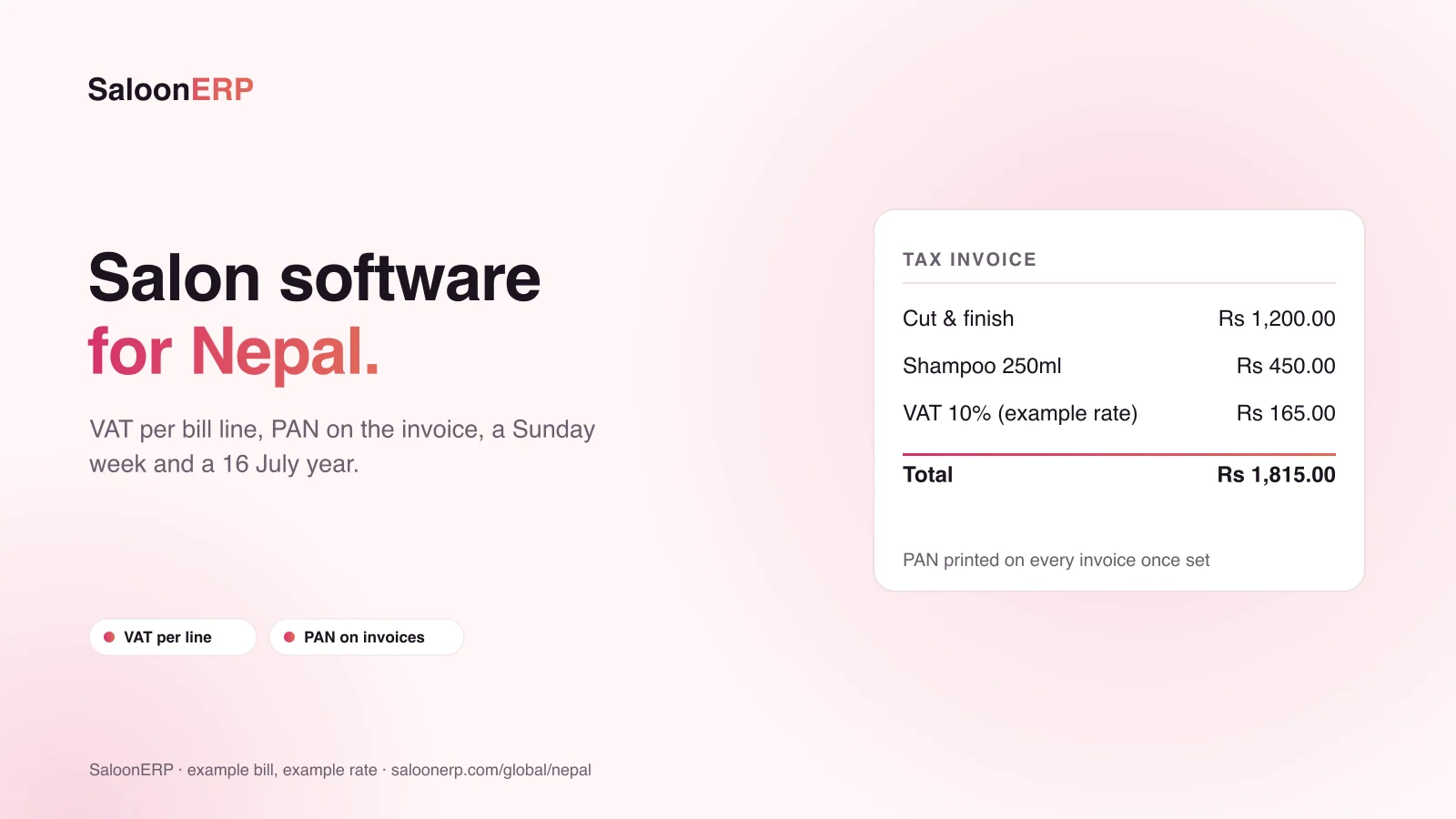
A VAT-registered service and a non-registered item can sit on the same bill. Software that holds one rate per bill cannot show that cleanly.
What to look for: a rate on every line, a report that groups turnover by rate, and your PAN printed on the invoice.
SaloonERP: every service, product and bill line carries its own rate, the report groups taxable turnover by rate, and the PAN is stored once and printed on invoices once set.
2. A week that opens on Sunday
In Nepal the working week runs Sunday to Friday, and Saturday is the day off. A weekly total that treats Saturday as a working day and Sunday as the weekend is wrong in both directions. Choosing Nepal in SaloonERP opens the week on Sunday.
3. A financial year that opens on 16 July
Not on the first of a month, and not a date most off-the-shelf software expects. SaloonERP records 16 July for Nepal. One limit to know: reports run on the dates you pick, and nothing defaults to the financial year yet.
4. The +5:45 clock
Kathmandu is five hours forty-five minutes ahead of UTC. Software that stores whole-hour offsets gets bookings wrong by fifteen minutes. SaloonERP uses the Asia/Kathmandu time zone throughout, and its post on the salon's clock explains why a 10:00 booking always means 10:00 at the salon.
5. Bikram Sambat dates
Many salons in Nepal think in Baisakh, not April. In SaloonERP, the workspace chooses Bikram Sambat, Gregorian or both, and every date in the web dashboard follows that choice. Dates are stored once, so reports never disagree. The SaloonERP mobile app shows Gregorian dates for now.
6. "Rs" that means Nepali rupees
Nepali and Indian rupees share a symbol in most software. SaloonERP sets the workspace to Nepalese Rupee at two decimal places, and the symbol can be changed per workspace, so a salon that writes NRs can write NRs.
| Check | What to look for | SaloonERP in Nepal |
|---|---|---|
| VAT on each line | Several rates on one bill | Yes, rate stored per line |
| PAN on invoices | Printed once set | Yes |
| Week | Opens Sunday, Saturday off | Yes, set by choosing Nepal |
| Financial year | Opens 16 July | Recorded; reports use the dates you pick |
| Time zone | Asia/Kathmandu, +5:45 | Yes |
| Bikram Sambat dates | BS dates on screens | BS, Gregorian or both in the web dashboard; the app shows Gregorian |
| Input tax | Tax you pay to suppliers | No, only tax you charge |
7. Ask what it does not do
SaloonERP is open about its limits in Nepal:
- Tax you pay is not tracked, only tax you charge. Your accountant supplies the input-tax side.
- One workspace is one country. A group trading in Nepal and India runs one workspace each side.
8. The counter, not just the tax
What decides whether staff use the software is the busy hour: serving a walk-in without a phone number, splitting a bill across cash and a wallet, and closing the day without the drawer drifting. SaloonERP's blog covers walk-ins with no name, split payments and dues, the end-of-day close and pricing services on margin.
9. Price, trial and support
SaloonERP has a 14-day trial with no card required. Plans are listed in Nepali rupees on the pricing page. The Nepal office is in Kathmandu.
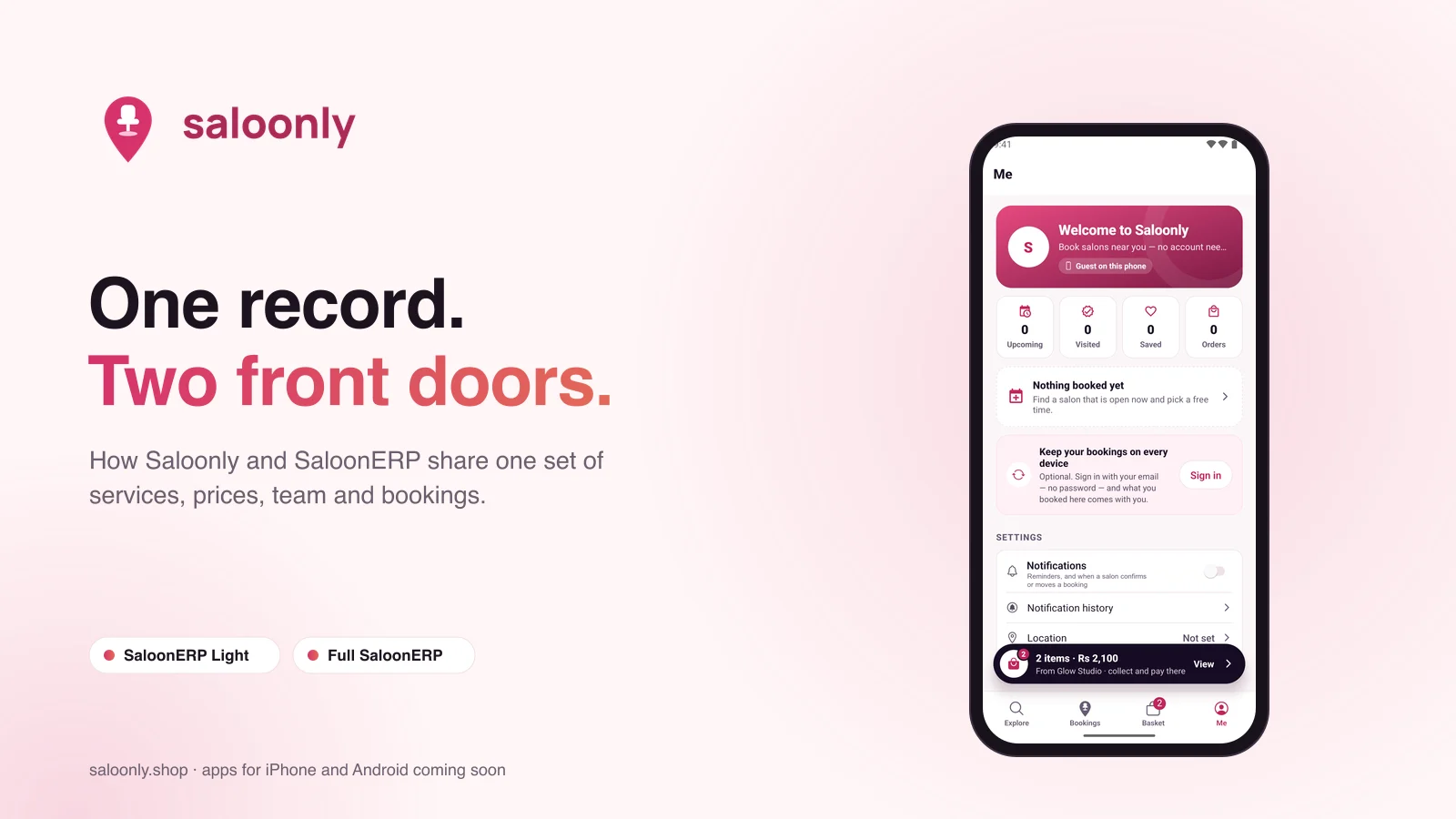
Want customers to find and book you online too? Saloonly runs on SaloonERP: free to list, with bookings in the same diary. See Saloonly for salon owners: a practical guide.
Keep reading: Salon software in India: what to check · How to reduce no-shows at your salon · How to get your salon found online without ads
SaloonERP is salon management software built by Lacspace. Product details are as published on saloonerp.com on 28 October 2026; tax rates on the example bill are examples only, and this is not tax advice. Features, plans and prices can change; the pricing page and our team have the current ones.
Frequently asked questions
Does SaloonERP work for salons in Nepal?
Yes. Choosing Nepal sets the workspace to Nepalese Rupee at two decimal places, names the tax VAT and the registration PAN, opens the week on Sunday, records the financial year as opening on 16 July and uses the Asia/Kathmandu time zone.
Does SaloonERP show Bikram Sambat dates?
Yes, in the web dashboard. The workspace chooses Bikram Sambat, Gregorian or both, and every date there follows it. The mobile app shows Gregorian dates for now.
Can a bill carry VAT and non-VAT items together?
Yes. Each line carries its own rate, and the tax report groups turnover by the rate charged.
Is there a free trial?
Yes, 14 days with no card required. Plans are listed in Nepali rupees on saloonerp.com/pricing.
Can customers book my salon online?
Yes, through Saloonly, the marketplace that runs on SaloonERP. Listing is free, and bookings land in the SaloonERP diary marked as coming from Saloonly.