Ask a Nepali student to produce their Class 12 marksheet and watch what happens. A scroll through a phone gallery, then a search of an old chat thread, then a message to a relative asking whether they still have the photograph.
New name, same library: IdeaTopic was previously called WeGrowNepal (why we renamed). Your account, your uploads and every note are exactly where you left them. The IdeaTopic app is now on the App Store and Google Play under its own name.
These documents get asked for constantly — admissions, scholarships, job applications, licence registration — and they live absolutely nowhere sensible.
What it is
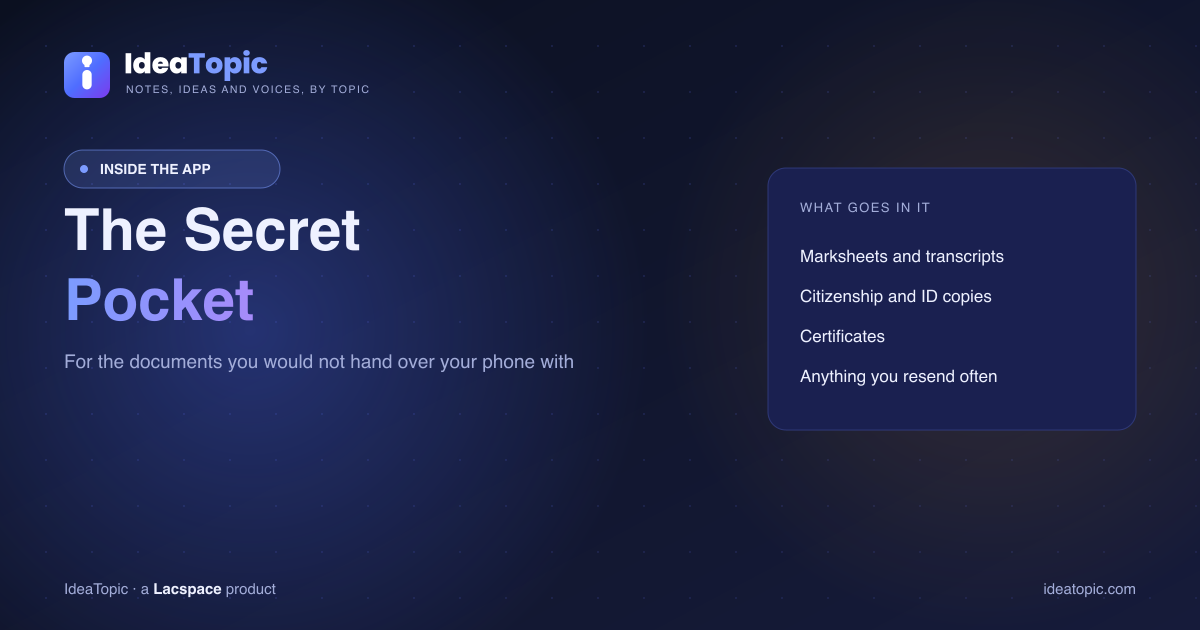
The Secret Pocket is private storage inside the IdeaTopic app. Files you put there are visible to you and to nobody else.
The distinction that matters most, because getting it wrong would be serious:
- A note is public. You publish it for everyone, with your name attached. That is the library.
- A pocket file is private. It appears in no browse, no search and no listing. Nobody can reach it.
Your marksheet belongs in the pocket. It does not belong in the library, ever.
Who can see what
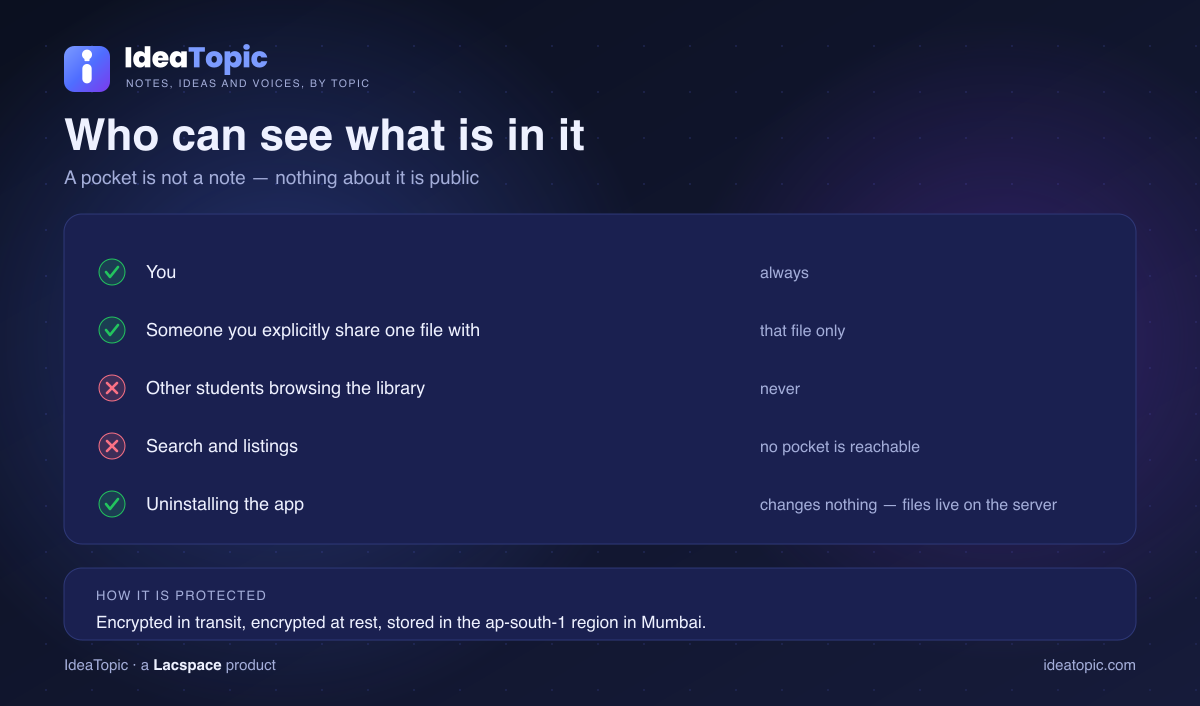
Sharing is per file. You share one document with one person because you chose to — it is not a folder permission that quietly grows over time.
How it is protected, stated accurately
Files are transmitted over an encrypted connection and stored with encryption at rest, on infrastructure in the ap-south-1 region in Mumbai.
That is worth saying precisely rather than reaching for a bigger phrase. It protects your documents in transit and on disk, and it is considerably better than a photograph sitting in a shared phone gallery or a chat thread. It is strong storage hygiene rather than an absolute guarantee, and anyone telling you a consumer app is unbreakable is selling something.
Uninstalling changes nothing
Files live on the server, not on the handset. Uninstall the app, lose the phone, buy a new one — sign back in and everything is exactly as you left it. For documents whose original may be a single paper copy in a drawer in another district, that is the whole point.
What to keep in it
- Marksheets and transcripts, every level.
- Character and provisional certificates.
- Citizenship or identity copies, and passport photographs.
- Anything you have resent more than twice this year.
One rule: store your own documents. Keeping someone else's identity papers without a clear reason and their agreement is a privacy problem no amount of encryption fixes.
Where it sits in the product
The Pocket survived IdeaTopic's repositioning away from a social platform, described in why IdeaTopic repositioned away from a social feed, because it solves a repeated real problem rather than being a growth feature. It is in the app on both stores.
More: the app on iPhone and Android, notes platforms in Nepal compared, engineering notes, BCA notes, Lok Sewa notes, H.A. notes and nursing notes.
Storage features and their protections change. Confirm current behaviour in the app's own help pages before relying on it for anything critical, and keep an offline copy of irreplaceable documents.
Frequently asked questions
What is the Secret Pocket in IdeaTopic?
Private storage inside the app for your own documents. Files you put there are visible to you and to nobody else — not other students, not contributors, and not through any browse, search or listing. It is separate from the notes library, which is public by design.
How is the Pocket different from uploading a note?
Completely. A note is published for everyone to read, with your name on it. A pocket file is private to you and appears nowhere public. Documents such as a marksheet or a citizenship copy belong in the pocket, never in the library.
Who can see what is in my pocket?
You, and anyone you explicitly share a specific file with. There is no browse, no search and no listing that reaches another person's pocket. Sharing is per file and deliberate rather than a general permission.
Is the Secret Pocket encrypted?
Files are transmitted over an encrypted connection and stored on infrastructure with encryption at rest, in the ap-south-1 region in Mumbai. That protects the file in transit and on disk. It is a meaningful protection rather than an absolute one, so treat it as good storage hygiene, not as a guarantee against every possible risk.
What happens to my pocket if I uninstall the app?
Nothing. Files are stored on the server rather than on the phone, so signing back in on any device gives you everything exactly as it was. Losing or replacing a phone does not lose the documents.
What should I keep in my pocket?
The documents you are asked for repeatedly and always have to hunt for: marksheets and transcripts, character and provisional certificates, citizenship or identity copies, and passport photographs. Anything you find yourself resending several times a year is a good candidate.
Can I put someone else's document in my pocket?
You should not. Store your own documents. Holding another person's identity papers or marksheets without a clear reason and their agreement is a privacy problem regardless of how well the storage is protected.